

What are Digital Learning Units?
Digital Learning Units are designed so that you have access to teacher produced, ready to use digital resources. These contain teacher instructions, guided videos and structured pupil pages, ready to be copied to your Class Notebooks. These have been designed to be delivered by a teacher to a whole class or for self-paced independent learning.
Regardless of your confidence levels, DLUs will support you in the delivery of outcomes within Digital Literacy, Computing Science, and CRIS, delivered in a progressive manner so learners can build on their skills. Each unit is built up of several individual cross-curricular activities.
Watch our video guide to the DLUs here.
What content is covered?
The Digital Literacy and CRIS DLUs have cross-curricular content exploring digital outcomes alongside varied curricular areas including literacy, numeracy, social studies, health and wellbeing, and expressive arts. With step-by step video guides, these tap into transferable skills in platforms including Numbers, Pages, Keynote, PowerPoint, GarageBand, Clips, iMovie, and Excel.
In the Computing Science DLUs, teachers and learners will have access to progressive resources which explore key computational science concepts through apps and tools such as Swift Playgrounds, Scratch, micro:bit, and Microsoft MakeCode. These are organised by year stage to ensure progressive delivery of the Computing Science experiences and outcomes.
How do I use Digital Learning Units?
DLUs can be found in the Edinburgh Learns SharePoint site. These are found in the Digital Learning area of the site, in their own Digital Learning Units section.
Each DLU is made using Microsoft OneNote so you can use them in your Class Notebook. You can copy these to your own space and use them as you please.
With each unit, content is split into three sections:
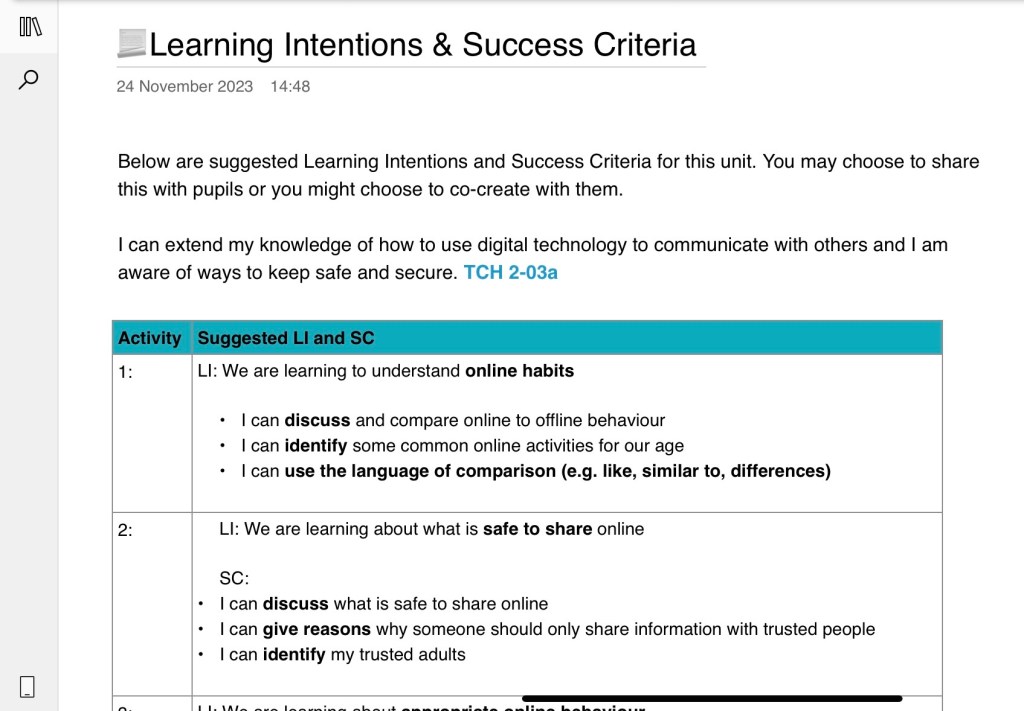
Teacher Only: This contains a unit overview and a lesson plan for each individual activity. Learning intentions, success criteria and the experiences and outcomes covered are also incorporated into this section. You will also find benchmarks and resources needed in this section.
Content Library: This contains step by step videos explaining each element of the activities to learners. The videos are constructed to give learners time to complete tasks before the next video.
Learner’s Sections: These pages can be distributed to learners and contain step-by-step instructions on how to complete activities. Learners can complete can upload and self-evaluate their work on these pages.
See the video guide on how to copy the Digital Learning Units here.
Digital Literacy DLU Example: Digital Tourist Board
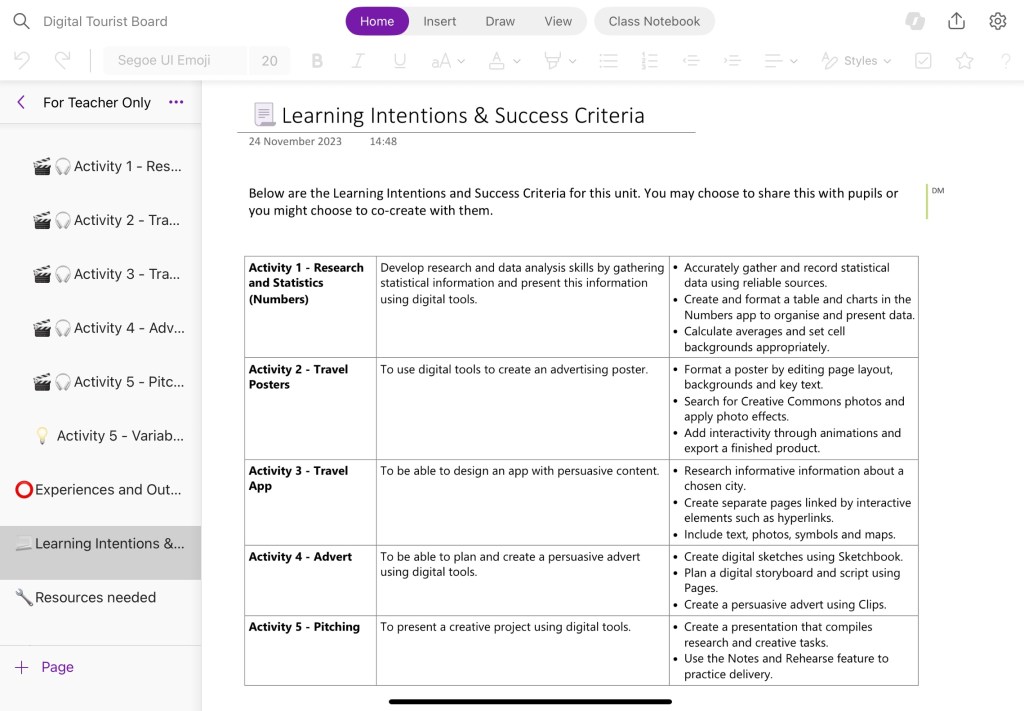
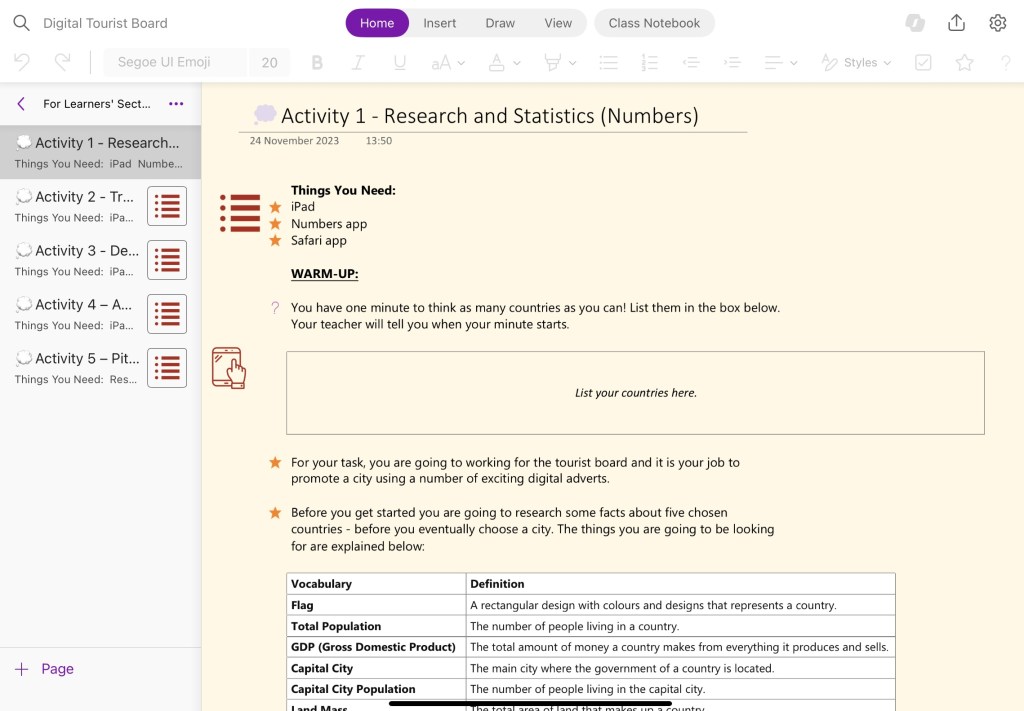
The Digital Tourist Board project is a cross-curricular hands-on unit where students become creative representatives for a chosen country. They will conduct research, turning facts and statistics into graphs using Numbers. They will learn how to create interactive travel posters in Keynote, complete with animations and visuals. Following this, the unit explores how to create an engaging travel** app, adding interactive features and maps. Learners will also create an **advert with Sketchbook and Clips. Finally, they will showcase their work in a professional-style pitch using PowerPoint’s Coach, ending with a self-evaluation to recap the skills covered. You can access this here.

Computing Science DLU Example: Coding with Microsoft MakeCode
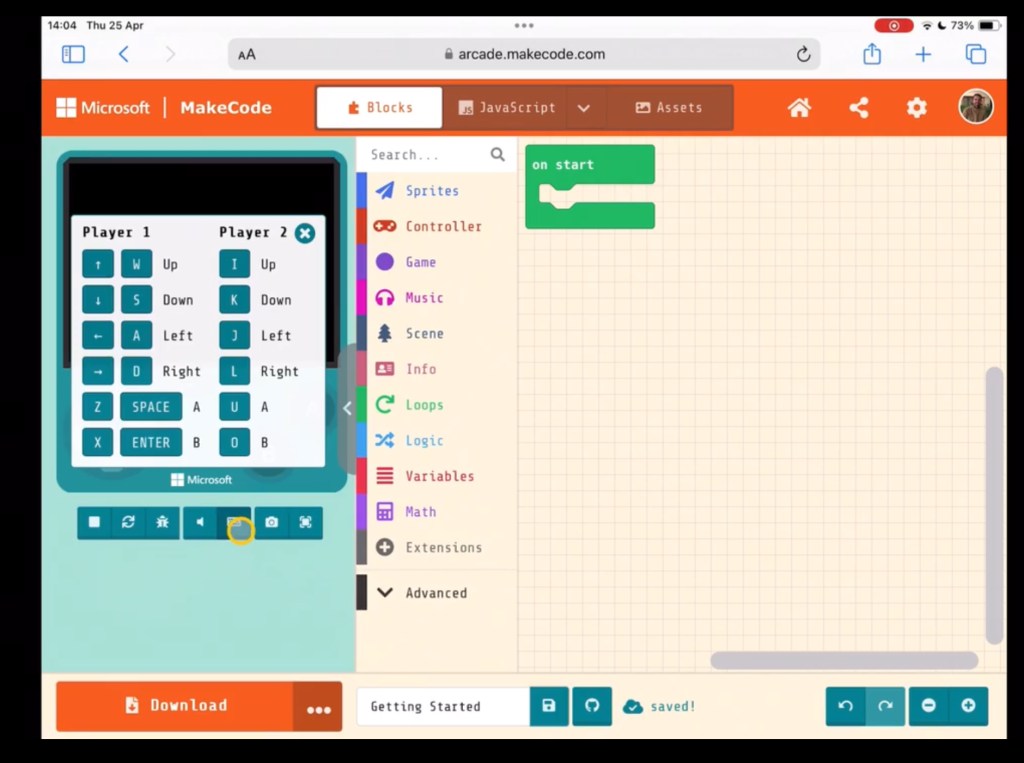
This Microsoft MakeCode DLU teaches learners about block coding and game creation. Learners explore MakeCode’s interface and features, covering the basics while creating fun digital greeting cards, followed by creating interactive games such as Cherry Pickr and Whack the Mole. The unit also explores coding with micro:bits where learners will build a virtual Pet Hamster. The unit concludes with a Maze tutorial, where users apply their knowledge to solve puzzles, enhancing their creativity and problem-solving skills. You can access this here.


Cyber Resilience and Internet Safety DLU Example: CRIStory in the Making
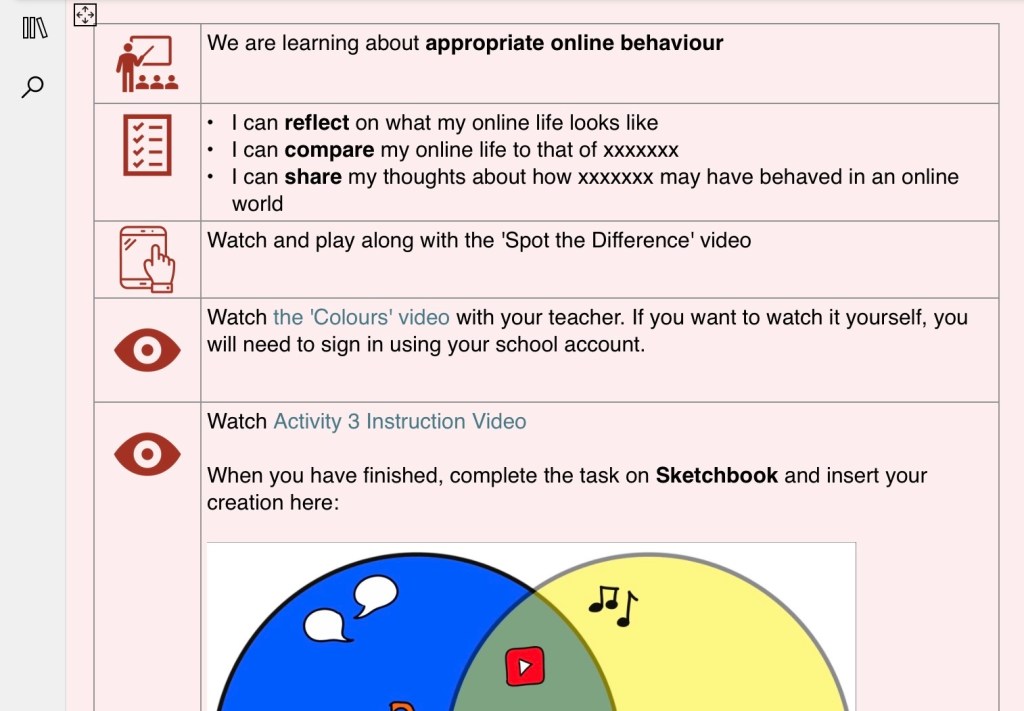
Through CRIStory in the Making, your learners will explore Cyber Resilience and Internet Safety themes through the eyes of a historical or fictional character, and is designed to be easily adaptable for your current context or class reader. They will begin by reflecting on their own online lives, beginning to understand that the internet is all around us. Learners will be guided to visualise their ideas on FreeForm, contrast and compare on Sketchbook and develop explainers on Keynote. The DLU concludes with a Clips activity, allowing them creatively and collaboratively show their understanding, picking up transferable digital skills along the way. You can access this here.

Your Feedback
We are keen to find out how you got on using our DLUs and how effective you found them. If there are any Digital Literacy, CRIS or Computing Science topics you would like to see covered in a DLU, you can also feedback to us.
Access our evaluation form for the DLUs here.
 Edinburgh Learns Digital | City of Edinburgh Council