
ClickView offers a range of features to enhance teaching and learning in our classrooms, whether by supporting learners with engaging, specially curated pre-made video content, hosting our own educational videos, or assessing understanding through interactive quizzes. Through the iPad app or a web browser, ClickView is a secure and ad-free resource that can seamlessly be embedded into your classroom.
You can watch our video courses below, which will give you step-by-step guides on how to master the features of ClickView, with courses suitable for both teachers and learners.
For Staff – EL11 – Using ClickView on the iPad – Introduction

Using ClickView on the iPad gives a rundown of the essential features of the ClickView app including signing in, exploring and browsing the extensive video library, and how to search for and filter content. Detailing the many features built into the ClickView video player (e.g. Picture-in-Picture mode), as well as how staff can upload and share their own videos, this guide explores how you can integrate ClickView to support your teaching. The course also details features such as video interactives (an excellent assessment tool), how to navigate the City of Edinburgh Council’s content, and how you can create playlists of learning materials to support your classes. Click the links below to get started.
For Staff – EL12 – Using ClickView – Going Further
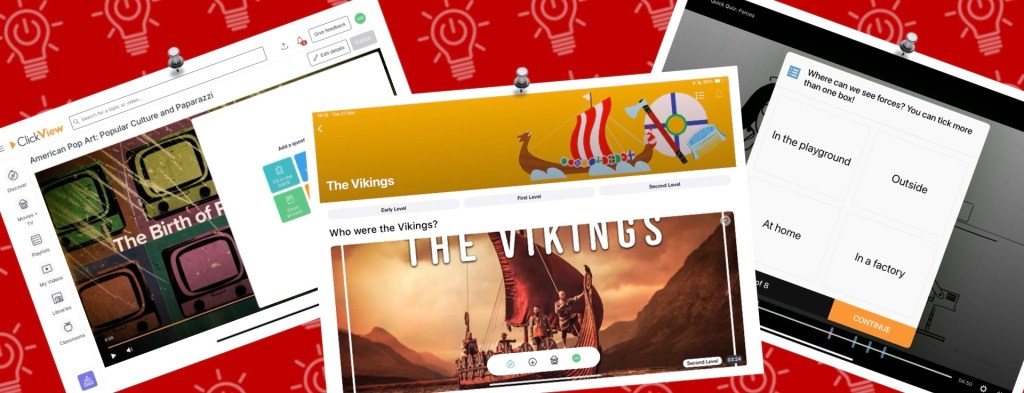
Using ClickView – Going Further delves into some additional features of the ClickView platform. Interactive videos can support your assessment in the classroom, with videos explaining how you can use these features both on the iPad app and web version. Videos exploring creating both Classic Quizzes and Instant Feedback quizzes (both via the web version) showcase how ClickView can be used to check learner knowledge through fill in the blank, multiple choice, true or false, or short answer questions. You will also find guides which detail how to share these interactives with learners and how to access data for specific videos, whole class trends, and detailed information about usage in your classrooms.
For Learners – LP06 – Using ClickView on Your iPad
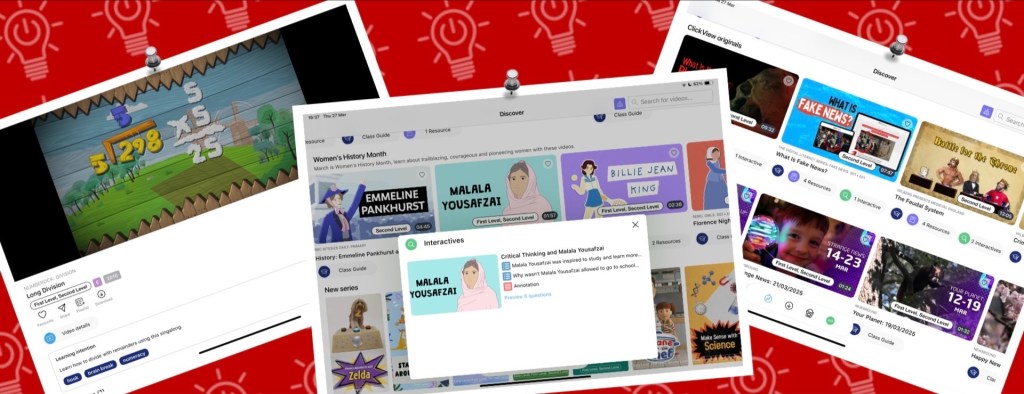
For those looking to empower learners to explore ClickView independently, our video Using ClickView on Your iPad (For Learners) will support them in doing so. The course details the sequence of signing in to ClickView and navigating the interface, as well as supporting learners to find content to enhance their learning. The series also details how learners can download content to watch offline, upload their own video work to share with a teacher, and how they can build playlists of videos to support their learning.
 Edinburgh Learns Digital | City of Edinburgh Council