

As teachers, we often ask pupils to produce something that demonstrates what they’ve learned about a topic. These might include posters, mind maps, videos, models, illustrations and podcasts. All of these are valuable activities.
But there’s another product you could ask learners to create. One that allows them to demonstrate what they have learned in a personally relevant and creative way, while exploring concepts within computing science. You can ask them to build a mobile app!
Apps are now one of the main ways that we interact with technology – from getting things done to accessing information. Some apps help us to make a positive impact in our communities, others might guide us around places of interest such as museums. This makes them an ideal medium for learners to create something meaningful and relevant.
Why should pupils create apps?
1. Like anything else that can be used to share information, learners need to think about what is important and how it should be presented. Apps are usually organised into different screens and asking learners to think about how to organise those screens, and how a user might navigate through them, can help to deepen their understanding.
2. It’s a creative process. Building apps is fun and can showcase learners’ creativity. There’s no need for sleek, minimalist perfection. An app should reflect the personality and ideas of its creator.
3. You’re asking them to build something with a real-world purpose. They may not end up with an app in the App Store (although they might), but the design processes they go through are the same ones being used by professional developers.
There are two simple ways to design and create apps on an iPad.
Using Keynote
On the Apple Education Community you’ll find resources for the Inclusive App Design Activity.
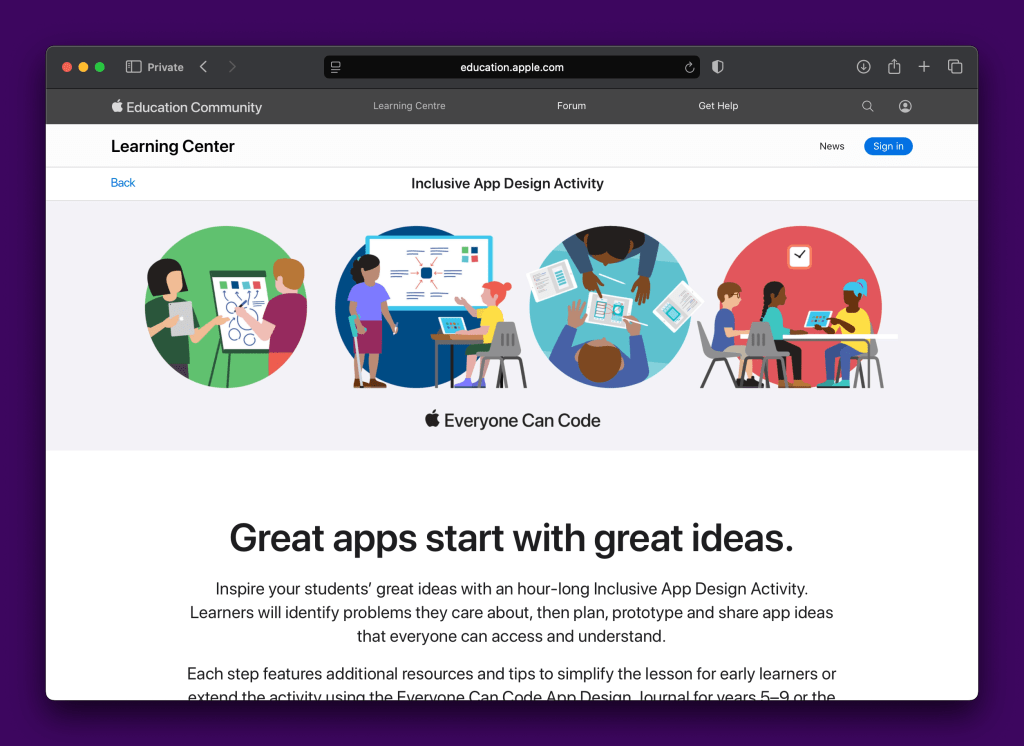
To explore how Keynote can support the app design and creation process, download the “Everyone Can Code App Design Journal” from the above link. The resource states that it is aimed at years 5–9 but developing app designs in Keynote is really appropriate for all ages.
The activities ask learners to think about the purpose of an app and how the design of it should be inclusive and accessible. The resource uses an example app called “Bug Buzz”, but it can be easily applied to other uses and topics.


There is also the Design a Simple App activity which quickly explains the skills needed to create app layouts and interactive elements.
Using Swift Playgrounds
If you would like to explore app design and development in Swift Playgrounds, the same Inclusive App Design Activity also includes a workbook called “Develop in Swift App Design Workbook”. Much like the Everyone Can Code App Design Journal, this activity takes learners through the important stages of planning, designing and building an app.
Another good starting point, perhaps with a quicker entry point, is the “About Me” playground available to download from within Swift Playgrounds.

This playground includes a tutorial that will take learners through creating an app about them. However, like the Keynote activities, the About Me playground can be adapted to other topics.
Support in Edinburgh
If you have any questions or would like someone from the Edinburgh Learns Digital team to work with you and your class on app development then please get in touch.
 Edinburgh Learns Digital | City of Edinburgh Council