
Christmas Scratch & Reveal – Where’s Santa?
Below are the images you can choose from for the ‘Christmas Scratch & Reveal’ Christmas Cracker. If you don’t want to use one of these images you can search for them on Safari on your iPad. In Keynote you might need to tap on them to remove the background if needed.
To use an image, tap and hold until the menu appears, then choose Save to Photos.


Christmas Around the World
Below are the images you can choose from for the ‘Christmas Around the World’ Christmas Cracker. If you don’t want to use one of these images you can search for them on Safari on your iPad. In Keynote you might need to tap on them to remove the background if needed.
To use an image, tap and hold until the menu appears, then choose Save to Photos.




Festive Quiz in Keynote
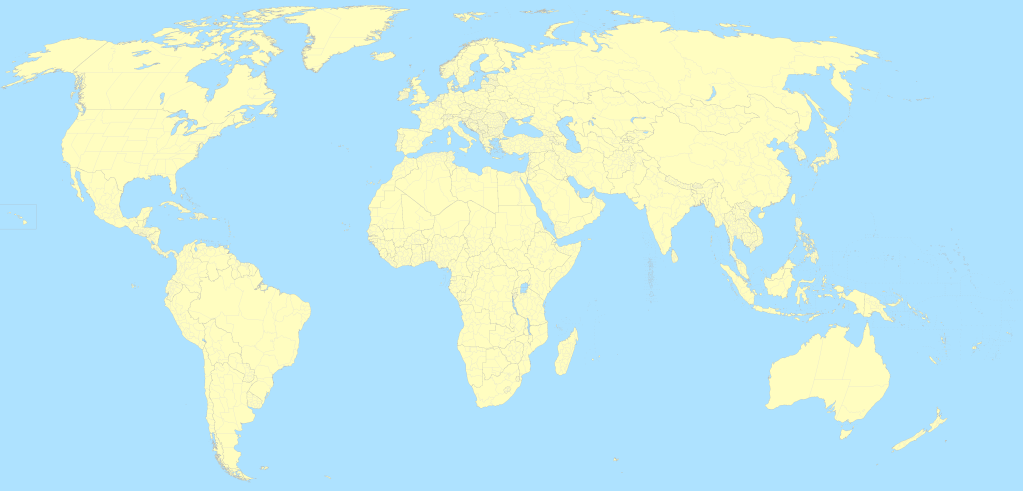
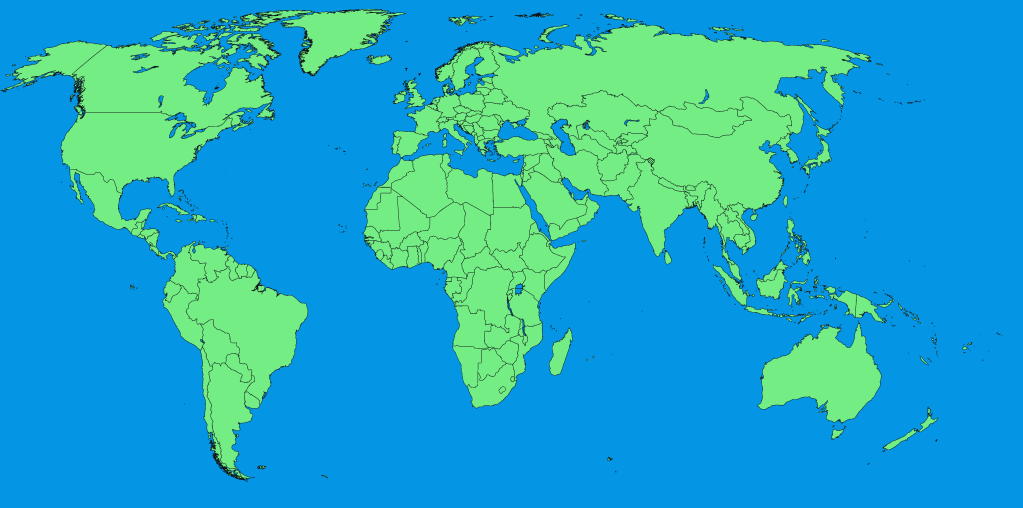
These images can be used as the background for your festive quiz. If you don’t want to use one of these, you can search for your own background in Safari on your iPad. To use an image, tap and hold until the menu appears, then choose Save to Photos.






Jingle Bells
Below is a link to a Pages document that might help you with creating your version of Jingle Bells with GarageBand. To open the document, make sure you are using an iPad, tap and download, then once downloaded open in Pages.

Micro:bit – We Wish You a Merry Christmas
Below is a link to a Keynote document that will help you with creating your version of We Wish You a Merry Christmas on micro:bit. To open the document, make sure you are using an iPad, tap and download, then once downloaded open in Keynote. Alternatively, the image of just the music sheet can be added to your photo library to use. To use an image, tap and hold until the menu appears, then choose Save to Photos.

 Edinburgh Learns Digital | City of Edinburgh Council