-
Supporting Reluctant Writers with Voice Memos and Pages
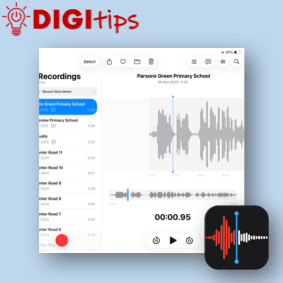
Read more: Supporting Reluctant Writers with Voice Memos and PagesThis DigiTip shows how to use Voice Memos to record and transcribe ideas. This feature is available on Gen 10 (P7) and Gen 11 (P6) iPads. This feature can allow learners to use their voice to create written content. You can record your voice in Pages, Numbers and Keynote or dictate text but you are…
-
Digital Conference 2025
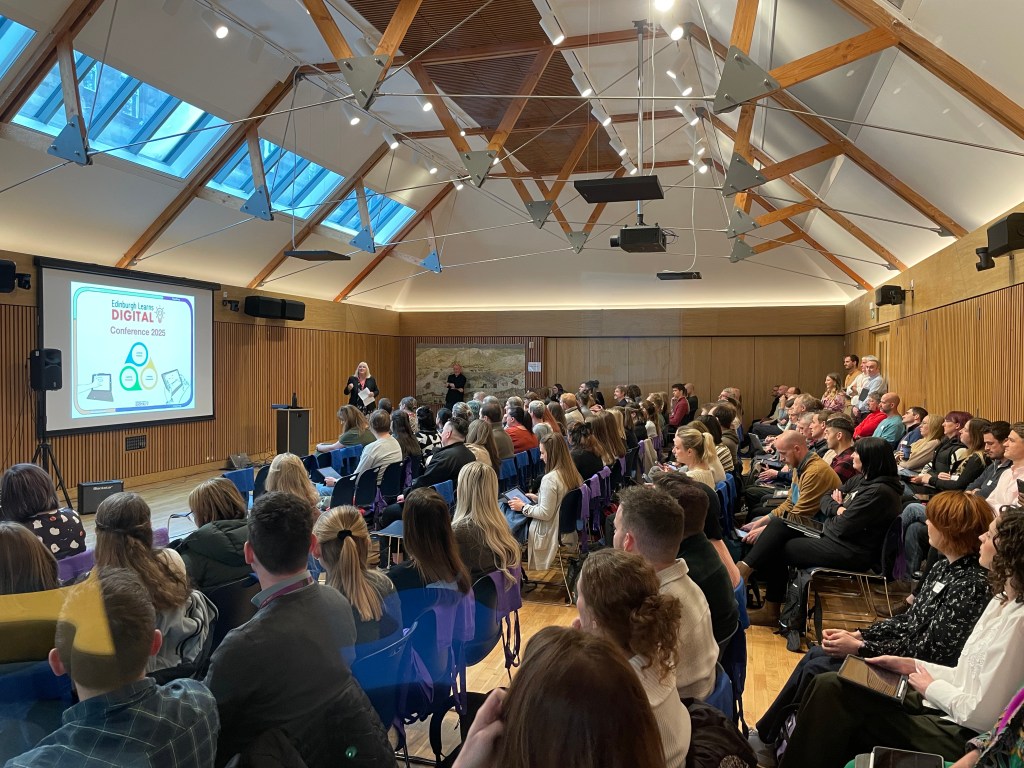
Read more: Digital Conference 2025Behind the scenes, this years’ Edinburgh Learns Digital Conference was a little different for us all. Not only did we celebrate the vast and dynamic digital teaching and learning that goes on in our Edinburgh schools, network with over 130 Digital Learning Coordinators, and hear from experts far and wide… but we were also able…
-
Zoomania: Maths Week Scotland Live Lesson
Read more: Zoomania: Maths Week Scotland Live LessonWe kicked off the 2025-26 run of Live Lessons with our first ever collaboration with Edinburgh Zoo as part of Maths Week Scotland! This year’s theme was Wild Maths, and everyone who joined us this time used problem solving skills to build an app on Keynote, building in images from the zoo enclosures and using the…

-
Using Sketchbook as a Formative Assessment Tool
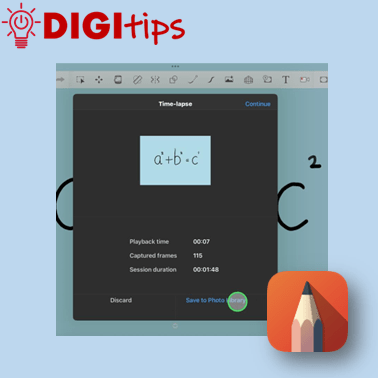
Read more: Using Sketchbook as a Formative Assessment ToolThis DigiTip shows how to use a feature hidden within Sketchbook that can be used as a formative assessment or modelling tool: time-lapse! It can be a great tool to support creative and quick formative assessment in your classroom. You can: Watch the video
-
Sketchbook Top Tips
Read more: Sketchbook Top TipsIt sounds obvious, but have you considered using Sketchbook for your schools’ entries for the 2025 JCDecaux competition? The thought of digital drawing can make a lot of people/artists shudder, but when you think of it as another media choice, and begin to understand the endless opportunities to discover new textures and mark-making, as well…

-
Using Groups in Class Notebook
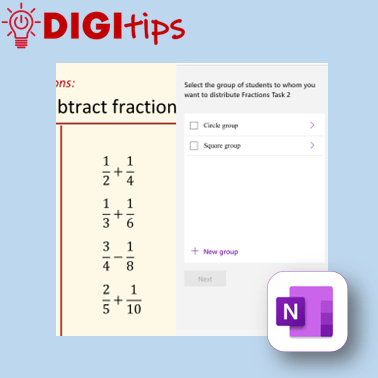
Read more: Using Groups in Class NotebookThis Digitip shows how to use the Group Distribution function in OneNote ClassNotebook. A great tool to support differentiation in your classroom. Watch the video
-
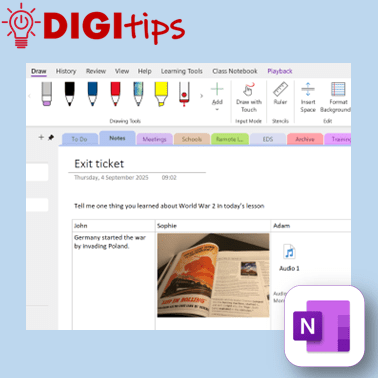
Exit tickets using OneNote
Read more: Exit tickets using OneNoteIn this Digitip, you will learn how to create exit tickets in OneNote. OneNote has many options for creating exit tickets as well as options for how pupils can input their answers. In this video we have a look at the different ideas and how they can be used in class. Recorded on iOS Watch…
-
Empowered Learning @ Carrick Knowe
Read more: Empowered Learning @ Carrick KnoweIn June 2024 we published this video showcasing how Empowered Learning iPads were being used to support learning and teaching throughout the school at Carrick Knowe Primary School. Please contact us if you are an Edinburgh school who would like to showcase your good practice in a similar fashion.

-
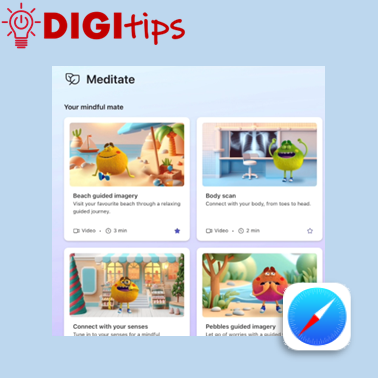
Using Microsoft Reflect via a Browser
Read more: Using Microsoft Reflect via a BrowserIn this Digitip, you will learn how to access the tools of Microsoft Reflect through the browser. This makes it ideal for younger learners who can still take part in Reflect check-ins by scanning a QR code instead of having to sign-in to Teams. The Digitip also explores how you can access all the Mindfulness…
-
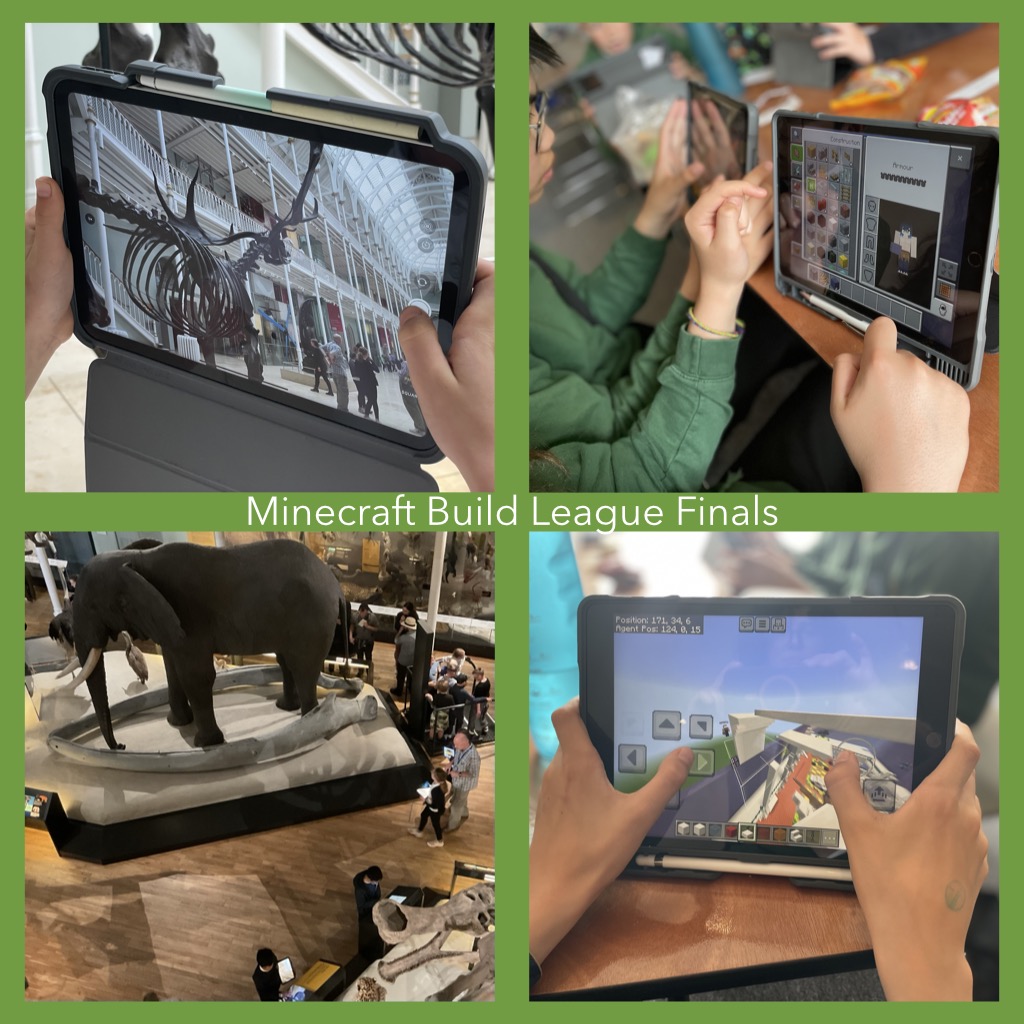
Minecraft Education Build League Finals Day
Read more: Minecraft Education Build League Finals DayThe most wonderful day of the year has arrived, no not the first day of the summer holidays… The Minecraft Education Build League Finals Day! Monday 16th of June 2025 saw twenty-eight young people from seven CEC schools descend on the National Museum of Scotland for an in-person Minecraft challenge like no other. The day…
-
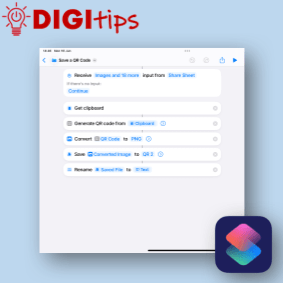
Create, Rename and Save a QR using Shortcuts
Read more: Create, Rename and Save a QR using ShortcutsI don’t know about you but when I create a QR code it is only every used once because I can’t rename it. This QR code generator using Apple Shortcuts, allows you to write a short script that creates a QR code from the clipboard or runs from the share sheet in Safari. It will…
-
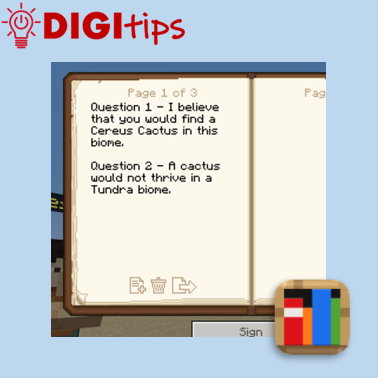
Using the Book & Quill for Writing tasks in Minecraft Education
Read more: Using the Book & Quill for Writing tasks in Minecraft EducationIn this Digitip, you will learn how to use the Book & Quill for Writing tasks in Minecraft Education. This creates an immersive writing opportunity for learners to explore a Minecraft Education world or task, which can then be exported to a PDF to save in Files or Class Notebook. Recorded on iOS 18.4.1 Watch…
-
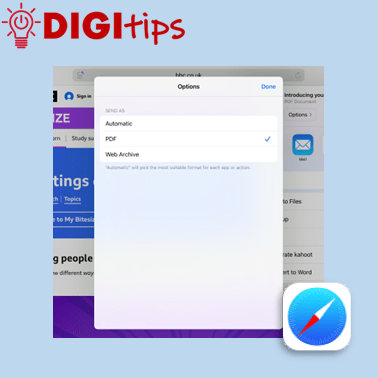
Saving Webpages as PDFs
Read more: Saving Webpages as PDFsIn this Digitip, you will learn how to save webpages as PDFs. This makes it a useful tool in building a bank of study material which you can save to your OneDrive, Class Notebook or Files app. Recorded on iOS 18.4.1 Watch the video.
-
Why Creating Apps is a Powerful Learning Activity
Read more: Why Creating Apps is a Powerful Learning ActivityAs teachers, we often ask pupils to produce something that demonstrates what they’ve learned about a topic. These might include posters, mind maps, videos, models, illustrations and podcasts. All of these are valuable activities. But there’s another product you could ask learners to create. One that allows them to demonstrate what they have learned in…
-
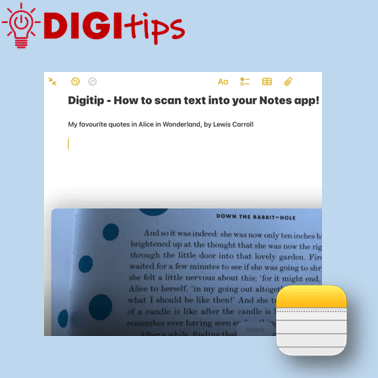
Scanning Text into your Notes App
Read more: Scanning Text into your Notes AppIn this Digitip, you will learn how to scan text directly into your Notes app. This feature works with both handwriting and print. One scanned, you can then take advantage of any in-built accessibility features you have already set up on your iPad! Recorded on iOS 18.2.3 Watch the video
-
Patterns in History: From Past to Present
Read more: Patterns in History: From Past to PresentAlong with providing CLPL for our teachers in the form of Live Lessons, our team here at Edinburgh Learns Digital like to make connections with local places that our young people can explore for free in their own time. Last week saw the beginnings of a new friendship with the National Museum of Scotland. They…

-
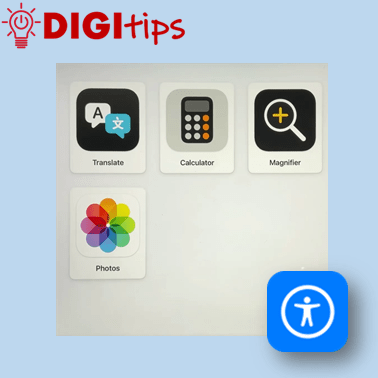
Assistive Access
Read more: Assistive AccessThis Digitip will show you Assistive Access on the iPad; How to set it up, choose specific apps and turn it off. This feature maybe useful to learners who find it difficult to use the iPad or specific apps. It can: Watch the video
-
Using scenes in Freeform
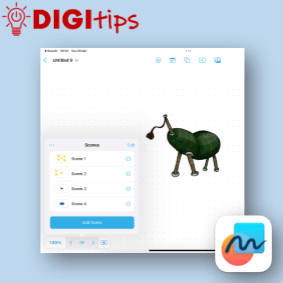
Read more: Using scenes in FreeformThis digitip shows you how to create, manage and navigate a freeform board using scenes. This is a really powerful tool to create range of different resources you can use in the classroom. Scenes helps present new material in small steps, thus reducing cognitive load for the learners. Sharing a Freeform board can be a…
-
Using the Apple Shortcuts app to create custom app icons for your Keynote files
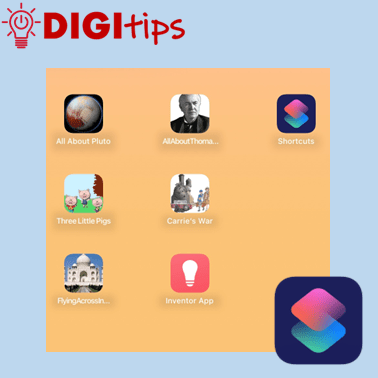
Read more: Using the Apple Shortcuts app to create custom app icons for your Keynote filesUnlock the Power of Apple Shortcuts! Learn how to create custom app icons for your Keynote files in just a few simple steps. You may know that you can personalise your iOS home screen, but this guide will show you how to create easy access to completed projects, allowing both learners and staff to showcase…
-
Embedding Media in OneNote
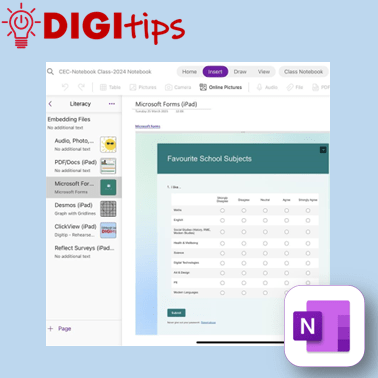
Read more: Embedding Media in OneNoteA quick and easy Digitip, demonstrating the different types of material that you can embed in your Class Notebook pages. You may be aware that you can add photos, audio, and documents – but OneNote has compatibility with a host of different types of embeddable media. This shows you how to embed content via the…

 Edinburgh Learns Digital | City of Edinburgh Council