-
Creating Podcasts with GarageBand
Read more: Creating Podcasts with GarageBandThis Digitip shows you how to use GarageBand to create Podcasts. In this quick video, you’ll learn how to change GarageBand settings to start creating podcasts with your learners. Whether you’re new to GarageBand or just need a refresher, this is your starting point for using podcasts to support teaching, learning and assessment in your…
-
Live Lesson: Autumn Animation
Read more: Live Lesson: Autumn AnimationAs winter approaches and the nights grow longer and darker, we found a delightful way to lift our spirits and bid farewell to autumn: an Autumn Animation live lesson! Over 1,000 enthusiastic learners joined us from their cozy classrooms to craft their own autumn animation masterpieces. Using Keynote, students were guided through the process of…

-
Independent learning with verbal instructions.
Read more: Independent learning with verbal instructions.This Digitip shows you how to use voice instructions in Freeform, Keynote, Pages and Numbers. Accessibility: recorded instructions support learners that like listening to instructions. It allows all students to be able to replay instructions multiple times and for learners with an additional learning need it reduces the reliance on text, making tasks more inclusive.…
-
Using the Calculator App (iOS 18)
Read more: Using the Calculator App (iOS 18)This Digitip explains some of the useful features that come with the iPad’s new calculator app that has been introduced with iOS 18. Some of these new elements include the ability to use a multitude of conversion features (including currency, units of measure, and temperature) and using the new maths notes feature. Whether you are…
-
Further Personalise your iPad’s home screen (iOS 18)
Read more: Further Personalise your iPad’s home screen (iOS 18)This Digitip explains how you can personalise the appearance of your iPad’s home screen even further, using new features introduced with iOS 18. Whether you are teacher or a learner, you can organise your apps to suit how you like to work. While the iPad is yours, it is great practice to adapt it to…
-
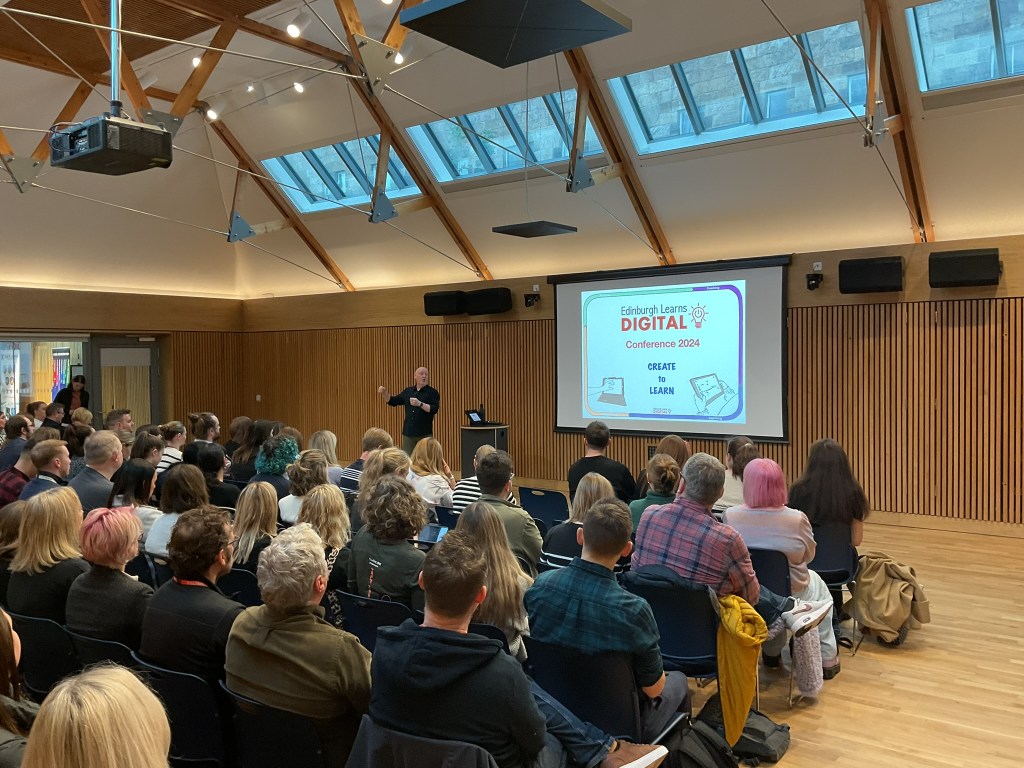
Create to Learn – Edinburgh Learns Digital Conference 2024
Read more: Create to Learn – Edinburgh Learns Digital Conference 2024After months of meticulous planning, it is hard to believe that this year’s Edinburgh Learns Digital Conference has already been and gone. Nearly 150 Digital Learning Coordinators (DLCs) from our Primary, Secondary and Special Schools gathered under one roof to explore ways in which we are supporting our learners to creatively solve problems, present their…
-
Personalise the iPad with your Wallpaper and Lockscreen
Read more: Personalise the iPad with your Wallpaper and LockscreenThis Digitip explains how you can adapt pre-made wallpapers as well as create your own from scratch, adding the personal touch to your iPad. Explore some exciting new options for creativity, ease of use and design. There are lots of possibilities for use in the classroom, such as a quick morning starter activity or as…
-
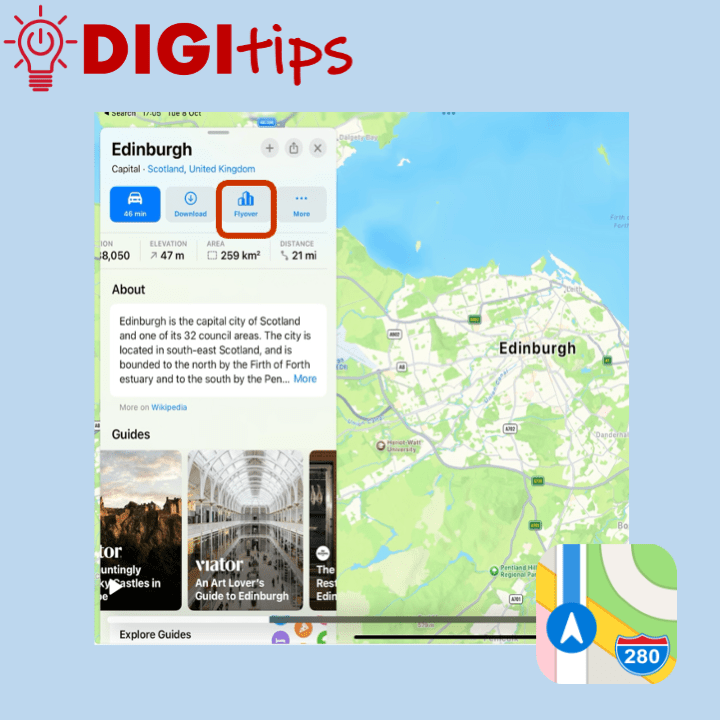
Flyover in Apple Maps
Read more: Flyover in Apple MapsThis Digitip explains how to access the flyover feature in Apple Maps. In addition it looks at using maps as a replacement for Google Earth. Apple Maps has a feature called flyover, this allows the user to see a ‘drone type‘ view of special landmarks in a city. The cities that have flyovers can be…
-
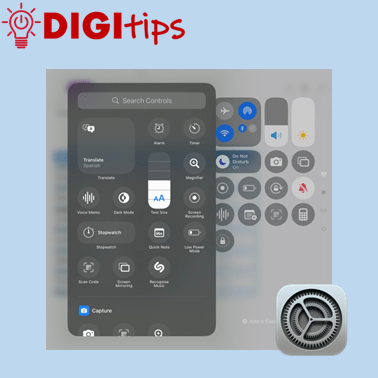
Customise Your Control Centre with iOS 18
Read more: Customise Your Control Centre with iOS 18This Digitip explains how to customise your Control Centre and prioritise the apps that you and your learners regularly use. The new iOS 18 update allows staff and learners to easily use accessibility features such as visual display settings, hearing accessibility features, and also motor accessibility tools. You can also add in handy features including…
-
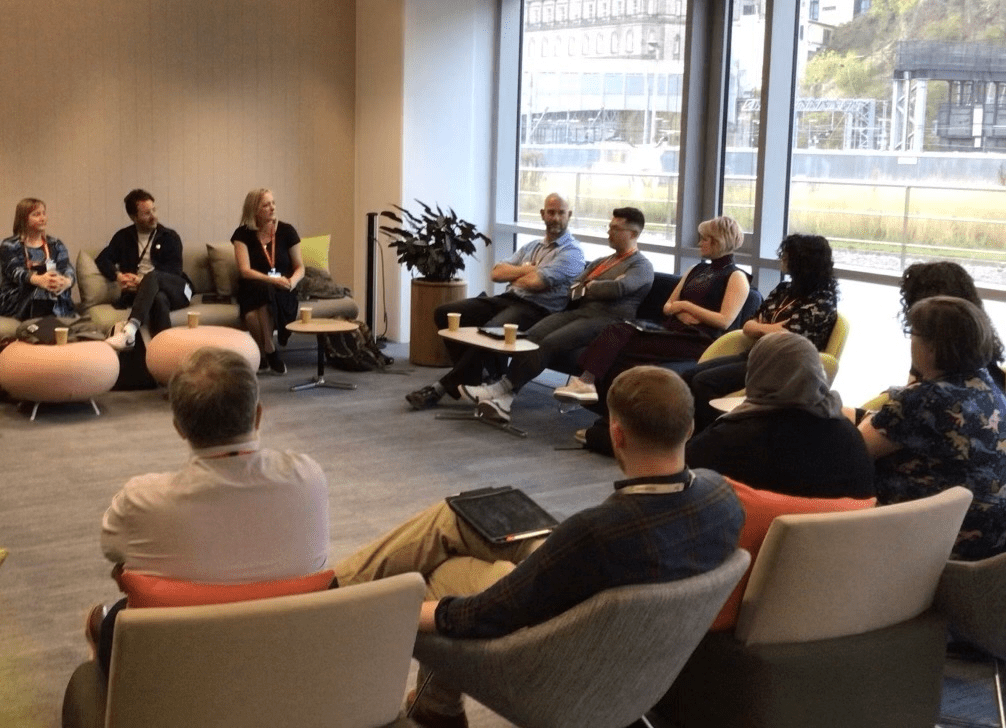
Edinburgh Teachers Celebrated at Digital Event
Read more: Edinburgh Teachers Celebrated at Digital EventTeaching staff from across Edinburgh were welcomed to Waverley Court to celebrate achieving their Apple Learning Coach certification. It is great to have 62 staff across the city having achieved this certification. Educators from a range of primary and secondary settings shared their experiences of the programme, exploring the positive difference that this has brought…
-
Adding a Shared Admin Calendar to Outlook (iPad & PC)
Read more: Adding a Shared Admin Calendar to Outlook (iPad & PC)This Digitip explains how to add your school’s admin calendar to your own Outlook app. A helpful approach to reduce printing, have a live up-to-date calendar, and support good communication across a school. Watch the video
-
Create a Quick Video with Live Photos
Read more: Create a Quick Video with Live PhotosThis Digitip explains how to create an automatically edited video using Live Photos from your camera roll on your iPad. This is a useful tool for quickly sharing the day’s learning with the class, recording a school trip or whole school event. Watch the video
-
Extract Audio from Video with Shortcuts
Read more: Extract Audio from Video with ShortcutsThis Digitip will show you how to extract the audio from a video with a simple shortcut. This is great if you want to change the visuals of a video but maintain the audio. You might create a scaffold for learners and then ask them to use your audio but change the images to show…

-
Using the Photo Editing Tools on Your iPad
Read more: Using the Photo Editing Tools on Your iPadThis Digitip will show you how to use the various photo editing features that are available on your iPad. This is a useful function for making photos stand out, cropping and focussing on key elements, and enhancing creativity. Watch the video

-
Changing text size on your iPad
Read more: Changing text size on your iPadThis Digitip will show you how to quickly change dynamic text and bold menu texts on your iPad. A really useful function for many users. Watch the video
-
Syncing your online folders to your PC
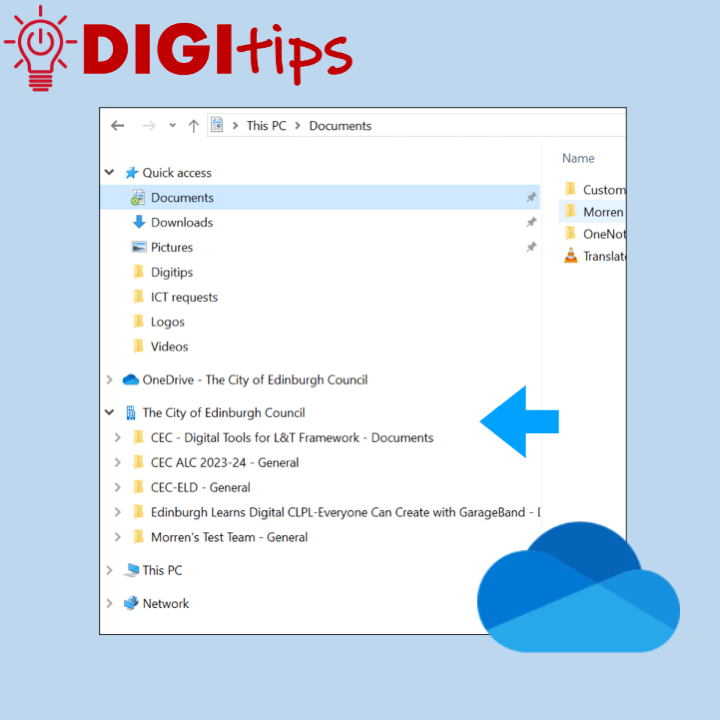
Read more: Syncing your online folders to your PCThis Digitip looks at helping you streamline your workflow by syncing online Sharepoint or teams folders directly to your PC. OneNote is a great tool that will allow you to access all of your content and documents on any device. If you are using a laptop you can speed up access to all of your…
-
Using Safari’s Built-In Reader Tools
Read more: Using Safari’s Built-In Reader ToolsThis Digitip looks at using the built-in accessibility functions found in Apple’s Safari web-browser. The Reader tool is a fantastic way to streamline a web page and focus on essential content. This gives learners the option to personalise with features including changing font size, page colour and font. This feature is also a useful way…

-
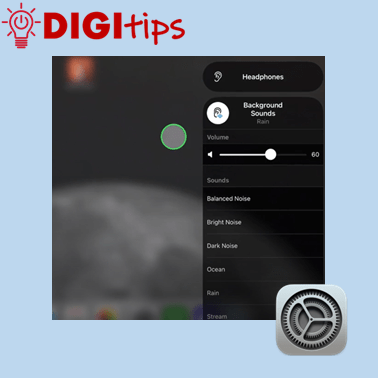
Add Background Sounds to your iPad
Read more: Add Background Sounds to your iPadThis Digitip will show you how to add background sounds to your control centre on your iPad, giving you options of white noise, ocean sounds and more. You may find it useful to use if you have to concentrate on a piece of work for a long period of time. Watch the video
-
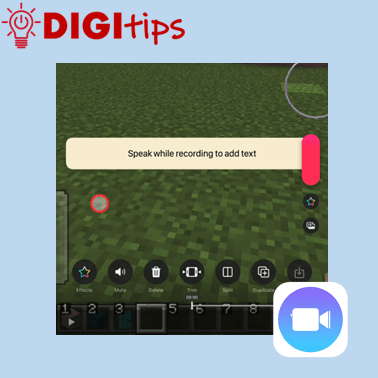
Voiceover and subtitles in Clips
Read more: Voiceover and subtitles in ClipsThis Digitip will show you how put a voiceover and subtitles on an image or video using Clips A great tool for learners to show and explain their learning. Watch the video
-
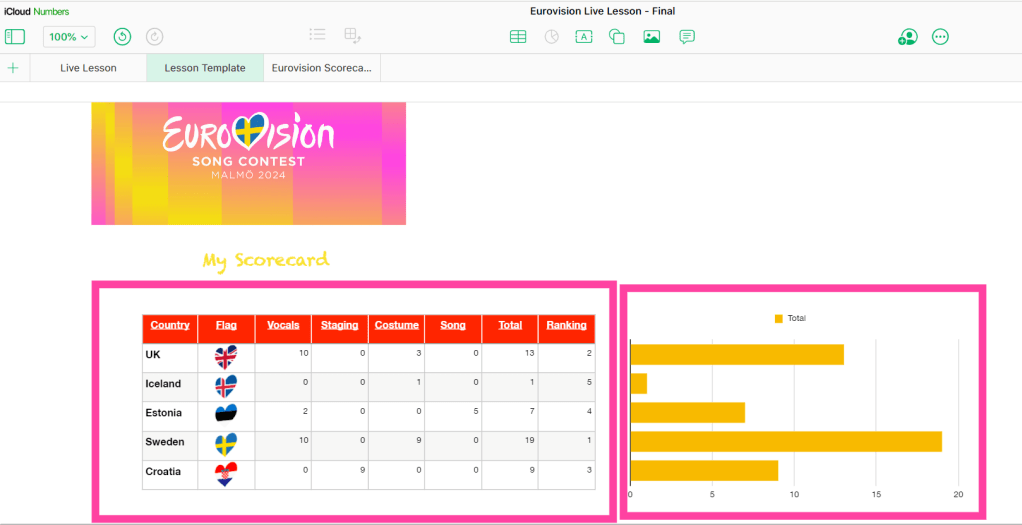
Celebrating Eurovision with Apple’s Numbers: Live Lesson
Read more: Celebrating Eurovision with Apple’s Numbers: Live LessonCalling all Spacemen, Divas and Heroes! Eurovision season is upon us with Swedish city of Malmö hosting after Loreen stormed to victory in Liverpool in 2023. The excitement has travelled as far as Edinburgh with learners in our primary schools getting involved in the musical buzz that the annual song contest brings. Learners in our…

 Edinburgh Learns Digital | City of Edinburgh Council