-
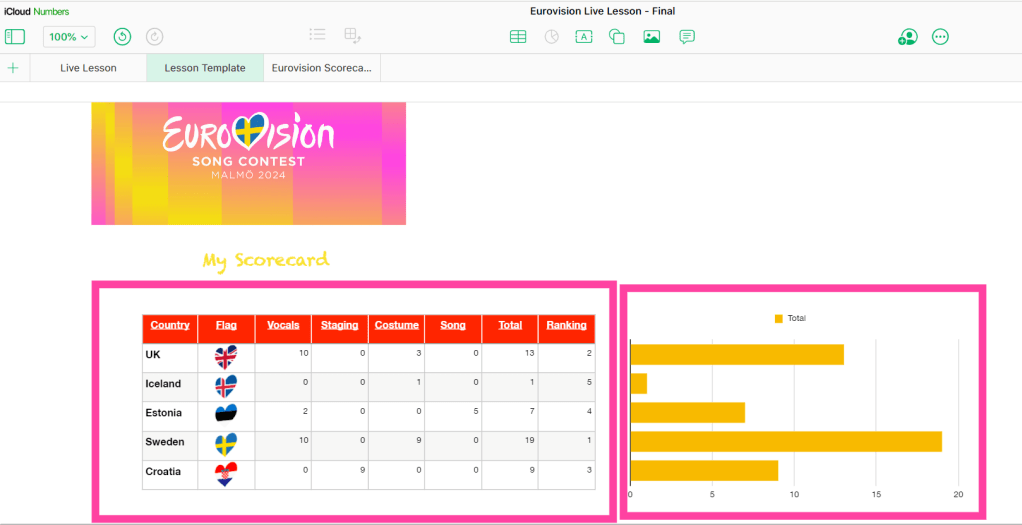
Celebrating Eurovision with Apple’s Numbers: Live Lesson
Read more: Celebrating Eurovision with Apple’s Numbers: Live LessonCalling all Spacemen, Divas and Heroes! Eurovision season is upon us with Swedish city of Malmö hosting after Loreen stormed to victory in Liverpool in 2023. The excitement has travelled as far as Edinburgh with learners in our primary schools getting involved in the musical buzz that the annual song contest brings. Learners in our…
-
Spring with Sketchbook: The Winners!
Read more: Spring with Sketchbook: The Winners!Some might argue that Spring is yet to appear here in Edinburgh (come on now, sun!), but worry not, our ‘Spring with Sketchbook’ Live Lesson has brought the sunshine! You can read more about the lessons here and if you would like to see self-submitted drawings made by our young participants in lesson 1, we…
-
Using timers on your iPad
Read more: Using timers on your iPadThis Digitip will show you how to make timers quickly on your iPad. A great tool for in the classroom or in personal planning. Watch the video

-
Using the Drag and Drop Feature to Take Notes
Read more: Using the Drag and Drop Feature to Take NotesUse the iPad’s drag and drop features to quickly take notes between Safari and numerous word processing apps. This is a great way to quickly take notes when completing a research task. Learners can select and hold onto any content that it is useful and then navigate to their favourite notetaking app to record the…

-
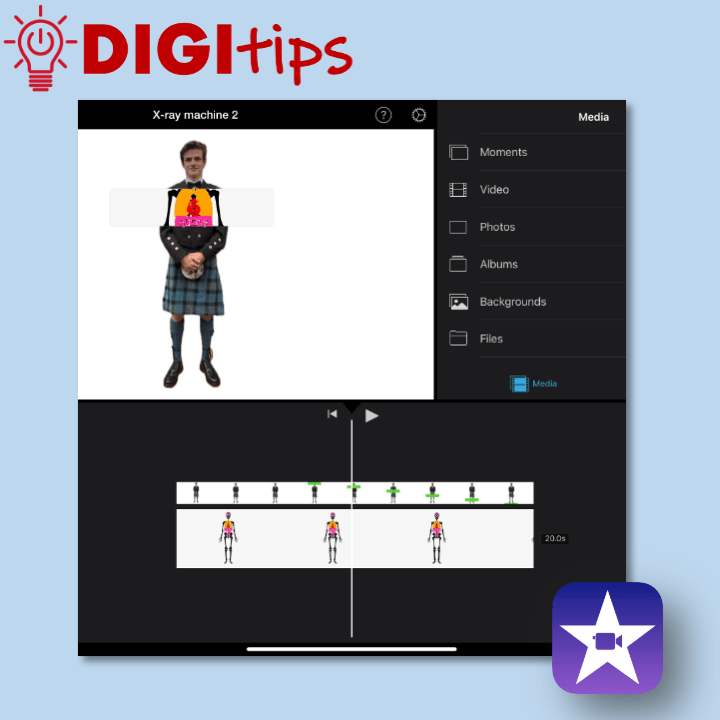
Use Keynote and iMovie to create an X-ray machine – Part two
Read more: Use Keynote and iMovie to create an X-ray machine – Part twoThis is a great way to use green screen effects without having access to a green screen. What interesting ideas could you use this technique to show? This is part two of a two part Digitip: X-ray machine – iMovie Watch the video
-
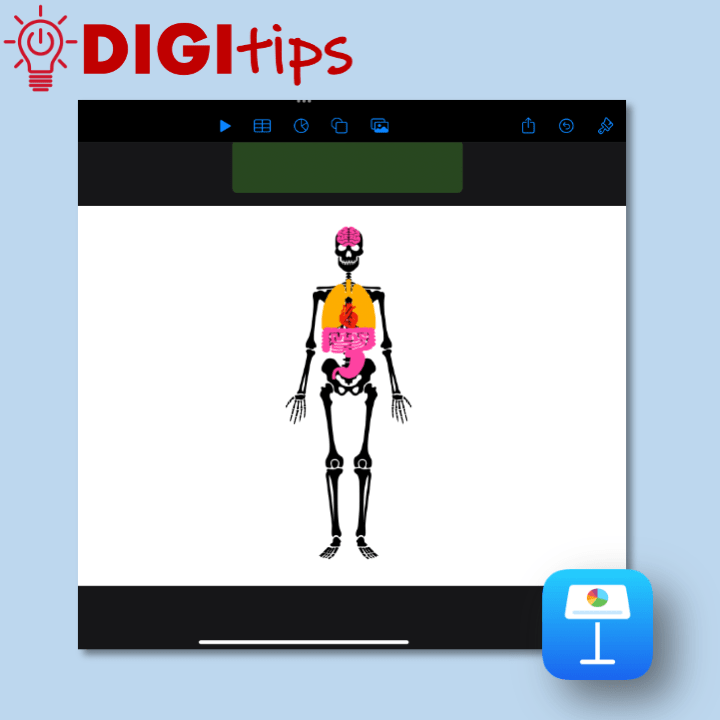
Use Keynote and iMovie to create an X-ray machine – Part one
Read more: Use Keynote and iMovie to create an X-ray machine – Part oneThis is a great way to use green screen effects without having access to a green screen. What interesting ideas could you use this technique to show? This is part one of a two part Digitip: X-ray machine – Keynote Watch the video
-
Add live video to your Keynote Presentation
Read more: Add live video to your Keynote PresentationCreate and share a presentation with added live video. This video shows you how to use the Live Video feature in Apple Keynote. This could be great for teachers to create help videos or for students to use when presenting to the class. Watch the video

-
Spring with Sketchbook: Live Lesson
Read more: Spring with Sketchbook: Live LessonTo coincide with the day Spring finally arrived in Scotland, the team at Edinburgh Learns Digital were streamed live into classrooms across the city, supporting over 1200 Primary school pupils to creatively use the Sketchbook app to connect with nature, exploring stylised drawing and using technology to support them. Spring with Sketchbook consisted of two…
-
Use the Present feature on Microsoft Forms
Read more: Use the Present feature on Microsoft FormsShare Microsoft Form or Quiz results with your class in a visual and engaging way. This video shows you how to use the Present feature in Microsoft forms, allowing for an engaging way to give feedback and clarity to the topic. Watch the video
-
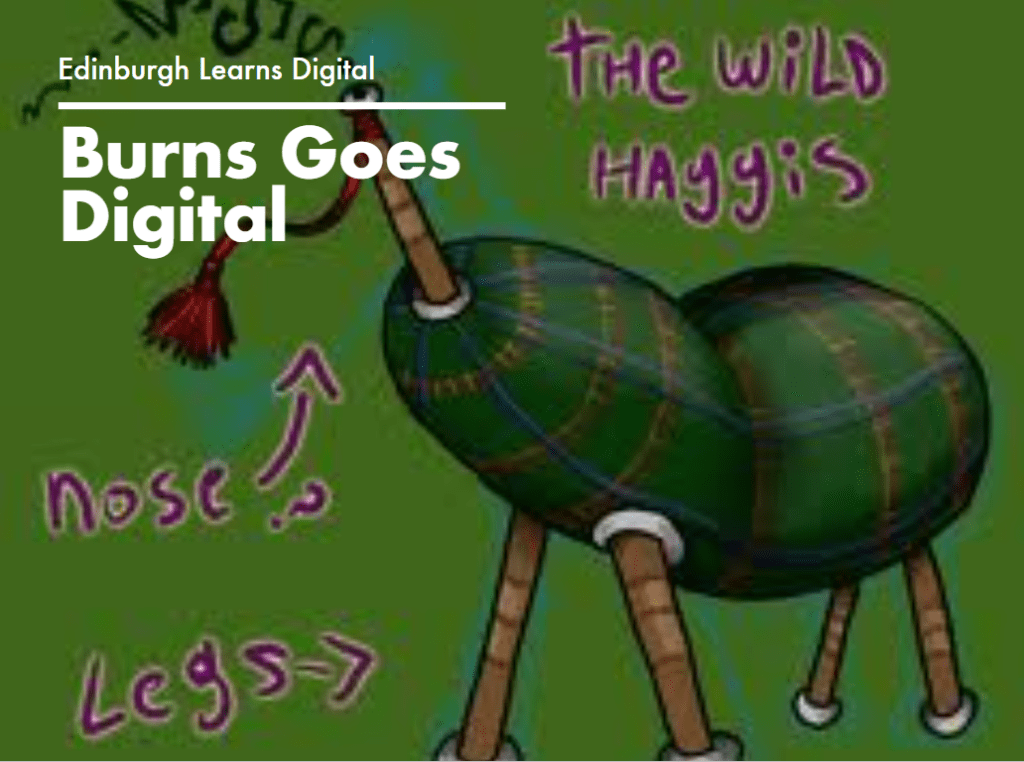
Burns Goes Digital Live Lesson
Read more: Burns Goes Digital Live LessonThis month we celebrated Burns Night with a series of digital live lessons centred on using apps such as Pages, Keynote and GarageBand. Learners had the chance to create some original Scots poetry, a piece of Scots music, and pair this with a moving haggis animation. Teachers were welcomed to an information session where the…
-
Annotate a PDF in Teams assignments
Read more: Annotate a PDF in Teams assignmentsCreate an assignment in which pupils can annotate on top of a PDF. This video shows you how to create an assignment that allows pupils to ‘edit’ a PDF and allows teachers to give annotated feedback. Watch the video
-
Creating an infographic using Keynote
Read more: Creating an infographic using KeynoteCreate an infographic in Keynote using the shape, text and animate tools. This video shows you how to create an infographic in Keynote. An infographic is a visual representation of data and information that can be used for learners to showcase their knowledge and understanding of a specific topic. The video explores how to deconstruct…

-
Toggle Colour Filter to create a digital overlay
Read more: Toggle Colour Filter to create a digital overlayCreate a digital overlay for your iPad that you can turn on and off as you please. This video shows you how to turn on the Colour Filter inside Accessibility settings of your iPad and utilise the Accessibility shortcut to toggle the filter on and off. Watch the video
-
Creating a check-in using Microsoft Teams Reflect
Read more: Creating a check-in using Microsoft Teams ReflectCreate health and wellbeing check-ins for your class using the Reflect feature on Microsoft Teams. This video also explores how to use the health and wellbeing/mindfulness features available through Reflect. Watch the video

-
Minecraft Christmas Build Challenge 2023
Read more: Minecraft Christmas Build Challenge 2023Now that’ve we ran a Christmas Minecraft Build Challenge two years in a row, it might just become an Edinburgh schools tradition. Our build challenges aim to develop learners’ critical thinking, research, teamwork, problem solving, planning, literacy and numeracy skills. Recent challenges have included building moon bases to support human life beyond Earth, designing sustainable…

-
Christmas AR
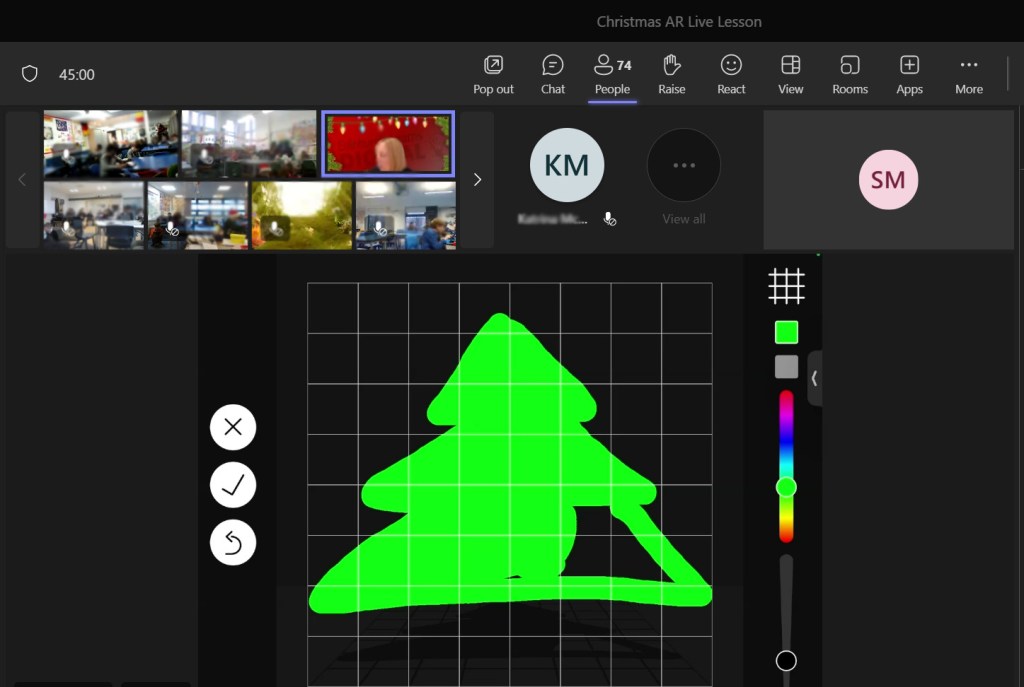
Read more: Christmas ARThis week we ran a live lesson focusing on learners creating scenes in Augmented Reality (AR). The lesson itself was based on creating a Christmas scene, which was fun to do at this time of year, but the children also learned how to use AR to enhance their learning and support their literacy, numeracy, critical…
-
Create stickers on the Photos app
Read more: Create stickers on the Photos appQuickly create stickers on the Photos app on your iPad and apply them across other apps in your library (uploaded Dec 2023) Watch the video

-
Create a QR code on your iPad
Read more: Create a QR code on your iPadQuickly create and share QR codes using your iPad This video shows you how you can use Microsoft Edge on your iPad to create a QR code and share it in your presentation using the Microsoft 365 app Watch the video

-
Use Microsoft Translator to live translate
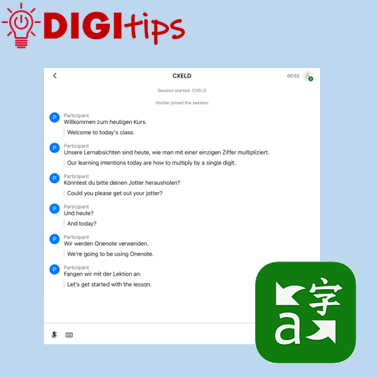
Read more: Use Microsoft Translator to live translateTranslation tools can be invaluable for teachers and learners. This video shows how you can use the app Microsoft Translate on iPad to live translate your lessons with your pupils in many different languages. Watch the video
-
OneNote Handwriting Tools
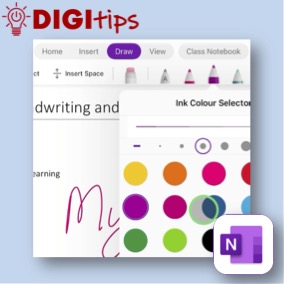
Read more: OneNote Handwriting ToolsThe handwriting and drawing tools can support literacy by having handwriting converted into editable text, numeracy through the use of Maths Assistant, and they can offer an alternative input method for all users. This video provides an overview of the tools available in OneNote on iPad. Watch the video.

 Edinburgh Learns Digital | City of Edinburgh Council