
Advice for Parents and Carers
| CYBER RESILIENCE relates to the device and its ability to connect to the internet. It looks at how to recognise threats, react to threats and recover from threats. |
| INTERNET SAFETY is about teaching our learners how to be safe, smart and kind to others when interacting with the online world. |
All through school, learners are taught Cyber Resilience and Internet Safety (CRIS) as per the National Curriculum’s Experiences and Outcomes for Digital Literacy, so you can be assured that your child will be prepared for growing up in in a digital world.
CRIS is a real team effort though, because more and more of our young people have access to the internet through their own personal devices such as a phone or tablet, or smart speakers in the home.
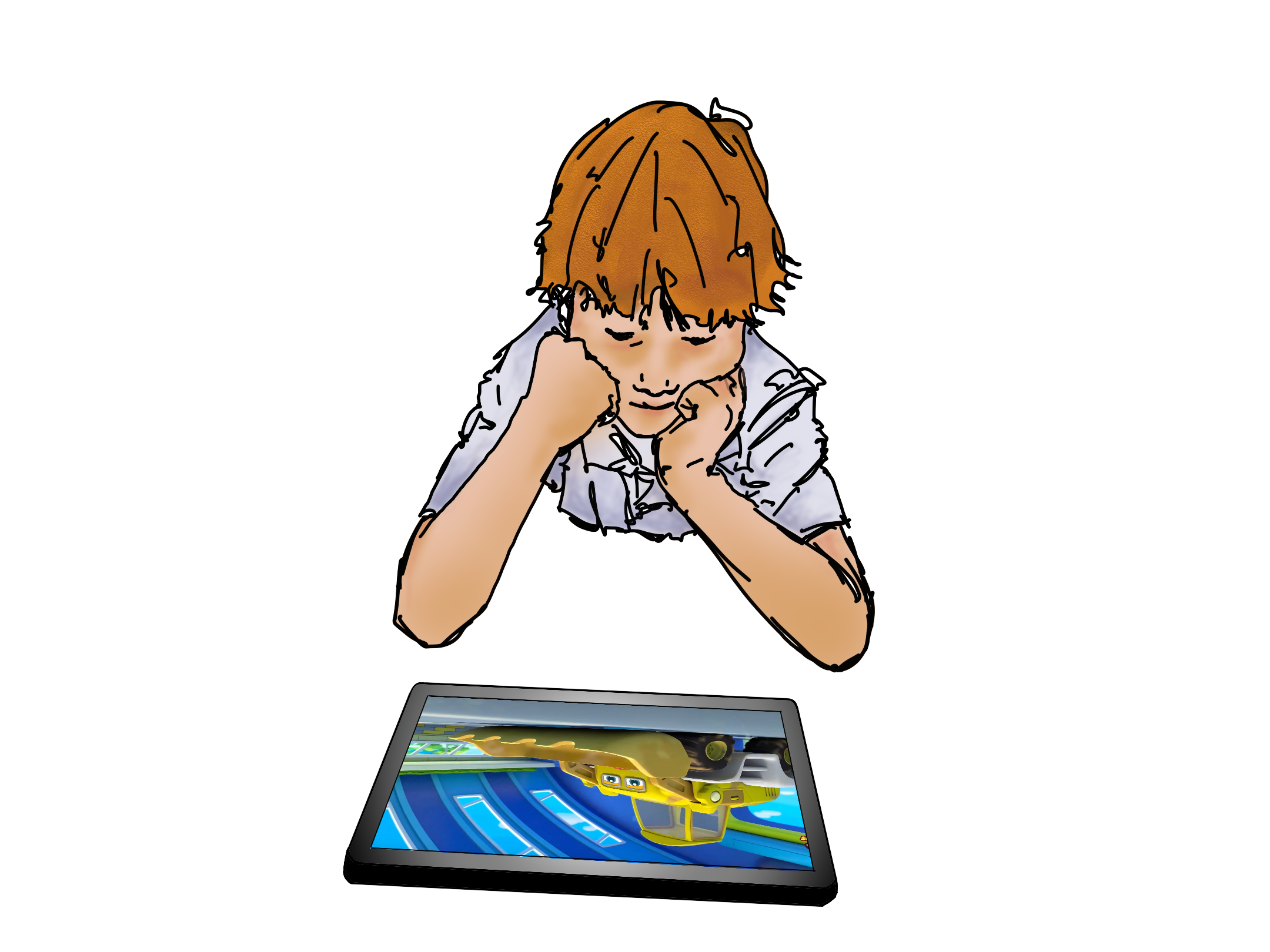
What you can do help keep your child safe:
The internet is not a thing… it’s a place where children can go:
As with anywhere your child goes, think of the questions you might ask:
- Where are they going?
- Who are they going with?
- What will they be doing there?
- Can they go on their own or do I need to go with them?
Sites we recommend:
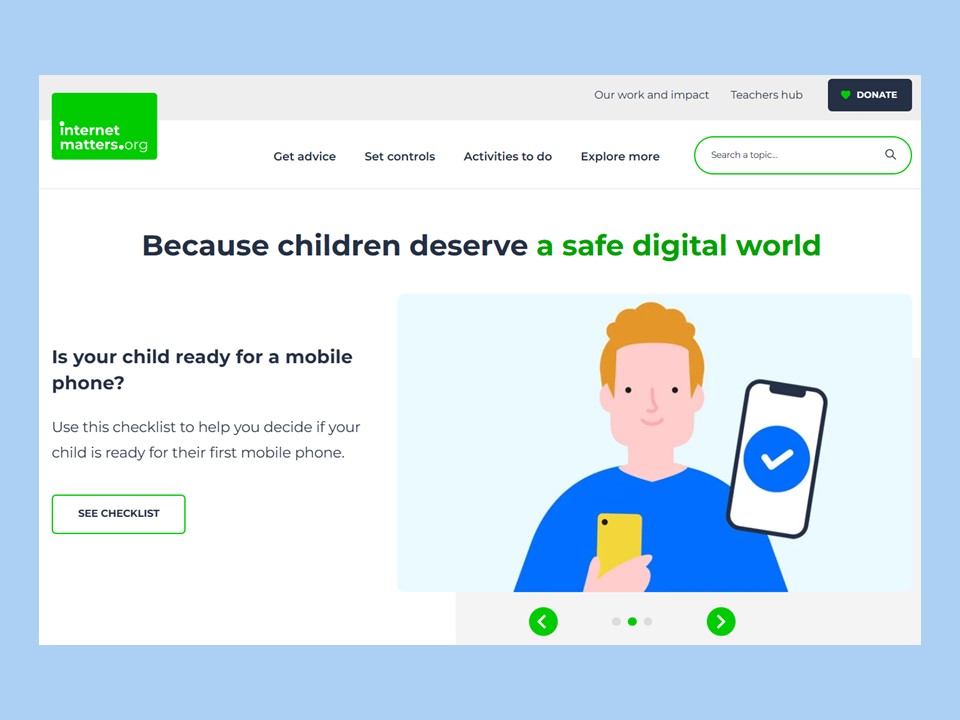
Internet Matters
This is our TOP recommendation!
Everything from screen time to tailored advice for you and your family. It is constantly updated and reflects current issues.

ParentZone
Articles, videos and even podcasts! All designed to give you the confidence to support your child online.
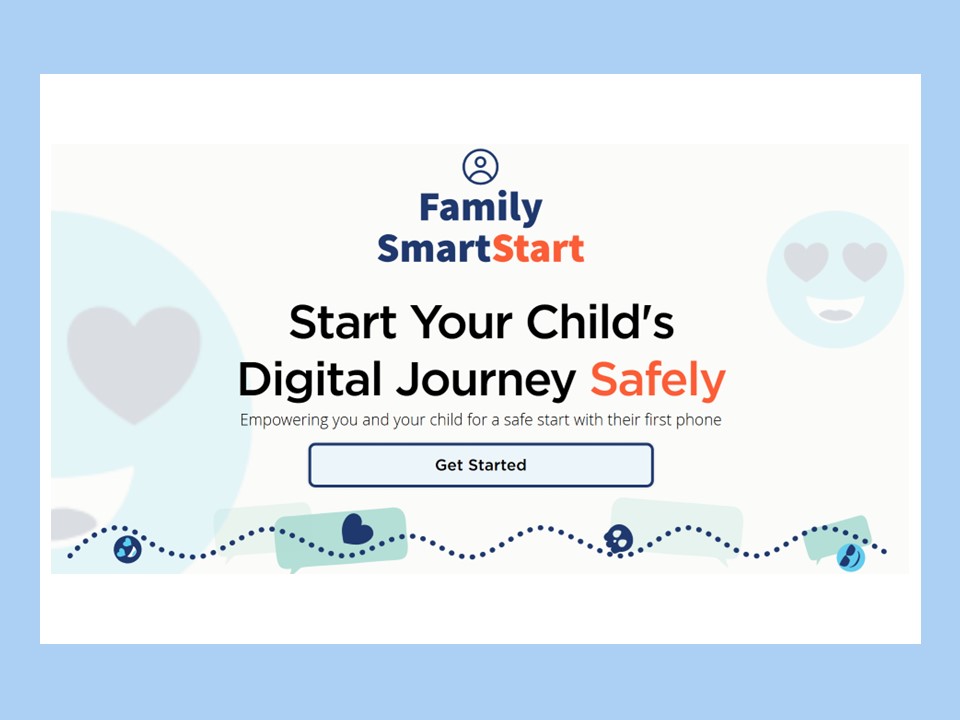
Family SmartStart
A free toolkit to support you if you choose to give your child a phone, including security set-up and privacy features, and conversation starters about how to stay safe online.
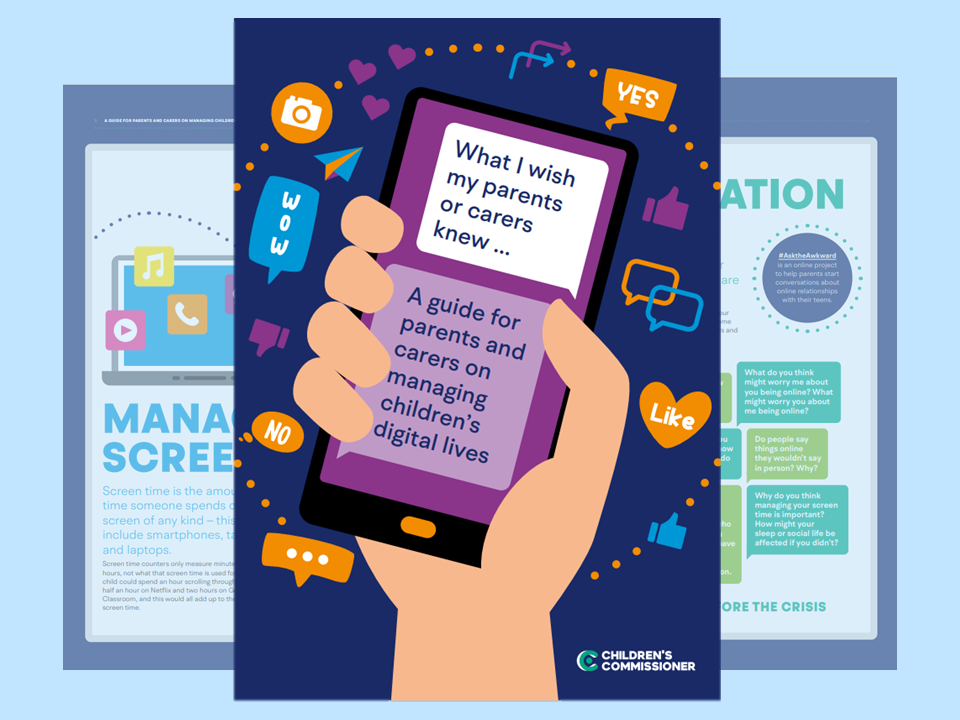
Children’s Commissioner
“What I wish my parents or carers knew…”
This guide aims to make those conversation about the digital world easier, designed to help you support your child with confidence!
What I wish my parents or carers knew…”
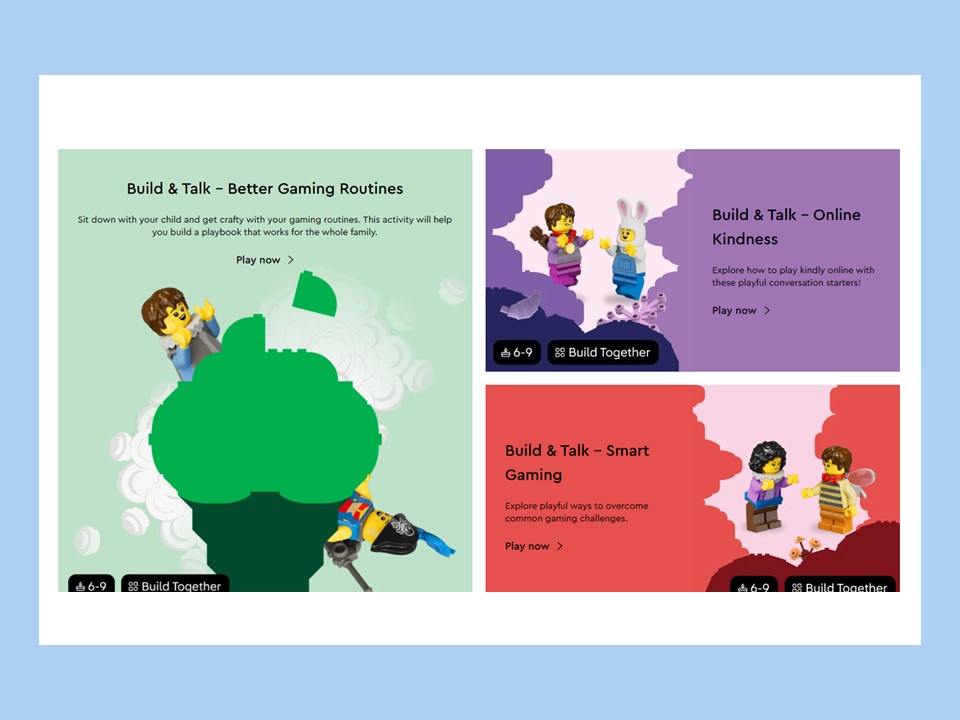
Lego – Build and Talk
Step by step activities where you can build Lego with your child while also talking to them about digital safety. Particularly helpful if your child has additional support needs.
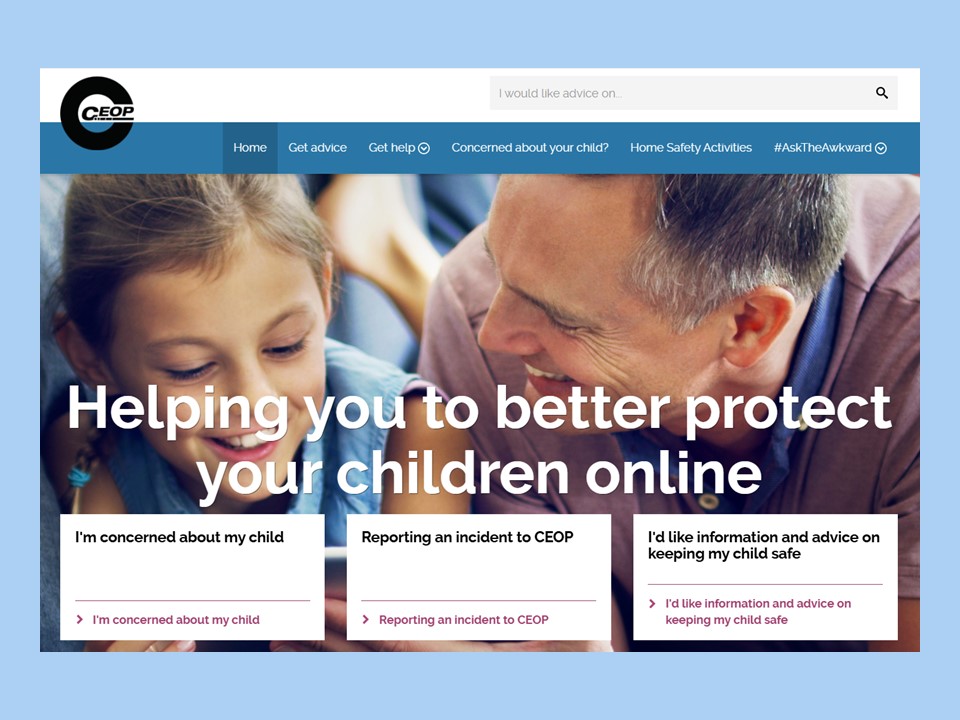
CEOP for Parents and Carers
Lots of advice and information, the latest national guidance and routes for reporting concerns.

National College
Amongst other things, this site has explainers about new apps or games you may have heard your child talk about, so you can make informed decisions about if your child is allowed to use them.
 Edinburgh Learns Digital | City of Edinburgh Council