
Tag: Digi-Learner
-
Creating a check-in using Microsoft Teams Reflect
Read more: Creating a check-in using Microsoft Teams ReflectCreate health and wellbeing check-ins for your class using the Reflect feature on Microsoft Teams. This video also explores how to use the health and wellbeing/mindfulness features available through Reflect. Watch the video

-
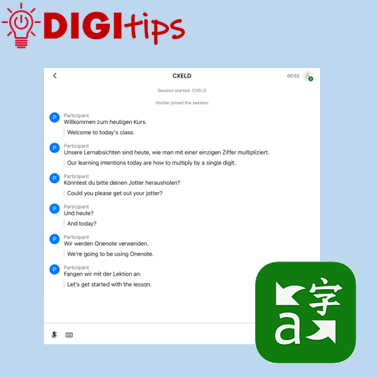
Use Microsoft Translator to live translate
Read more: Use Microsoft Translator to live translateTranslation tools can be invaluable for teachers and learners. This video shows how you can use the app Microsoft Translate on iPad to live translate your lessons with your pupils in many different languages. Watch the video
-
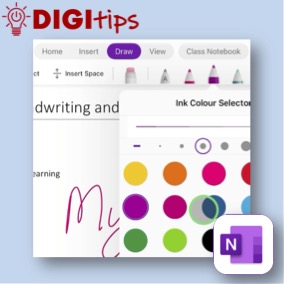
OneNote Handwriting Tools
Read more: OneNote Handwriting ToolsThe handwriting and drawing tools can support literacy by having handwriting converted into editable text, numeracy through the use of Maths Assistant, and they can offer an alternative input method for all users. This video provides an overview of the tools available in OneNote on iPad. Watch the video.
-
Stop Motion Animation in iMovie
Read more: Stop Motion Animation in iMovieAnimation is a great way for pupils to show their learning in a creative way. There are a variety of ways to create a stop motion animation on the iPad. This video shows you how to use the Camera and iMovie app to do this. These are some of the core applications available on the…

-
Green Screen/iMovie
Read more: Green Screen/iMovieThis video explains how you can record something in front of a blue or a green screen and then add it to a video or photo background in iMovie. The green or blue screen then disappears, making the subject of the video appear in front of the chosen background.

-
Typing Feedback
Read more: Typing FeedbackThis video explains how typing feedback works. This is one of the many tools found in the accessibility settings on the iPad. Watch the video.

-
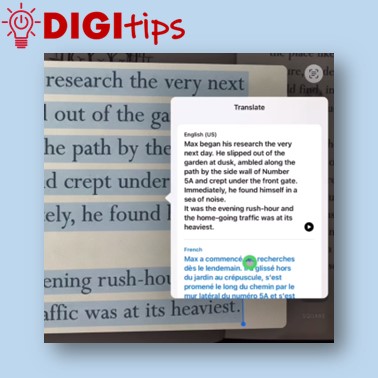
Live Text Translation
Read more: Live Text TranslationThis video explains that the Live Text tool is available in certain apps on the iPad and can be used to select text and translate it easily. The video also explains what you can do if your chosen, target language is not available by sending it to OneNote and using the Immersive Reader tool. Watch…
-
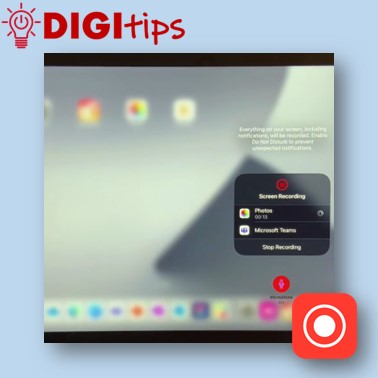
Screen Recording and Sharing
Read more: Screen Recording and SharingRecording your screen is a great way for teachers to create things such as how-to videos or to record the process of working through a problem, and then make it available to learners to view in their own time. Likewise, students can use screen recording to evidence their learning and because screen recording will also…
-
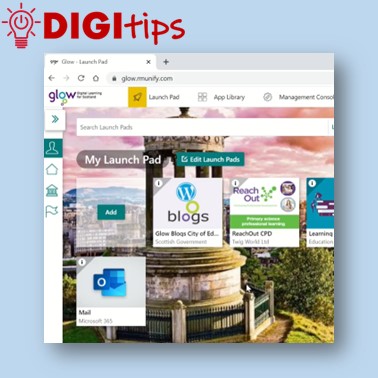
Using Glow
Read more: Using GlowIf you want to take part in some national CLPL events, you need to use your Glow account. As an Edinburgh teacher, that can be a little tricky. Here’s how to access Glow on your PC and your iPad. Watch the video.
-
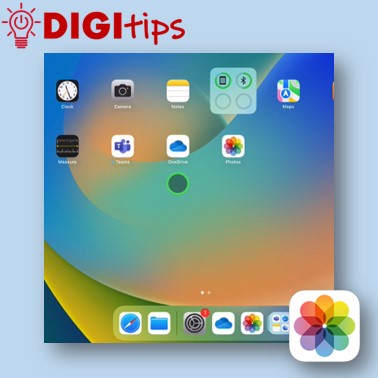
Syncing Photos with OneDrive
Read more: Syncing Photos with OneDriveThis video shows you how to sync the Photo library on your iPad with your OneDrive account. You will then be able to print any photos from your iPad by logging into your OneDrive account on a pc or laptop. Watch the video.
-
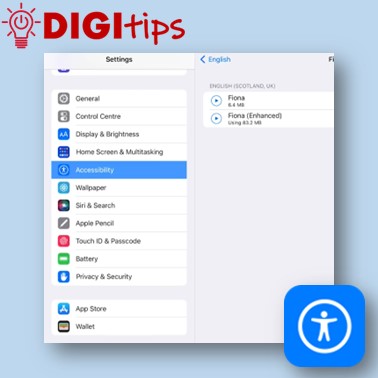
Speak text with a Scottish voice
Read more: Speak text with a Scottish voiceThis video shows you how to get your iPad to read any text in any application back to you, using a Scottish voice. Watch the video.
-
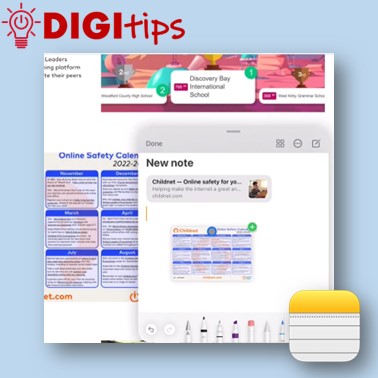
Quick Notes
Read more: Quick NotesIn this video we demonstrate how to use Quick Notes on iPad. You can use Quick Notes to jot down information over any app or screen on iPad. This video explains how to access Quick Notes on iPad, how to create content, and where notes are automatically saved. You have the option to then share…
-
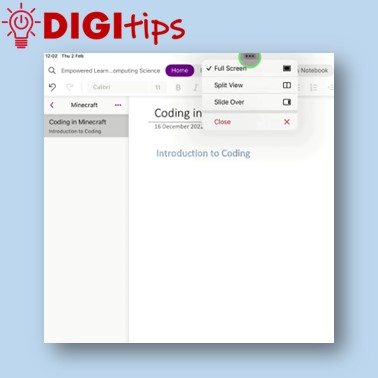
Split Screen and Drag ‘n’ Drop
Read more: Split Screen and Drag ‘n’ DropIn this video we demonstrate how to use split screen and drag ‘n’ drop to make creating content easier on iPad. Watch the video.
-
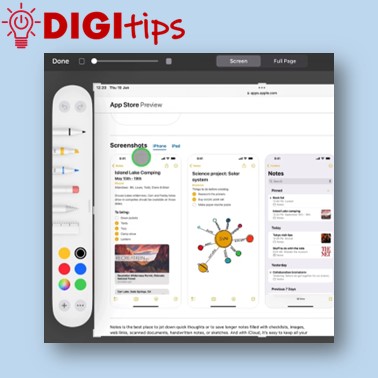
Take and edit a screenshot
Read more: Take and edit a screenshotHere’s a short video showing you how to quickly take a screenshot with the flick of a finger and then edit the image. Watch the video.
-
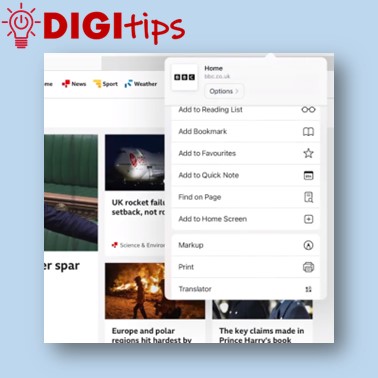
Add Bookmark to Home Screen
Read more: Add Bookmark to Home ScreenHere’s a short video showing you how to add a website bookmark icon to your iPad’s Home Screen. Watch the video.
 Edinburgh Learns Digital | City of Edinburgh Council