
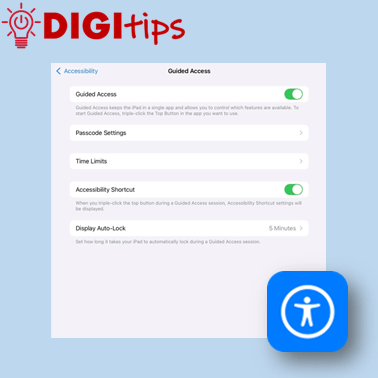
This Digitip shows you how to use Guided Access mode on the iPads.
In this quick video, you’ll learn how to set up Guided Access mode. This is a powerful tool for keeping learners focussed by locking them into a specific app. This can be personalised and set up in a way that allows you to adjust areas of the screen that can be accessed, decide which iPad features that can still be used (e.g. volume, touch), and allows you to set specific time limits.
Depending on the type of iPad you will be using, you may need to triple tap the home button (Gen 9 and below) or top button (Gen 10 onwards) to access Guided Access when set up.
This video was created on iOS18.
 Edinburgh Learns Digital | City of Edinburgh Council