
Tag: Digi-Teacher
-
Customise accessibility features for individual apps
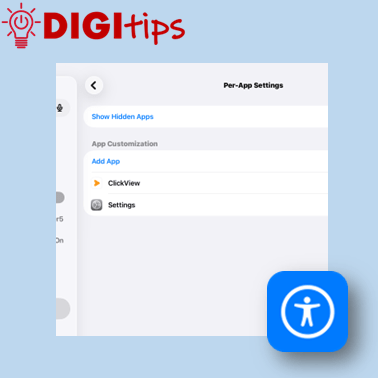
Read more: Customise accessibility features for individual appsThis Digitip shows how to use the “Per App” accessibility function on your iPad This lets you choose to have accessibility features turned on or off for specific apps. A great way to personalise your iPad Watch the video
-
Creating Web Apps from Safari
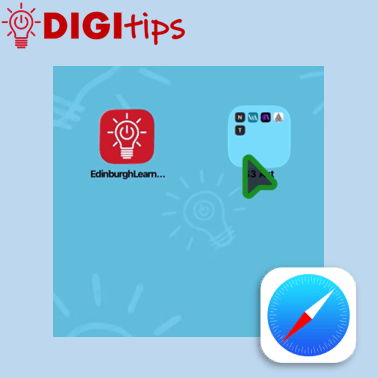
Read more: Creating Web Apps from SafariThis Digitip quickly and simply explains how to create web apps from Safari, and then organise them into folders on your iPad’s home screen. We explain how to: Suitable for staff, this Digitip was recorded June 2026 on iOS 26. Watch the video here
-
From Edinburgh to St Louis, USA!
Read more: From Edinburgh to St Louis, USA!We want to celebrate a very talented and dedicated group of learners who have had a very exciting 2025-26 with Digital Teaching and Learning at the forefront. Thistle Robotics, a team of S5 and S6 pupils from James Gillespie’s High School right here in Edinburgh have achieved international recognition after qualifying for the prestigious VEX…

-
Creating learning activities in Classwork on Teams
Read more: Creating learning activities in Classwork on TeamsThis Digitip shows how to create learning activities within Classwork on Teams. A quick look at creating Learning Modules within Classwork and then how to create and add a learning activity. These modules are great for creating self-led learning for pupils or revision activities. Watch the video

-
Teaching about Data Privacy
Read more: Teaching about Data PrivacyTeaching about Data Privacy You may have read articles recently talking about how the Information Commissioners Office are now encouraging parents/carers to teach online privacy like road safety, following their recent findings that 75% of parents fear their kids aren’t making safe choices online. The good news is, we have plenty of resources in this…

-
Gathering Learner Work via Microsoft Forms
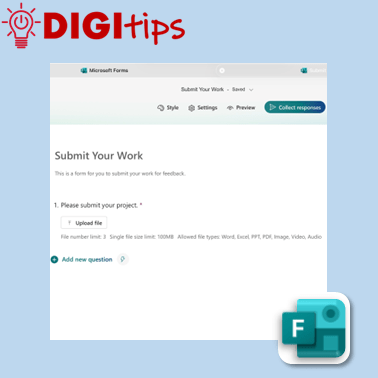
Read more: Gathering Learner Work via Microsoft FormsThis Digitip explains how to use a Microsoft Form to gather larger files such as images or videos. This is useful as an additional means to collect learner work to track progress. We explain how to: As well as gathering student work, this is also an appropriate way for staff to collate evidence such as…
-
Animate Changes with Magic Move
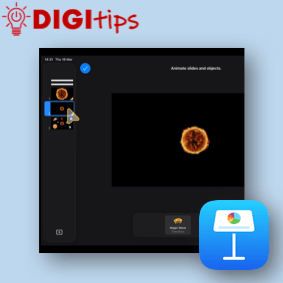
Read more: Animate Changes with Magic MoveLearn how to use Magic Move in Keynote to quickly animate changes between slides. This simple feature automatically creates smooth transitions when objects move, resize or change position. We explain how to: • Duplicate a slide to create an animation sequence• Move and adjust objects between slides• Apply the Magic Move transition• Build simple animations…
-
Using Teams Chat & Setting Quiet Hours
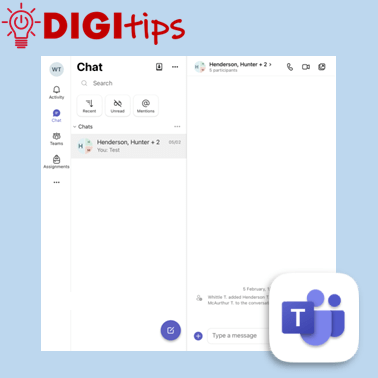
Read more: Using Teams Chat & Setting Quiet HoursThis video explains how staff can use Microsoft Teams to send messages to colleagues, as well as how to set quiet hours across Teams and Outlook. Helpful for staying connected during the working day while also protecting your personal time. We explain how to: Suitable for staff across all settings, and recorded February 2026 on…
-
Using Praise in Teams
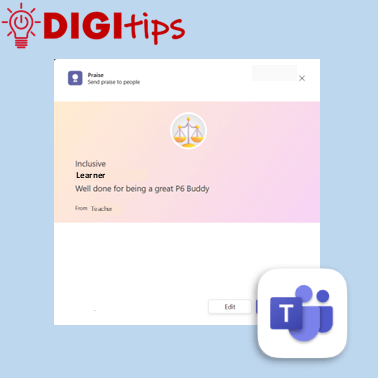
Read more: Using Praise in TeamsThis Digitip shows how to use the Praise function inside Microsoft Teams A great way to complement the feedback, certificates and awards you give out in school. Watch the video
-
Organise PDFs in Apple Books
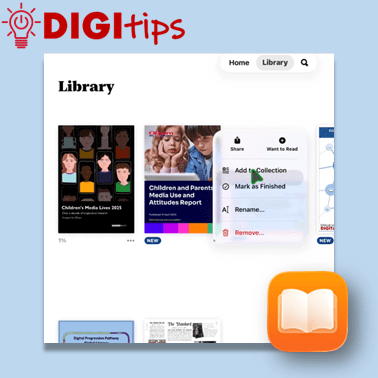
Read more: Organise PDFs in Apple BooksThis Digitip explains how to save and organise pdfs using Apple Books on your school iPad. Useful for study materials, gathering research, collecting project information and lots more. We explain how to: Suitable for both staff and learners, and recorded February 2026 on iOS 26. Watch the video here
-
Making Learning Visible with Custom Sized Media Placeholders
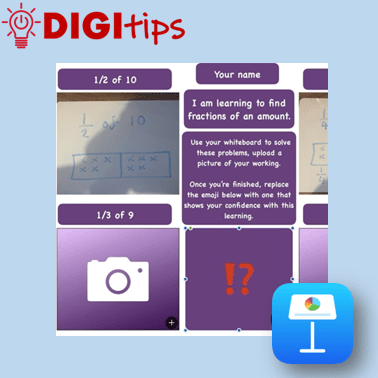
Read more: Making Learning Visible with Custom Sized Media PlaceholdersThis Digitip explores how media placeholders in Keynote and Pages can be created for simple, child-friendly templates that support learning and pupil voice. You’ll see examples of effective media placeholders in action across maths, reading and literacy, before learning how to design your own custom-sized placeholders using shapes. These templates make it easy for young…
-
Formative Assessment with Teams Quizzes
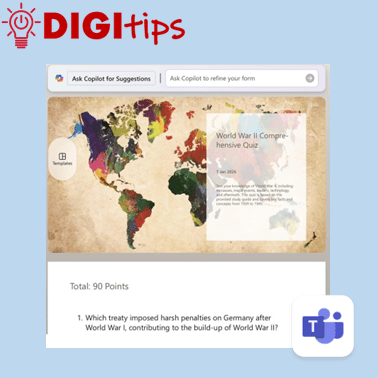
Read more: Formative Assessment with Teams QuizzesThis DigiTip shows how to use the Quizzes feature within Teams to create assessments based on class learning materials. This quickly and easily syncs with Microsoft Forms and is a useful tool for personalised formative assessment. Quizzes allows you to: Watch the video.
-
Accessing Edinburgh Learns
Read more: Accessing Edinburgh LearnsThis Digishort is for Edinburgh education staff.It shows how you can access the Edinburgh Learns site for staff. The Edinburgh Learns Site is a secure area where schools can access policies, procedures and resources to support learning and teaching. Watch the video

-
Digital Advent Calendars
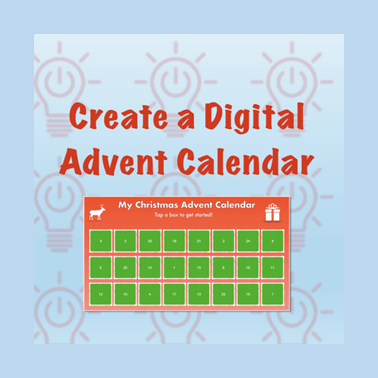
Read more: Digital Advent CalendarsIn this Christmas Cracker pupils will learn how to use a variety of Keynote functions including: links, animations, shapes, formatting tools, and more. Learners have the opportunity to create their own digital advent calendar. The video example looks at creating one with twenty-four days, but learners can make smaller countdowns. Watch the video. Please do…
-
Teaching and Learning with Minecraft Education – Recording of Online CLPL
Read more: Teaching and Learning with Minecraft Education – Recording of Online CLPLWhat happens when you mix one of the world’s most popular games with the serious business of teaching and learning? You get a training session that’s as fun as it is forward‑thinking. Our recent Teaching and Learning with Minecraft Education CLPL virtually brought together colleagues from across the City of Edinburgh Council to explore how…

-
Supporting Reluctant Writers with Voice Memos and Pages
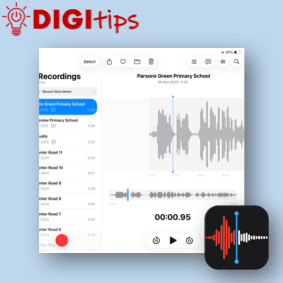
Read more: Supporting Reluctant Writers with Voice Memos and PagesThis DigiTip shows how to use Voice Memos to record and transcribe ideas. This feature is available on Gen 10 (P7) and Gen 11 (P6) iPads. This feature can allow learners to use their voice to create written content. You can record your voice in Pages, Numbers and Keynote or dictate text but you are…
-
Using Sketchbook as a Formative Assessment Tool
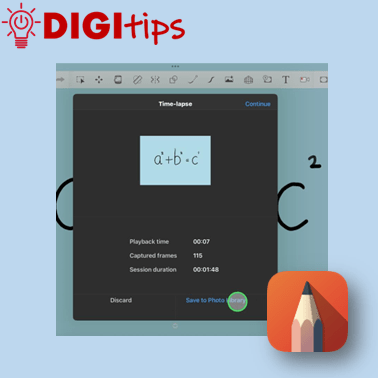
Read more: Using Sketchbook as a Formative Assessment ToolThis DigiTip shows how to use a feature hidden within Sketchbook that can be used as a formative assessment or modelling tool: time-lapse! It can be a great tool to support creative and quick formative assessment in your classroom. You can: Watch the video
-
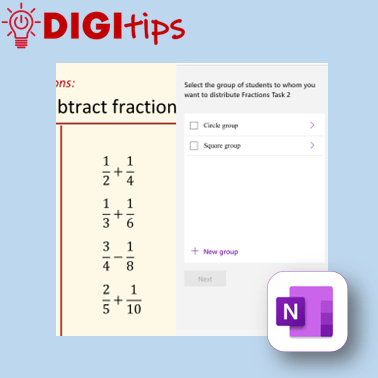
Using Groups in Class Notebook
Read more: Using Groups in Class NotebookThis Digitip shows how to use the Group Distribution function in OneNote ClassNotebook. A great tool to support differentiation in your classroom. Watch the video
-
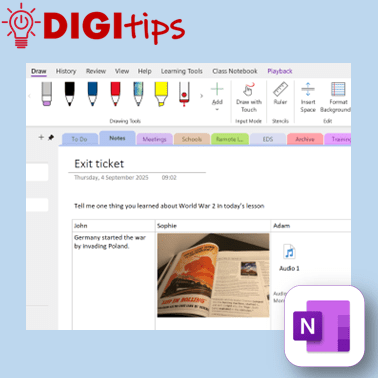
Exit tickets using OneNote
Read more: Exit tickets using OneNoteIn this Digitip, you will learn how to create exit tickets in OneNote. OneNote has many options for creating exit tickets as well as options for how pupils can input their answers. In this video we have a look at the different ideas and how they can be used in class. Recorded on iOS Watch…
-
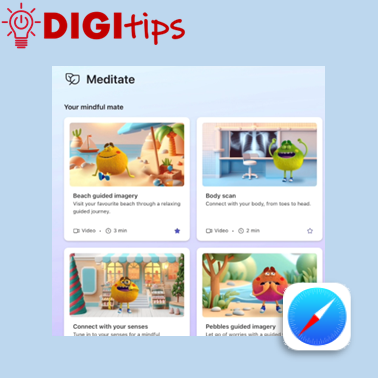
Using Microsoft Reflect via a Browser
Read more: Using Microsoft Reflect via a BrowserIn this Digitip, you will learn how to access the tools of Microsoft Reflect through the browser. This makes it ideal for younger learners who can still take part in Reflect check-ins by scanning a QR code instead of having to sign-in to Teams. The Digitip also explores how you can access all the Mindfulness…
 Edinburgh Learns Digital | City of Edinburgh Council