
A quick and easy Digitip, demonstrating the different types of material that you can embed in your Class Notebook pages. You may be aware that you can add photos, audio, and documents – but OneNote has compatibility with a host of different types of embeddable media.
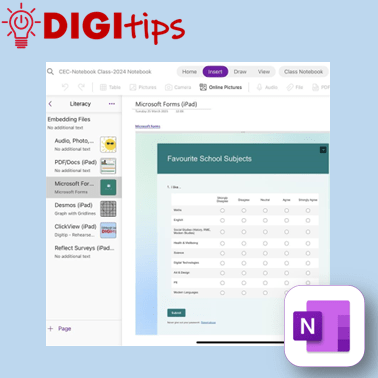
This shows you how to embed content via the Insert menu, and also how you can integrate ClickView, Desmos, Microsoft Forms, and Reflect into your Notebooks. This helps make learning interactive, allowing the embedding of tools for assessment and differentiation.
This feature is predominantly demonstrated on the iPad Notebook app, however, adding Reflect embeds are only compatible through Notebooks via Teams.
 Edinburgh Learns Digital | City of Edinburgh Council