
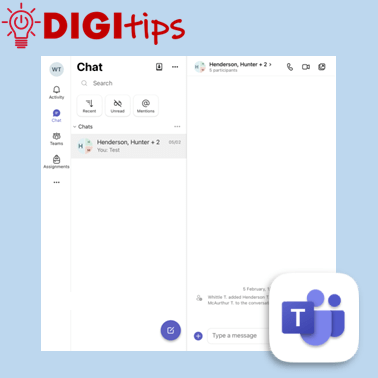
This video explains how staff can use Microsoft Teams to send messages to colleagues, as well as how to set quiet hours across Teams and Outlook. Helpful for staying connected during the working day while also protecting your personal time.
We explain how to:
- Start and manage Teams chats
- Share files, photos, videos, and voice notes
- Use the “Message Yourself” feature
- Set quiet hours across Teams and Outlook
- Block notifications during evenings and weekends
Suitable for staff across all settings, and recorded February 2026 on iOS 26
 Edinburgh Learns Digital | City of Edinburgh Council