
Author: S Moore
-
Christmas Jumper Generator
Watch the video. In this Christmas Cracker we’re using Scratch to create a Christmas jumper generator. Just go to https://scratch.mit.edu and tap Create or sign-up your class. The coding guide is included with the final code, and there’s also a QR code to take your students directly to the Scratch website. Please do feel free to…
-
Why Creating Apps is a Powerful Learning Activity
As teachers, we often ask pupils to produce something that demonstrates what they’ve learned about a topic. These might include posters, mind maps, videos, models, illustrations and podcasts. All of these are valuable activities. But there’s another product you could ask learners to create. One that allows them to demonstrate what they have learned in…
-
Launching our Digital Learning Units
What are Digital Learning Units? Digital Learning Units are designed so that you have access to teacher produced, ready to use digital resources. These contain teacher instructions, guided videos and structured pupil pages, ready to be copied to your Class Notebooks. These have been designed to be delivered by a teacher to a whole class…
-
Christmas Star Collector – Scratch Game

In this Christmas Cracker, we use Scratch to create a Christmas themed Scratch game. Can you help the snowman to collect all of the stars before being caught by the goblin? This video walks through the steps involved to create the game from adding sprites to coding them. The code guide provided below can be…
-
Minecraft Christmas Build Challenge 2023
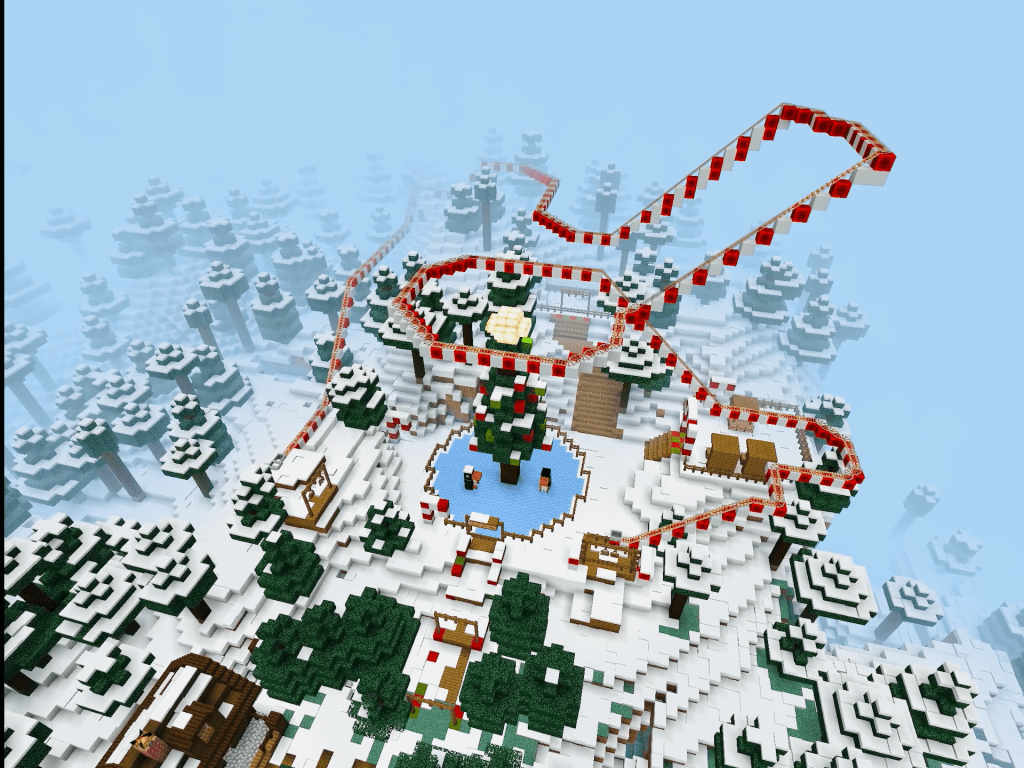
Now that’ve we ran a Christmas Minecraft Build Challenge two years in a row, it might just become an Edinburgh schools tradition. Our build challenges aim to develop learners’ critical thinking, research, teamwork, problem solving, planning, literacy and numeracy skills. Recent challenges have included building moon bases to support human life beyond Earth, designing sustainable…
-
Christmas AR
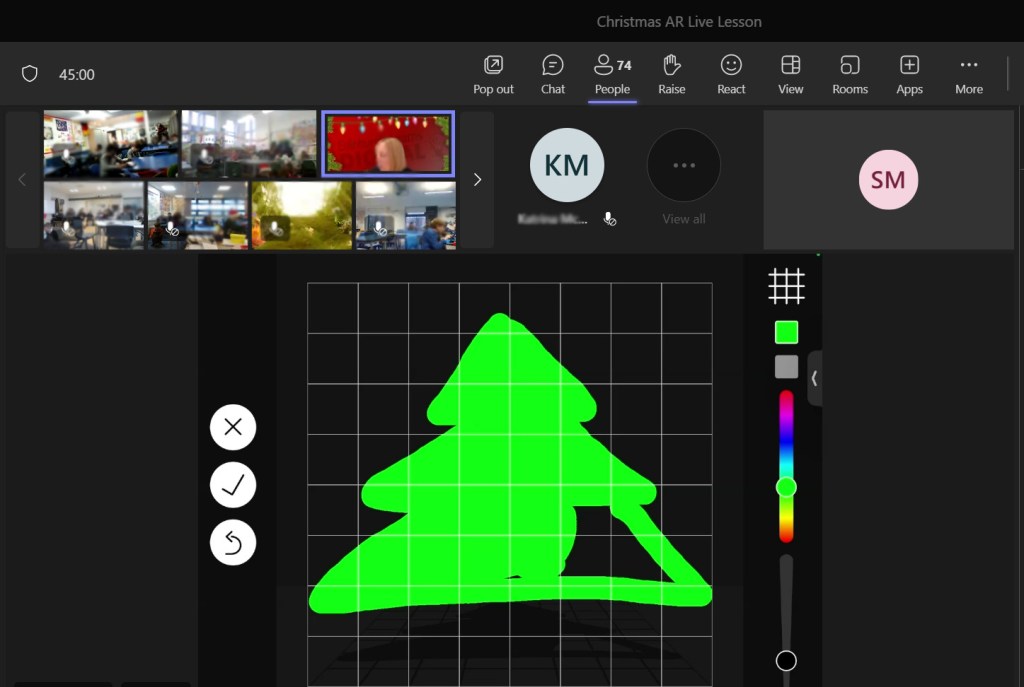
This week we ran a live lesson focusing on learners creating scenes in Augmented Reality (AR). The lesson itself was based on creating a Christmas scene, which was fun to do at this time of year, but the children also learned how to use AR to enhance their learning and support their literacy, numeracy, critical…
-
OneNote Handwriting Tools
The handwriting and drawing tools can support literacy by having handwriting converted into editable text, numeracy through the use of Maths Assistant, and they can offer an alternative input method for all users. This video provides an overview of the tools available in OneNote on iPad. Watch the video.
-
Autumn 2023 Professional Learning

We’ve updated our Professional Learning pages with our list of courses for Autumn 2023. These include sessions on Class Notebook, Minecraft, Shared iPads and more. We also have the return of our ‘App Design for you Community’ live lesson for Primary. Watch our overview video and then head to our professional learning page for further…
-
Screen Recording and Sharing
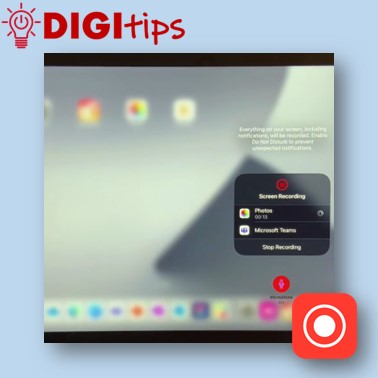
Recording your screen is a great way for teachers to create things such as how-to videos or to record the process of working through a problem, and then make it available to learners to view in their own time. Likewise, students can use screen recording to evidence their learning and because screen recording will also…
-
Discover Digital Wellbeing – Introductory Session

On 22nd March 2023 we are hosting a session to help support schools and teachers with the Digital Schools Award Scotland and to also encourage Digital Wellbeing Award registrations and journeys. The Digital Wellbeing Award (and the associated Digital Wellbeing Framework) has been designed by Digital Schools Award (supported by Scottish Government, Child Protection Unit & Police…
-
Quick Notes
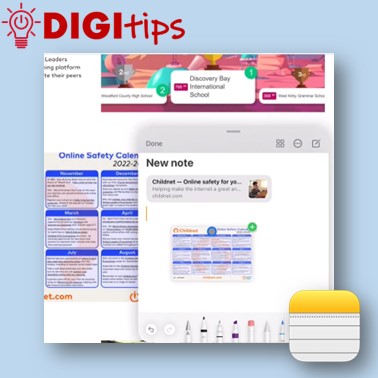
In this video we demonstrate how to use Quick Notes on iPad. You can use Quick Notes to jot down information over any app or screen on iPad. This video explains how to access Quick Notes on iPad, how to create content, and where notes are automatically saved. You have the option to then share…
-
App Design Live Lesson
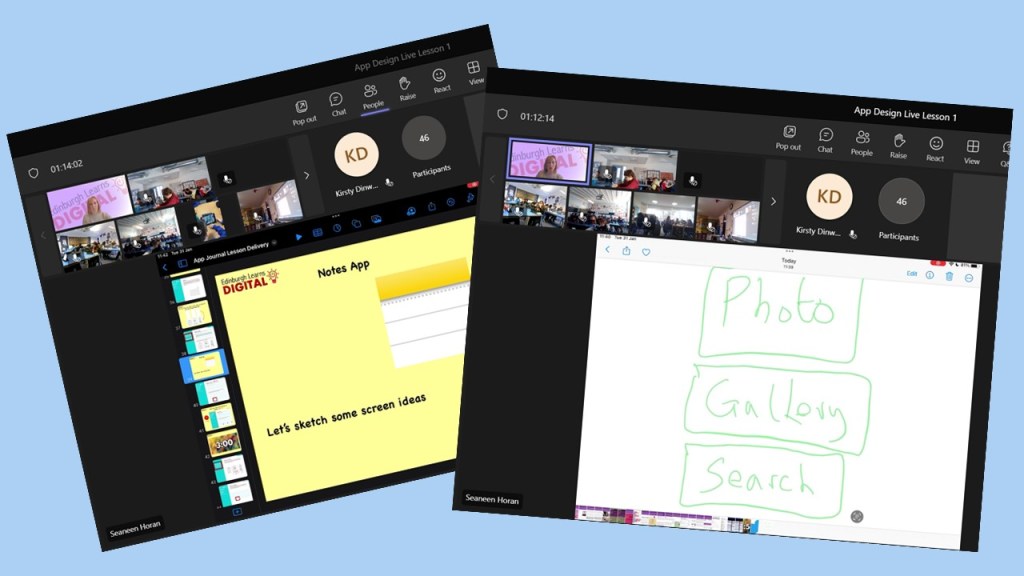
This week, we had the first of our live lessons – App Design for your Community. We were joined by over 40 classes and 1000 pupils to learn about the process of designing an app. It was great to see the classes engaged and thank you to all teachers for supporting your learners to take…
-
Split Screen and Drag ‘n’ Drop
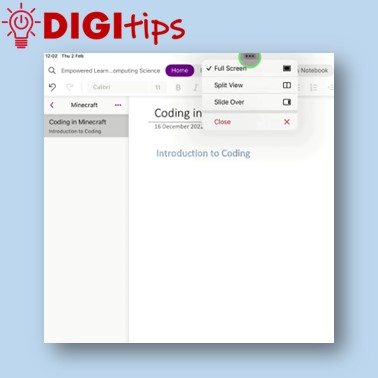
In this video we demonstrate how to use split screen and drag ‘n’ drop to make creating content easier on iPad. Watch the video.
-
Minecraft Christmas Challenge Winners
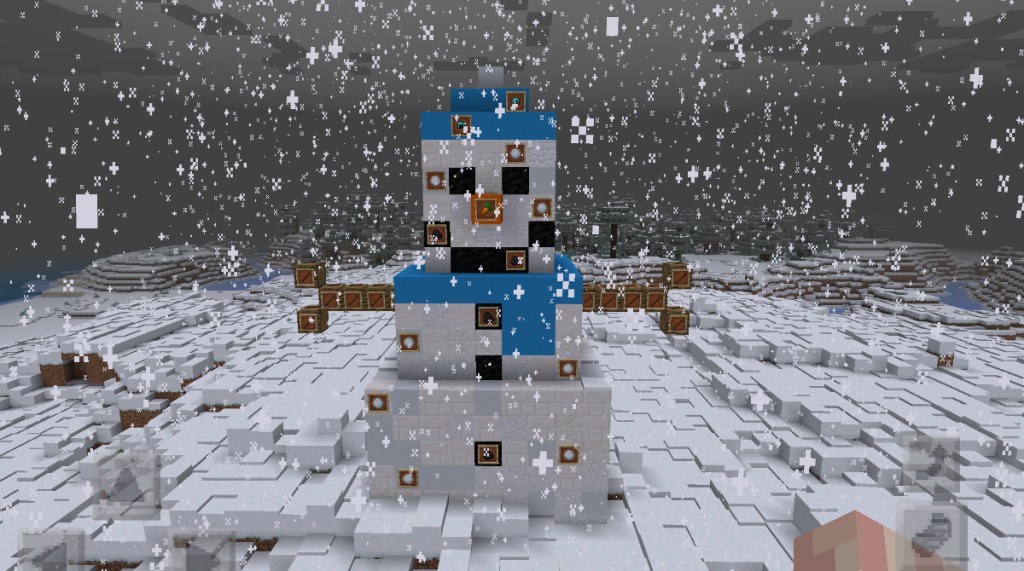
Well done to all Edinburgh schools that took part in our Minecraft Christmas Challenge. We were so impressed with all the fantastic entries. It was a tough job trying to choose the winners but we got there in the end! Well done to our winning schools and their creative Minecraft snow people.
-
Minecraft League Challenge 1 Winners
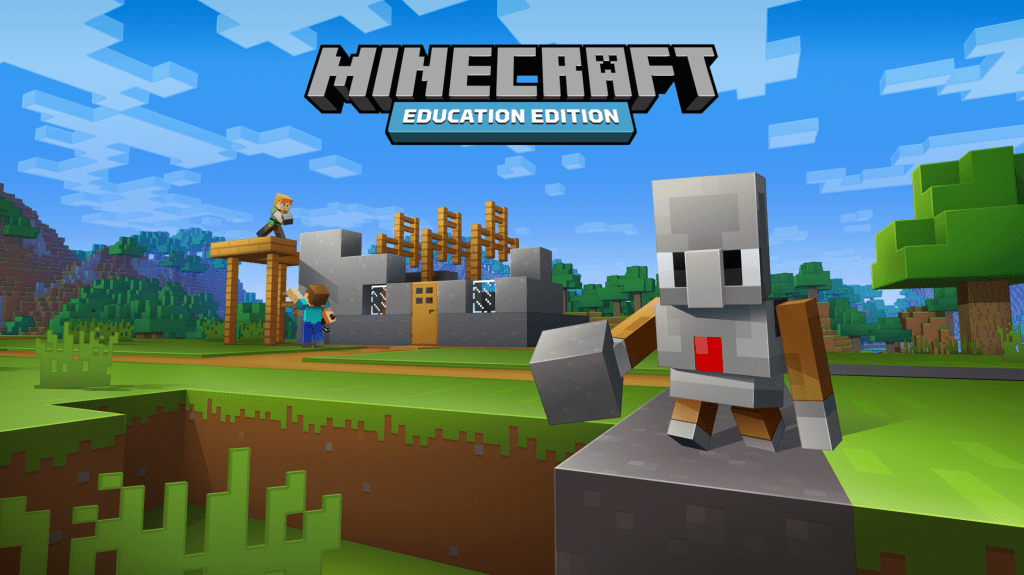
Our first Edinburgh Build League challenge has finished and we’re able to announce our winners. For those that don’t know, the build league is open to all schools in Edinburgh and consists of five build challenges, concluding in May 23. Our first challenge asked learners to consider what it might be like to live on…
 Edinburgh Learns Digital | City of Edinburgh Council