
Author: C Whittle
-
Using Teams Chat & Setting Quiet Hours
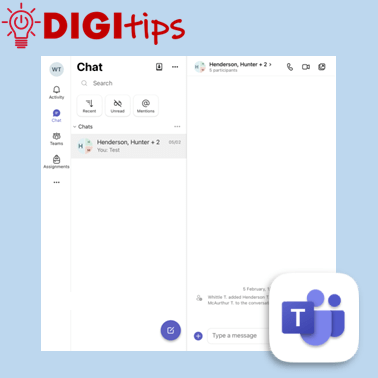
This video explains how staff can use Microsoft Teams to send messages to colleagues, as well as how to set quiet hours across Teams and Outlook. Helpful for staying connected during the working day while also protecting your personal time. We explain how to: Suitable for staff across all settings, and recorded February 2026 on…
-
Making Learning Visible with Custom Sized Media Placeholders
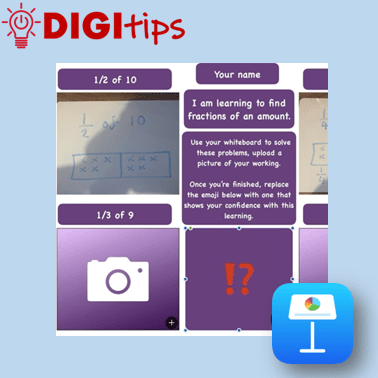
This Digitip explores how media placeholders in Keynote and Pages can be created for simple, child-friendly templates that support learning and pupil voice. You’ll see examples of effective media placeholders in action across maths, reading and literacy, before learning how to design your own custom-sized placeholders using shapes. These templates make it easy for young…
-
AR Elf on the Shelf
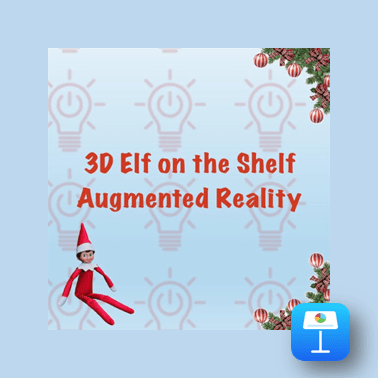
In this Christmas Cracker pupils will use an Augmented Reality scan of an Elf on the Shelf to be creative in Keynote. This is suitable for both Shared and 1:1 devices. Watch the video. Please do feel free to share any of your pupils’ creations with us on this Padlet! Open the Padlet page to share…
-
Teaching and Learning with Minecraft Education – Recording of Online CLPL
What happens when you mix one of the world’s most popular games with the serious business of teaching and learning? You get a training session that’s as fun as it is forward‑thinking. Our recent Teaching and Learning with Minecraft Education CLPL virtually brought together colleagues from across the City of Edinburgh Council to explore how…
-
Minecraft Education Build League Finals Day
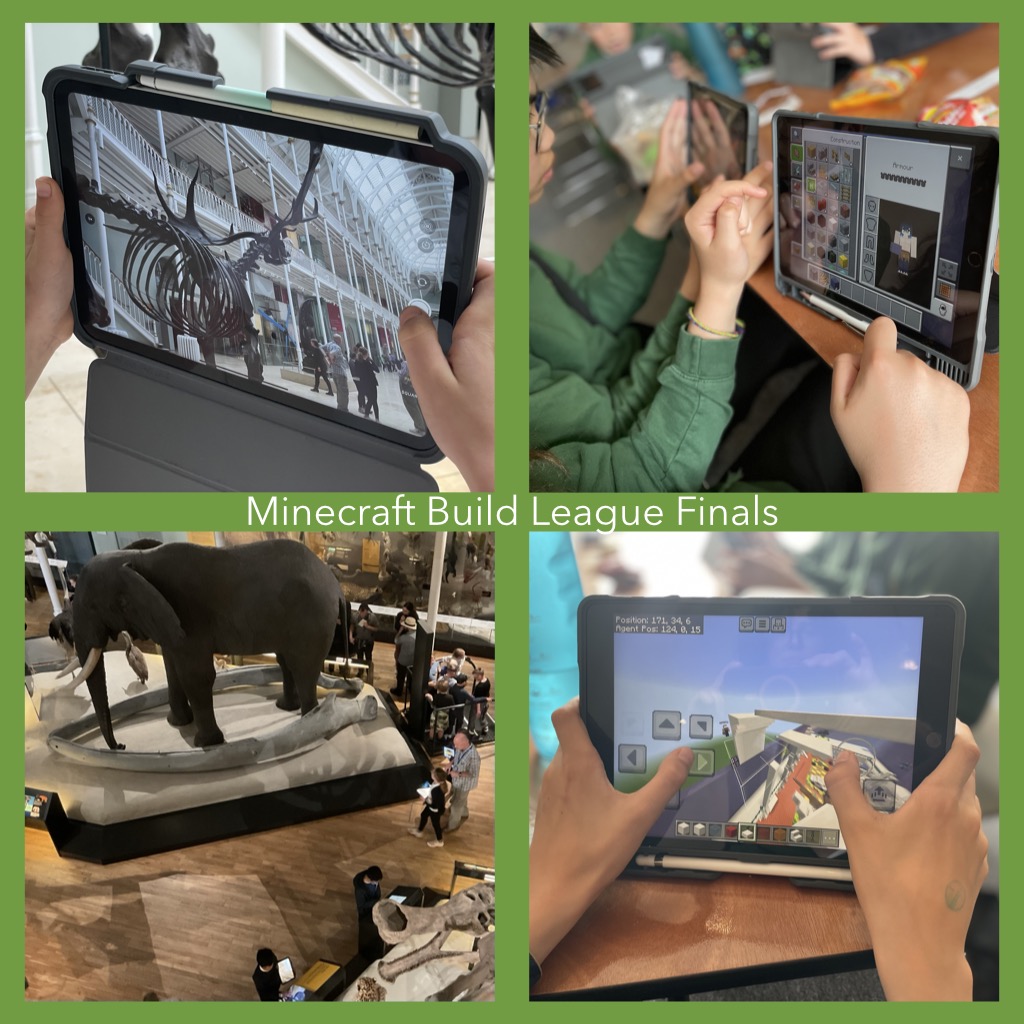
The most wonderful day of the year has arrived, no not the first day of the summer holidays… The Minecraft Education Build League Finals Day! Monday 16th of June 2025 saw twenty-eight young people from seven CEC schools descend on the National Museum of Scotland for an in-person Minecraft challenge like no other. The day…
-
Using the Book & Quill for Writing tasks in Minecraft Education
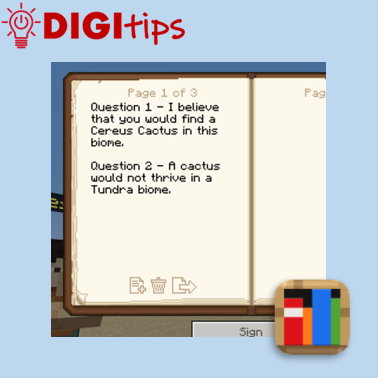
In this Digitip, you will learn how to use the Book & Quill for Writing tasks in Minecraft Education. This creates an immersive writing opportunity for learners to explore a Minecraft Education world or task, which can then be exported to a PDF to save in Files or Class Notebook. Recorded on iOS 18.4.1 Watch…
-
Using the Apple Shortcuts app to create custom app icons for your Keynote files
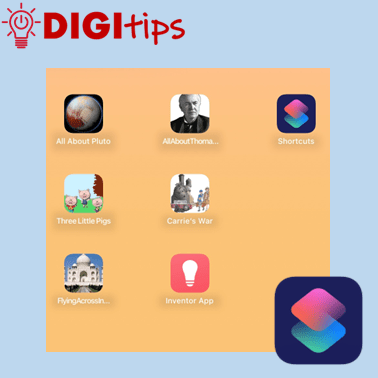
Unlock the Power of Apple Shortcuts! Learn how to create custom app icons for your Keynote files in just a few simple steps. You may know that you can personalise your iOS home screen, but this guide will show you how to create easy access to completed projects, allowing both learners and staff to showcase…
-
Creating a Quick Links Toolbox in OneNote & Saving Websites to the Home Screen
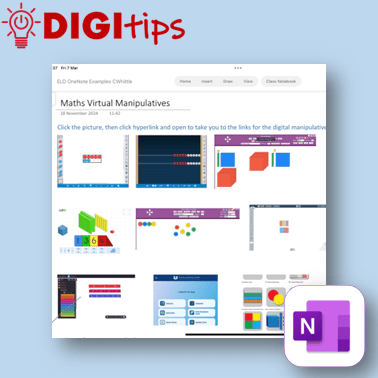
In this digitip, learn how to create a quick-access page of resource links in OneNote/Class Notebook for your learners. This step-by-step guide shows you how to take screenshots of websites, insert them into OneNote, and add hyperlinks—making it easy for learners to access key tools anytime from the Content Library. The example uses virtual maths…
-
Copy Printed Text to Immersive Reader with the Camera App
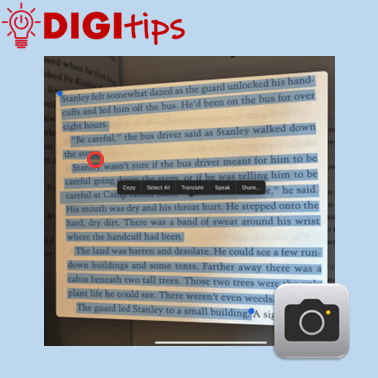
This Digitip shows you how to use the Camera app to copy printed text into Immersive Reader In this quick video, you’ll learn how to use the Camera app’s Live Text feature to copy printed text into Immersive Reader. This is a powerful tool for making text more accessible by converting printed or handwritten words…
-
We Wish You a Merry Christmas on micro:bit
In this Christmas Cracker, you will learn how to code a micro:bit to play the festive tune, “We Wish You a Merry Christmas” on your iPad. This is compatible with both 1:1 and Shared iPads and will require a micro:bit. Watch the video Christmas Crackers Resources
-
Creating Podcasts with GarageBand
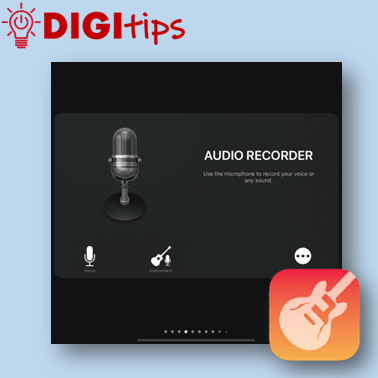
This Digitip shows you how to use GarageBand to create Podcasts. In this quick video, you’ll learn how to change GarageBand settings to start creating podcasts with your learners. Whether you’re new to GarageBand or just need a refresher, this is your starting point for using podcasts to support teaching, learning and assessment in your…
-
Adding a Shared Admin Calendar to Outlook (iPad & PC)
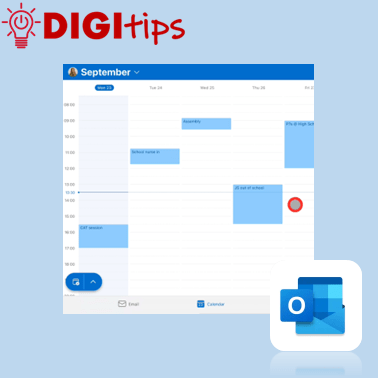
This Digitip explains how to add your school’s admin calendar to your own Outlook app. A helpful approach to reduce printing, have a live up-to-date calendar, and support good communication across a school. Watch the video
 Edinburgh Learns Digital | City of Edinburgh Council