
Category: Christmas Crackers
-
Christmas Tree Close-Up in Sketchbook
In this Christmas Cracker, pupils will learn how to create a festive scene looking through the branches of a Christmas Tree, finding (and making!) the right tools for the job. Watch the video. Choose your baubles here (long press and tap ‘download’): Please do feel free to share any creations with us on this Padlet!
-
AR Elf on the Shelf
In this Christmas Cracker pupils will use an Augmented Reality scan of an Elf on the Shelf to be creative in Keynote. This is suitable for both Shared and 1:1 devices. Watch the video. Please do feel free to share any of your pupils’ creations with us on this Padlet! Open the Padlet page to share…
-
Christmas Cracker – Drawing Santa in Keynote
In this Christmas Cracker, we’ll use the geometric shapes in Keynote to create a picture of Santa. This video shows you the steps of manipulating the built in shapes as well as using the fill tool to make a picture of Santa. Watch the video Please do feel free to share any of your pupils’…
-
Christmas Jumper Generator
Watch the video. In this Christmas Cracker we’re using Scratch to create a Christmas jumper generator. Just go to https://scratch.mit.edu and tap Create or sign-up your class. The coding guide is included with the final code, and there’s also a QR code to take your students directly to the Scratch website. Please do feel free to…
-
Merry Christmas Everyone
In this Christmas Cracker pupils will learn how to create a version of the Shakin’ Stevens hit ‘Merry Christmas Everyone’ in GarageBand. Watch the video. There are additional resources to support you and your learners completing this Christmas Cracker, you can download it by clicking the link below. Merry Christmas Everyone – Pages file Download…
-
Animating Fairy Lights
In this Christmas Cracker pupils will learn how to use the drawing tools in Keynote and create an animation effect. Watch the video. Please do feel free to share any of your pupils’ creations with us on this Padlet!
-
Christmas Cracker: Pixel Pictures
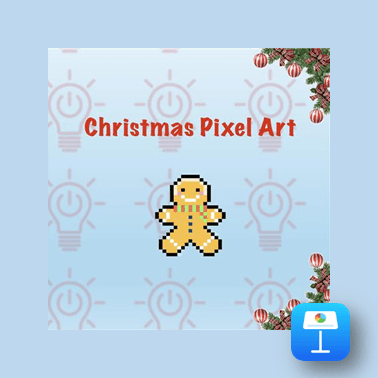
In this Christmas Cracker, we’ll use tables in Keynote to create Christmas pixel pictures This video shows you the steps of changing colours in table cells to create a pixel image. Additionally it will discuss the navigation of A1 Spreadsheet cell notation where instructions can be followed to create different images. Watch the video Resources…
-
Digital Advent Calendars
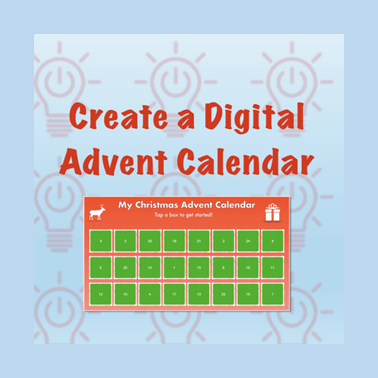
In this Christmas Cracker pupils will learn how to use a variety of Keynote functions including: links, animations, shapes, formatting tools, and more. Learners have the opportunity to create their own digital advent calendar. The video example looks at creating one with twenty-four days, but learners can make smaller countdowns. Watch the video. Please do…
-
Christmas Star Collector – Scratch Game

In this Christmas Cracker, we use Scratch to create a Christmas themed Scratch game. Can you help the snowman to collect all of the stars before being caught by the goblin? This video walks through the steps involved to create the game from adding sprites to coding them. The code guide provided below can be…
-
Christmas Scratch & Reveal
In this Christmas Cracker, we’ll use Keynote to create a Christmas scratch & reveal game. This video shows you the steps of creating your game using all the shapes and drawing tools including layering the images so that you can play a game to reveal Santa. Watch the video Christmas Cracker Resources View all Christmas…
-
Xmas Animation
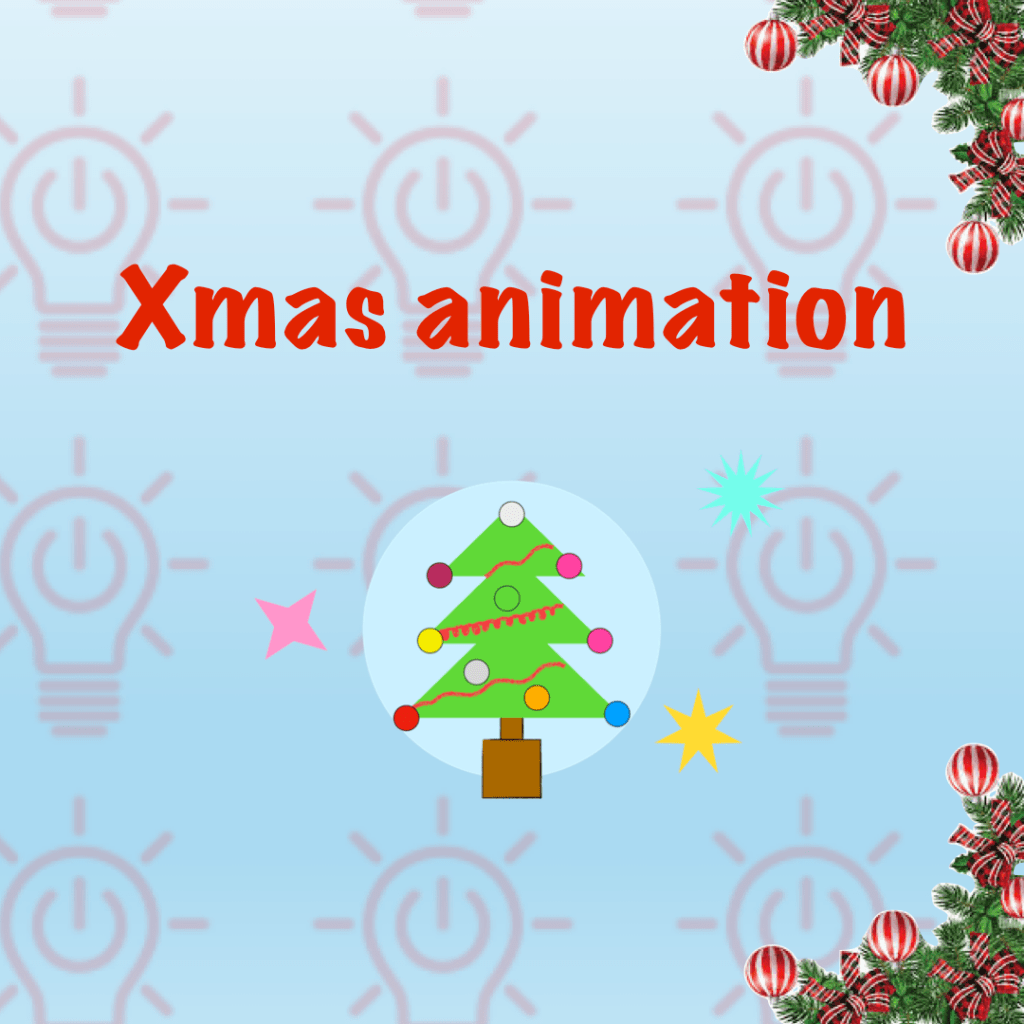
In this Christmas Cracker, we’ll use Keynote to create a christmas tree animation. This video shows you the steps of creating your tree using all the shapes and drawing tools then creating a frame by frame animation with duplication and editing. Finish your animation off by exporting it as a GIF you can share. Watch…
-
We Wish You a Merry Christmas on micro:bit

In this Christmas Cracker, you will learn how to code a micro:bit to play the festive tune, “We Wish You a Merry Christmas” on your iPad. This is compatible with both 1:1 and Shared iPads and will require a micro:bit. Watch the video Christmas Crackers Resources
-
Symmetry Snowflakes on Sketchbook
In this Christmas Cracker, you will learn how to use the symmetry tool in the Sketchbook app to create beautifully intricate snowflake drawings. Each and every one unique! Watch the video
-
Jingle Bells
In this Christmas Cracker pupils will learn how to create the Christmas classic Jingle Bells with GarageBand. The video goes through the instructions step by step but there are additional resources on this Pages document that might help, you can also tap the picture below to download the document. Watch the video.
-
Create a Festive Quiz

In this Christmas Cracker pupils will learn how to use Keynote to create an interactive festive quiz using links and animations. Learners may want to prepare around ten multiple choice questions and answers or work in small groups to do so. You can find some of the additional resources here, however, learners are welcome to…
-
Christmas Around the World
In this Christmas Cracker pupils will learn how to use the more advanced animation tools in Keynote. Watch the video.
 Edinburgh Learns Digital | City of Edinburgh Council