
Category: CLPL
-
Teaching and Learning with Minecraft Education – Recording of Online CLPL

What happens when you mix one of the world’s most popular games with the serious business of teaching and learning? You get a training session that’s as fun as it is forward‑thinking. Our recent Teaching and Learning with Minecraft Education CLPL virtually brought together colleagues from across the City of Edinburgh Council to explore how…
-
Exit tickets using OneNote
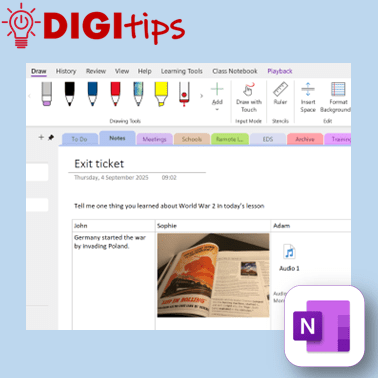
In this Digitip, you will learn how to create exit tickets in OneNote. OneNote has many options for creating exit tickets as well as options for how pupils can input their answers. In this video we have a look at the different ideas and how they can be used in class. Recorded on iOS Watch…
-
Using Microsoft Reflect via a Browser
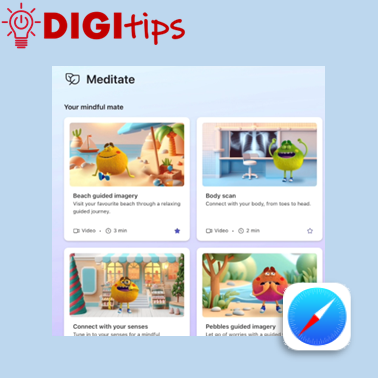
In this Digitip, you will learn how to access the tools of Microsoft Reflect through the browser. This makes it ideal for younger learners who can still take part in Reflect check-ins by scanning a QR code instead of having to sign-in to Teams. The Digitip also explores how you can access all the Mindfulness…
-
Create, Rename and Save a QR using Shortcuts
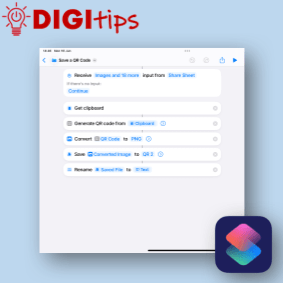
I don’t know about you but when I create a QR code it is only every used once because I can’t rename it. This QR code generator using Apple Shortcuts, allows you to write a short script that creates a QR code from the clipboard or runs from the share sheet in Safari. It will…
-
Saving Webpages as PDFs
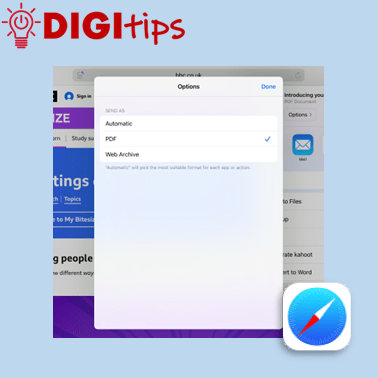
In this Digitip, you will learn how to save webpages as PDFs. This makes it a useful tool in building a bank of study material which you can save to your OneDrive, Class Notebook or Files app. Recorded on iOS 18.4.1 Watch the video.
-
Scanning Text into your Notes App
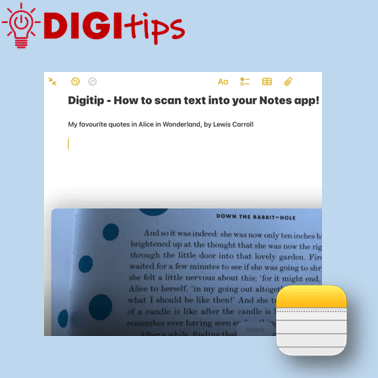
In this Digitip, you will learn how to scan text directly into your Notes app. This feature works with both handwriting and print. One scanned, you can then take advantage of any in-built accessibility features you have already set up on your iPad! Recorded on iOS 18.2.3 Watch the video
-
Patterns in History: From Past to Present
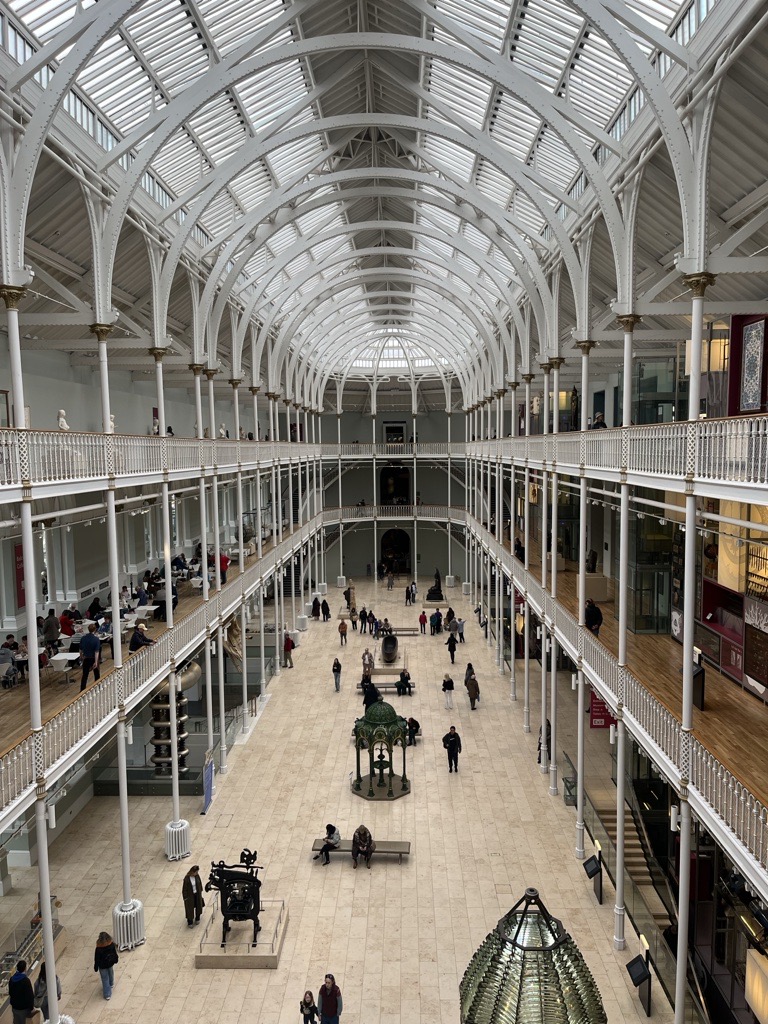
Along with providing CLPL for our teachers in the form of Live Lessons, our team here at Edinburgh Learns Digital like to make connections with local places that our young people can explore for free in their own time. Last week saw the beginnings of a new friendship with the National Museum of Scotland. They…
-
Christmas AR
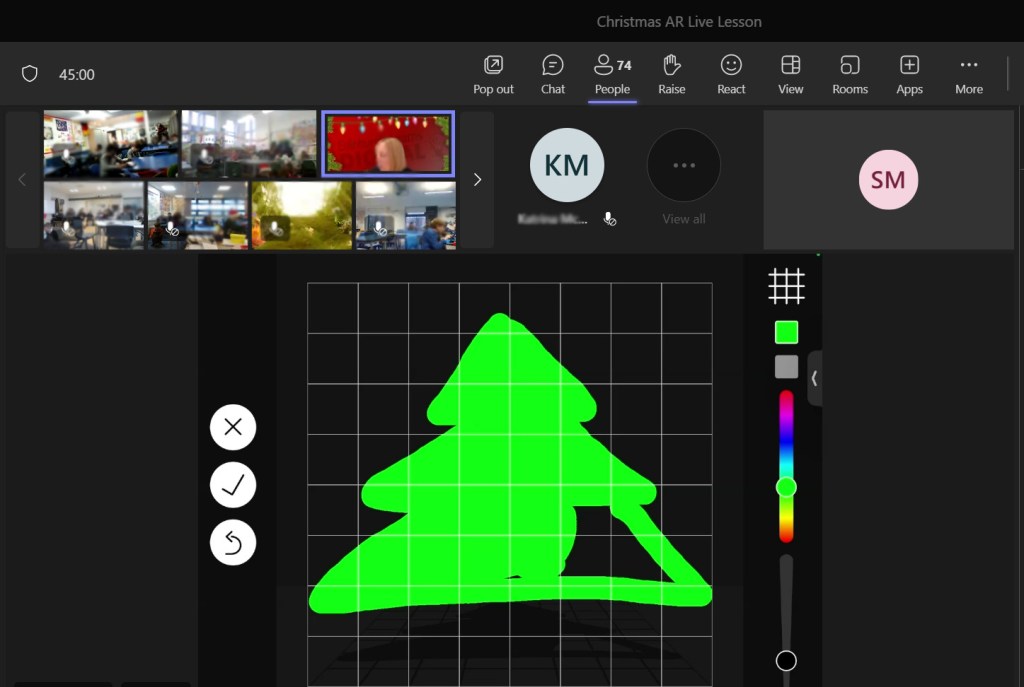
This week we ran a live lesson focusing on learners creating scenes in Augmented Reality (AR). The lesson itself was based on creating a Christmas scene, which was fun to do at this time of year, but the children also learned how to use AR to enhance their learning and support their literacy, numeracy, critical…
-
Autumn 2023 Professional Learning

We’ve updated our Professional Learning pages with our list of courses for Autumn 2023. These include sessions on Class Notebook, Minecraft, Shared iPads and more. We also have the return of our ‘App Design for you Community’ live lesson for Primary. Watch our overview video and then head to our professional learning page for further…
-
Discover Digital Wellbeing – Introductory Session

On 22nd March 2023 we are hosting a session to help support schools and teachers with the Digital Schools Award Scotland and to also encourage Digital Wellbeing Award registrations and journeys. The Digital Wellbeing Award (and the associated Digital Wellbeing Framework) has been designed by Digital Schools Award (supported by Scottish Government, Child Protection Unit & Police…
 Edinburgh Learns Digital | City of Edinburgh Council