-
Using the Photo Editing Tools on Your iPad

This Digitip will show you how to use the various photo editing features that are available on your iPad. This is a useful function for making photos stand out, cropping and focussing on key elements, and enhancing creativity. Watch the video
-
Changing text size on your iPad
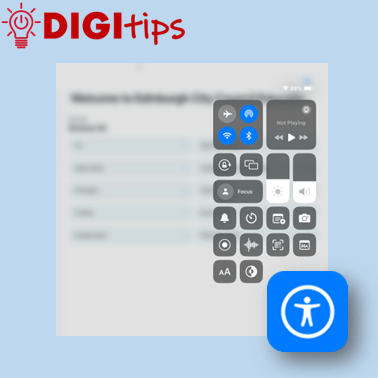
This Digitip will show you how to quickly change dynamic text and bold menu texts on your iPad. A really useful function for many users. Watch the video
-
Syncing your online folders to your PC
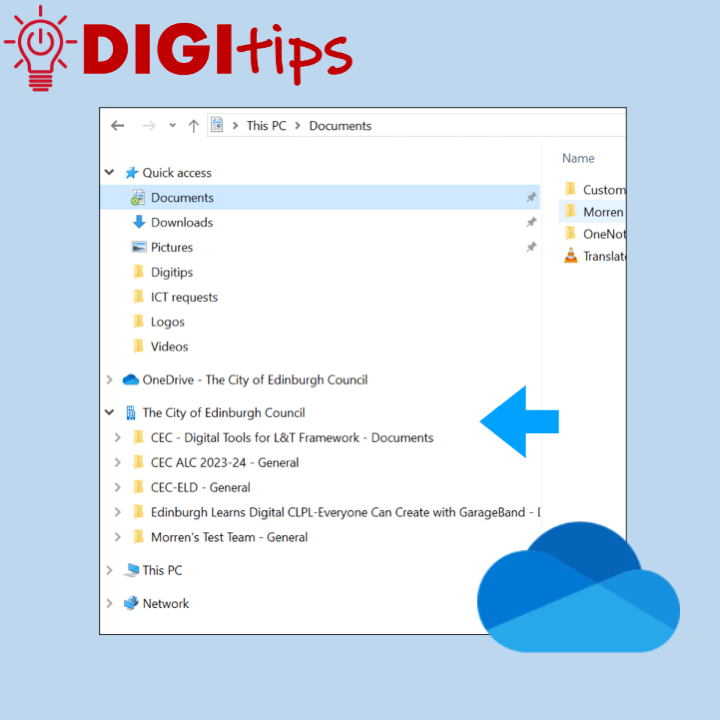
This Digitip looks at helping you streamline your workflow by syncing online Sharepoint or teams folders directly to your PC. OneNote is a great tool that will allow you to access all of your content and documents on any device. If you are using a laptop you can speed up access to all of your…
-
Using Safari’s Built-In Reader Tools

This Digitip looks at using the built-in accessibility functions found in Apple’s Safari web-browser. The Reader tool is a fantastic way to streamline a web page and focus on essential content. This gives learners the option to personalise with features including changing font size, page colour and font. This feature is also a useful way…
-
Add Background Sounds to your iPad
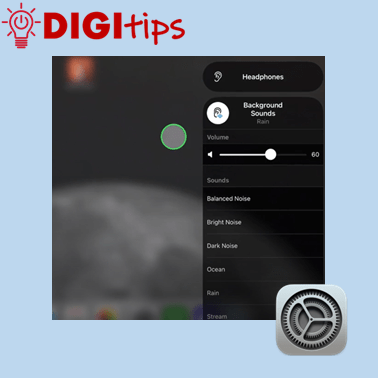
This Digitip will show you how to add background sounds to your control centre on your iPad, giving you options of white noise, ocean sounds and more. You may find it useful to use if you have to concentrate on a piece of work for a long period of time. Watch the video
-
Voiceover and subtitles in Clips
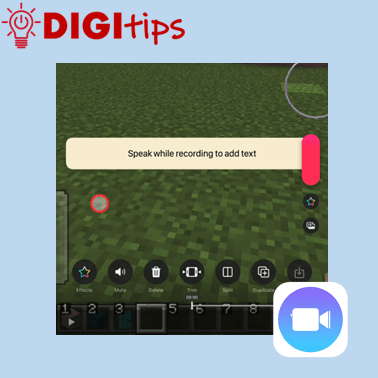
This Digitip will show you how put a voiceover and subtitles on an image or video using Clips A great tool for learners to show and explain their learning. Watch the video
-
Celebrating Eurovision with Apple’s Numbers: Live Lesson
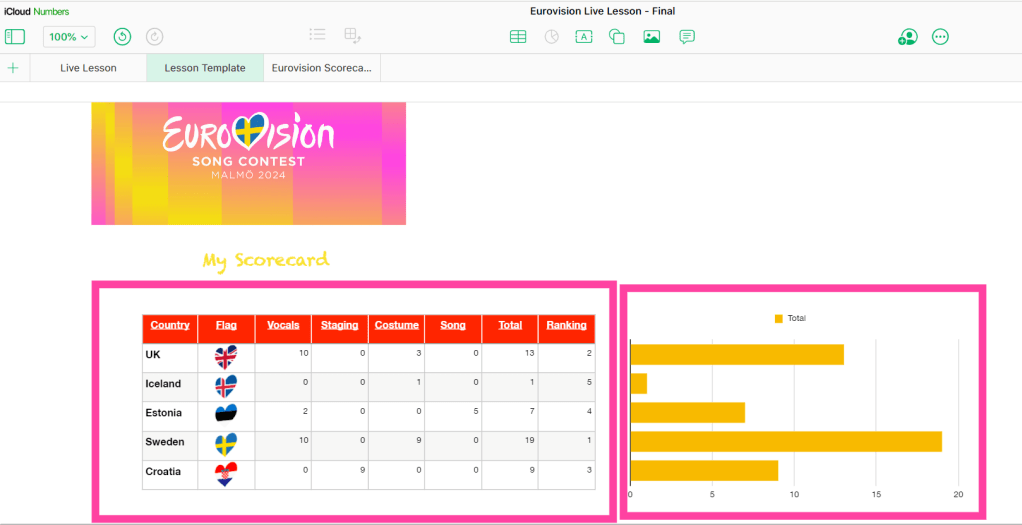
Calling all Spacemen, Divas and Heroes! Eurovision season is upon us with Swedish city of Malmö hosting after Loreen stormed to victory in Liverpool in 2023. The excitement has travelled as far as Edinburgh with learners in our primary schools getting involved in the musical buzz that the annual song contest brings. Learners in our…
-
Spring with Sketchbook: The Winners!
Some might argue that Spring is yet to appear here in Edinburgh (come on now, sun!), but worry not, our ‘Spring with Sketchbook’ Live Lesson has brought the sunshine! You can read more about the lessons here and if you would like to see self-submitted drawings made by our young participants in lesson 1, we…
-
Using timers on your iPad

This Digitip will show you how to make timers quickly on your iPad. A great tool for in the classroom or in personal planning. Watch the video
-
Using the Drag and Drop Feature to Take Notes

Use the iPad’s drag and drop features to quickly take notes between Safari and numerous word processing apps. This is a great way to quickly take notes when completing a research task. Learners can select and hold onto any content that it is useful and then navigate to their favourite notetaking app to record the…
-
Use Keynote and iMovie to create an X-ray machine – Part two
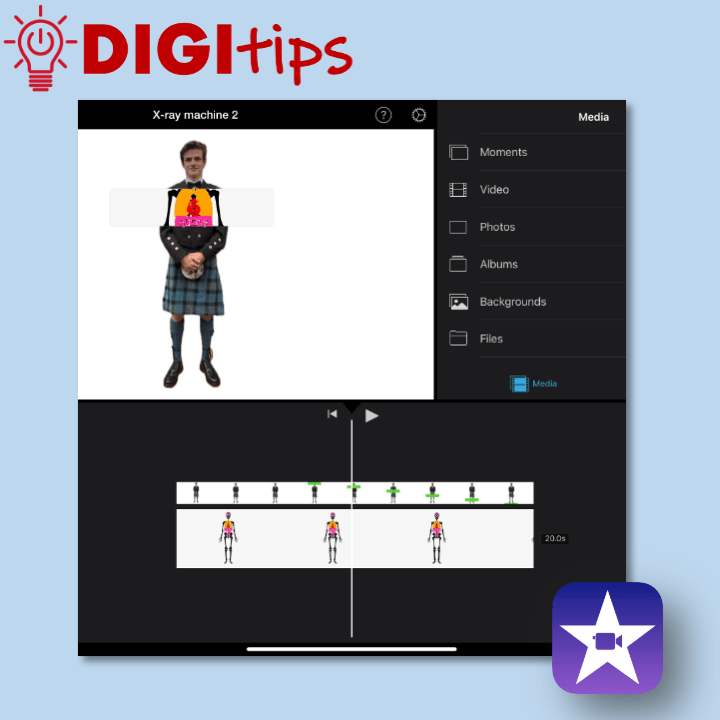
This is a great way to use green screen effects without having access to a green screen. What interesting ideas could you use this technique to show? This is part two of a two part Digitip: X-ray machine – iMovie Watch the video
-
Use Keynote and iMovie to create an X-ray machine – Part one
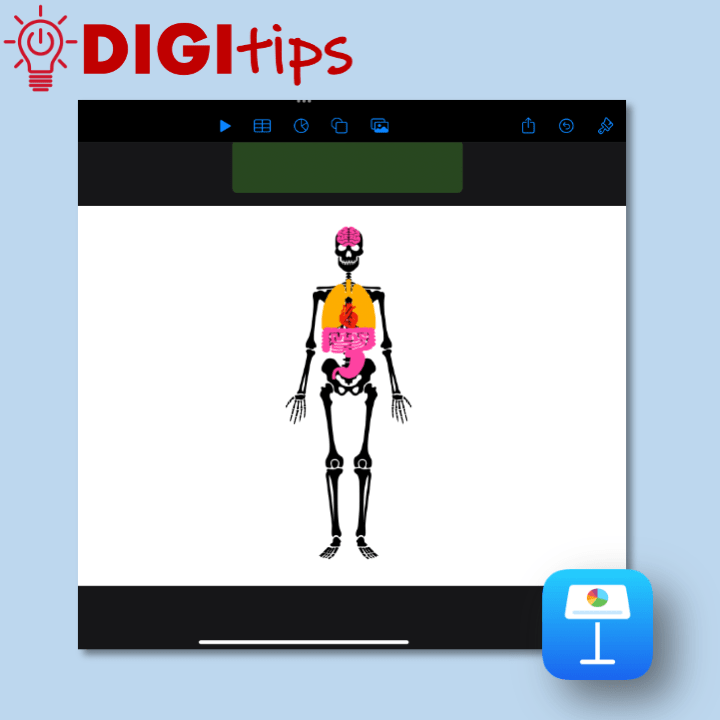
This is a great way to use green screen effects without having access to a green screen. What interesting ideas could you use this technique to show? This is part one of a two part Digitip: X-ray machine – Keynote Watch the video
-
Add live video to your Keynote Presentation

Create and share a presentation with added live video. This video shows you how to use the Live Video feature in Apple Keynote. This could be great for teachers to create help videos or for students to use when presenting to the class. Watch the video
-
Spring with Sketchbook: Live Lesson

To coincide with the day Spring finally arrived in Scotland, the team at Edinburgh Learns Digital were streamed live into classrooms across the city, supporting over 1200 Primary school pupils to creatively use the Sketchbook app to connect with nature, exploring stylised drawing and using technology to support them. Spring with Sketchbook consisted of two…
-
Use the Present feature on Microsoft Forms
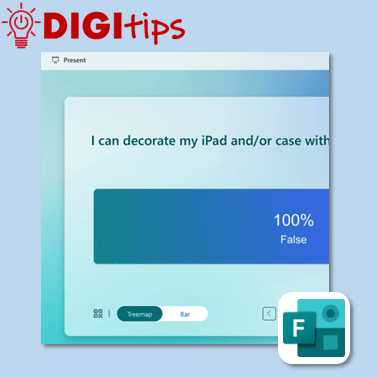
Share Microsoft Form or Quiz results with your class in a visual and engaging way. This video shows you how to use the Present feature in Microsoft forms, allowing for an engaging way to give feedback and clarity to the topic. Watch the video
-
Burns Goes Digital Live Lesson
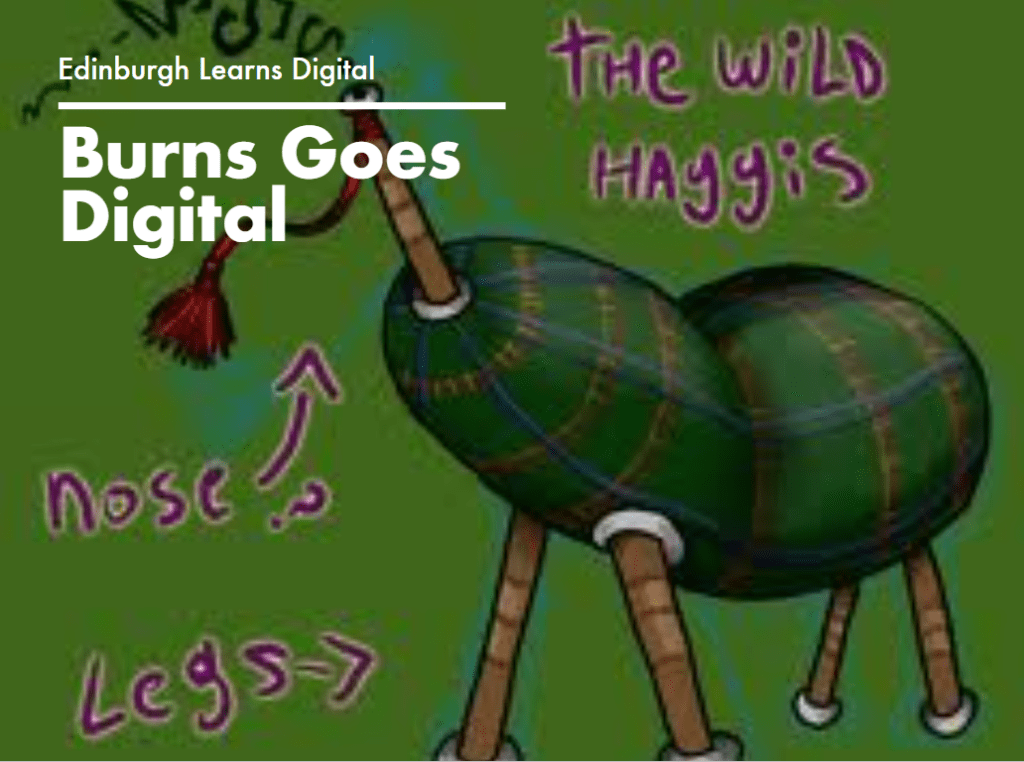
This month we celebrated Burns Night with a series of digital live lessons centred on using apps such as Pages, Keynote and GarageBand. Learners had the chance to create some original Scots poetry, a piece of Scots music, and pair this with a moving haggis animation. Teachers were welcomed to an information session where the…
-
Annotate a PDF in Teams assignments
Create an assignment in which pupils can annotate on top of a PDF. This video shows you how to create an assignment that allows pupils to ‘edit’ a PDF and allows teachers to give annotated feedback. Watch the video
-
Creating an infographic using Keynote

Create an infographic in Keynote using the shape, text and animate tools. This video shows you how to create an infographic in Keynote. An infographic is a visual representation of data and information that can be used for learners to showcase their knowledge and understanding of a specific topic. The video explores how to deconstruct…
-
Toggle Colour Filter to create a digital overlay
Create a digital overlay for your iPad that you can turn on and off as you please. This video shows you how to turn on the Colour Filter inside Accessibility settings of your iPad and utilise the Accessibility shortcut to toggle the filter on and off. Watch the video
-
Creating a check-in using Microsoft Teams Reflect

Create health and wellbeing check-ins for your class using the Reflect feature on Microsoft Teams. This video also explores how to use the health and wellbeing/mindfulness features available through Reflect. Watch the video

 Edinburgh Learns Digital | City of Edinburgh Council