-
Quick Notes
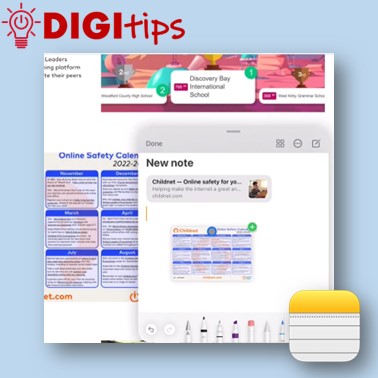
In this video we demonstrate how to use Quick Notes on iPad. You can use Quick Notes to jot down information over any app or screen on iPad. This video explains how to access Quick Notes on iPad, how to create content, and where notes are automatically saved. You have the option to then share…
-
App Design Live Lesson
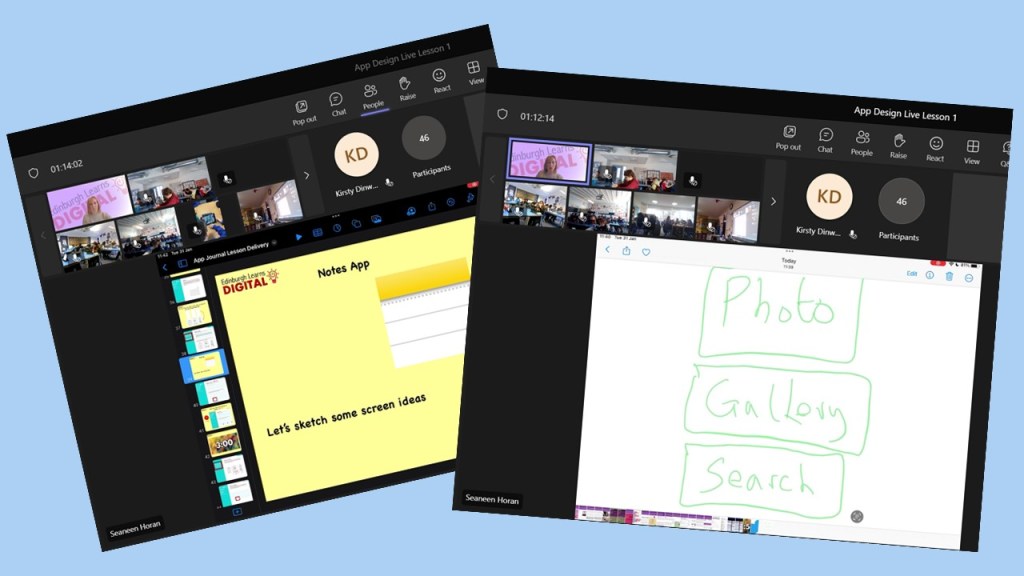
This week, we had the first of our live lessons – App Design for your Community. We were joined by over 40 classes and 1000 pupils to learn about the process of designing an app. It was great to see the classes engaged and thank you to all teachers for supporting your learners to take…
-
Split Screen and Drag ‘n’ Drop
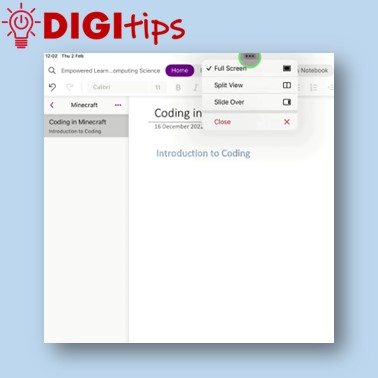
In this video we demonstrate how to use split screen and drag ‘n’ drop to make creating content easier on iPad. Watch the video.
-
Take and edit a screenshot
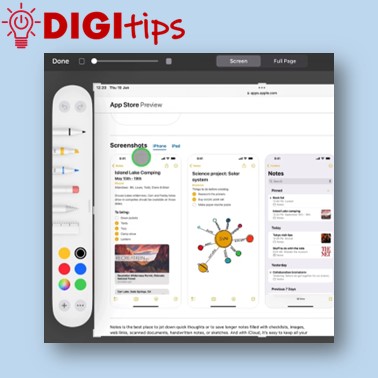
Here’s a short video showing you how to quickly take a screenshot with the flick of a finger and then edit the image. Watch the video.
-
Add Bookmark to Home Screen
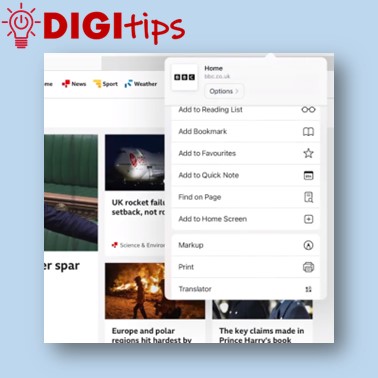
Here’s a short video showing you how to add a website bookmark icon to your iPad’s Home Screen. Watch the video.
-
Minecraft Christmas Challenge Winners
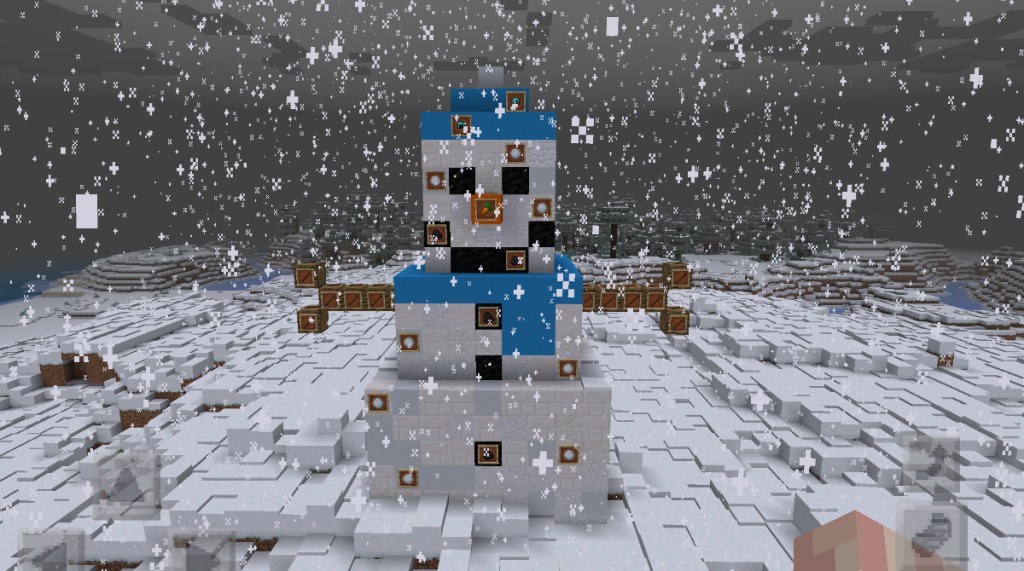
Well done to all Edinburgh schools that took part in our Minecraft Christmas Challenge. We were so impressed with all the fantastic entries. It was a tough job trying to choose the winners but we got there in the end! Well done to our winning schools and their creative Minecraft snow people.
-
Minecraft League Challenge 1 Winners
Our first Edinburgh Build League challenge has finished and we’re able to announce our winners. For those that don’t know, the build league is open to all schools in Edinburgh and consists of five build challenges, concluding in May 23. Our first challenge asked learners to consider what it might be like to live on…

 Edinburgh Learns Digital | City of Edinburgh Council