
Tag: Digi-Teacher
-
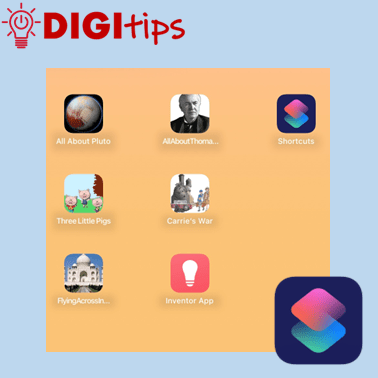
Using the Apple Shortcuts app to create custom app icons for your Keynote files
Read more: Using the Apple Shortcuts app to create custom app icons for your Keynote filesUnlock the Power of Apple Shortcuts! Learn how to create custom app icons for your Keynote files in just a few simple steps. You may know that you can personalise your iOS home screen, but this guide will show you how to create easy access to completed projects, allowing both learners and staff to showcase…
-
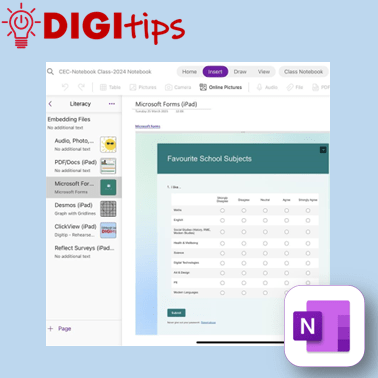
Embedding Media in OneNote
Read more: Embedding Media in OneNoteA quick and easy Digitip, demonstrating the different types of material that you can embed in your Class Notebook pages. You may be aware that you can add photos, audio, and documents – but OneNote has compatibility with a host of different types of embeddable media. This shows you how to embed content via the…
-
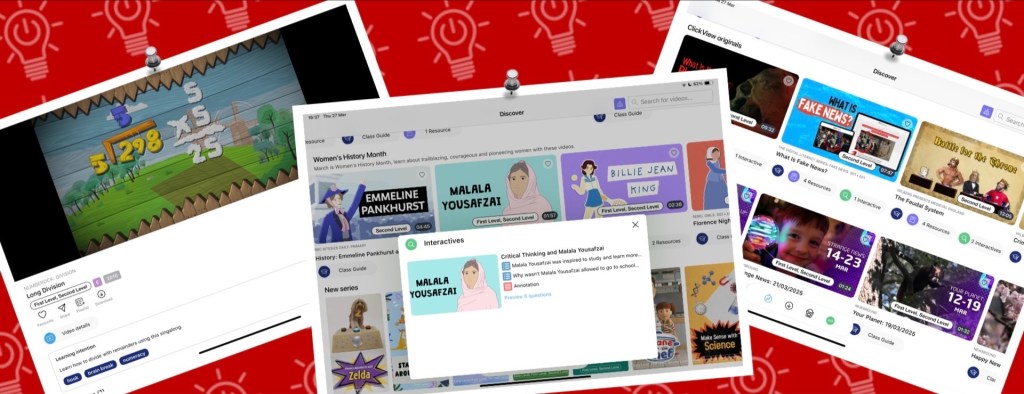
Online Skill Course: Enhancing Teaching & Learning with ClickView
Read more: Online Skill Course: Enhancing Teaching & Learning with ClickViewClickView offers a range of features to enhance teaching and learning in our classrooms, whether by supporting learners with engaging, specially curated pre-made video content, hosting our own educational videos, or assessing understanding through interactive quizzes. Through the iPad app or a web browser, ClickView is a secure and ad-free resource that can seamlessly be…
-
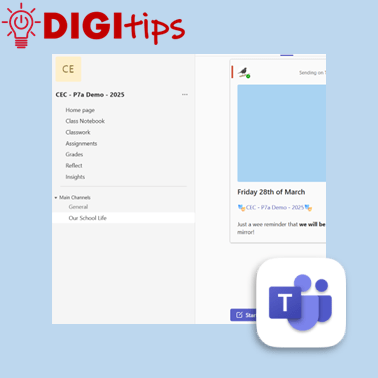
Schedule Posts on Teams
Read more: Schedule Posts on TeamsAnother quick and easy Digitip, demonstrating how to schedule a post on your staff or class Team. This feature means that you can plan ahead, scheduling a post ahead of time and freeing up your headspace for something else! Find this feature on the desktop/laptop app or through the browser. Watch the video
-
Creating custom shapes in Keynote
Read more: Creating custom shapes in KeynoteIn this digitip, learn how to create custom shapes in Keynote and add them to your own shapes library. This step-by-step guide shows you how to create your own custom shapes, save them to your shapes library and then use them in a presentation. Once you have done this in Keynote you can do the…
-
Creating a Quick Links Toolbox in OneNote & Saving Websites to the Home Screen
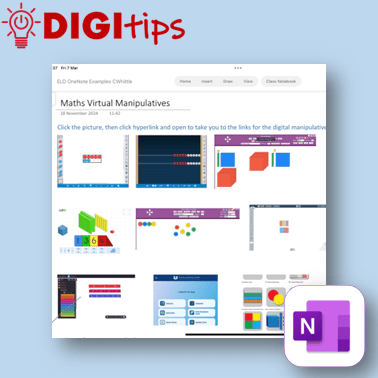
Read more: Creating a Quick Links Toolbox in OneNote & Saving Websites to the Home ScreenIn this digitip, learn how to create a quick-access page of resource links in OneNote/Class Notebook for your learners. This step-by-step guide shows you how to take screenshots of websites, insert them into OneNote, and add hyperlinks—making it easy for learners to access key tools anytime from the Content Library. The example uses virtual maths…
-
Rehearse with Coach on PowerPoint
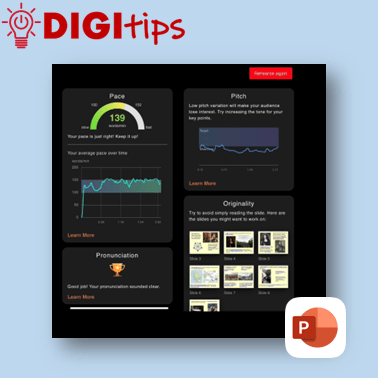
Read more: Rehearse with Coach on PowerPointA quick and easy Digitip, demonstrating how to use the ‘Rehearse with Coach’ feature available through PowerPoint on the iPad. This is a handy feature that gives learners direct specific feedback about their delivery of content through PowerPoint. This can support learners when preparing for class talks or sharing their learning, giving them handy prompts…
-
Tab Groups on Safari
Read more: Tab Groups on SafariA quick and easy Digitip, demonstrating how to organise websites into Tab Groups on Safari. Tab Groups are folders that keep tabs (open websites) all in one place, making them easier to find again later. This is a simple way to group together sites to then share with learners or with your staff team. Recorded…
-
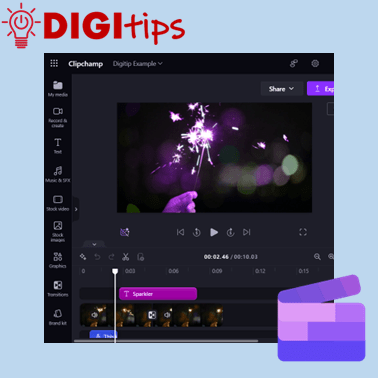
ClipChamp on M365
Read more: ClipChamp on M365This Digitip will show you how access and use the video editor ClipChamp on Microsoft 365. This video tool replaces the now depreciated Video Editor in Windows. ClipChamp is available for desktop users through Microsoft 365. Watch the video
-
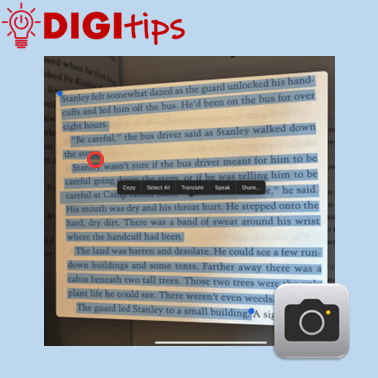
Copy Printed Text to Immersive Reader with the Camera App
Read more: Copy Printed Text to Immersive Reader with the Camera AppThis Digitip shows you how to use the Camera app to copy printed text into Immersive Reader In this quick video, you’ll learn how to use the Camera app’s Live Text feature to copy printed text into Immersive Reader. This is a powerful tool for making text more accessible by converting printed or handwritten words…
-
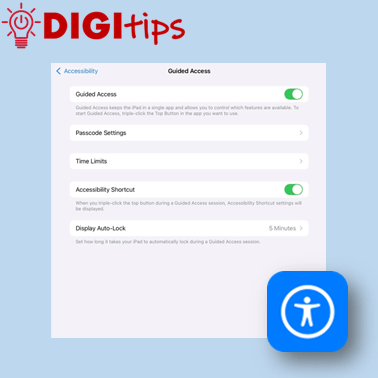
Using Guided Access Mode
Read more: Using Guided Access ModeThis Digitip shows you how to use Guided Access mode on the iPads. In this quick video, you’ll learn how to set up Guided Access mode. This is a powerful tool for keeping learners focussed by locking them into a specific app. This can be personalised and set up in a way that allows you…
-
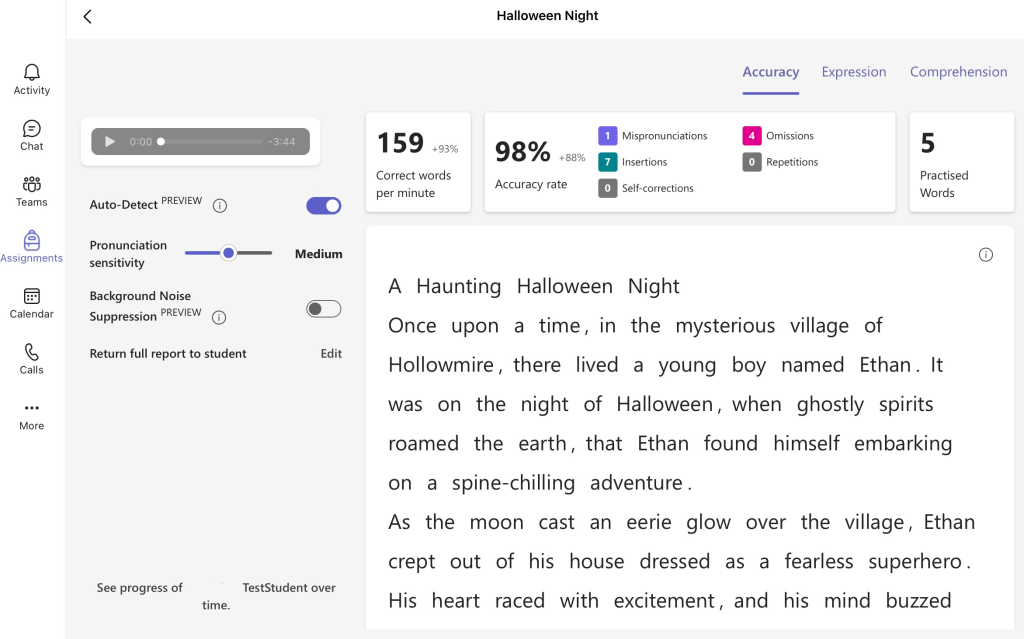
Online Skill Courses: Microsoft’s Learning Accelerators
Read more: Online Skill Courses: Microsoft’s Learning AcceleratorsExplore the Microsoft Learning Accelerators: Your Guide to Reflect, Reading, Search, and Speaker Progress If you are looking to enhance learning, teaching and assessment and empower learners in identifying their next steps, Microsoft’s Learning Accelerators can undoubtedly support you. This suite of learning accelerators is here to empower teachers and learners alike. Here’s a rundown…
-
Creating Podcasts with GarageBand
Read more: Creating Podcasts with GarageBandThis Digitip shows you how to use GarageBand to create Podcasts. In this quick video, you’ll learn how to change GarageBand settings to start creating podcasts with your learners. Whether you’re new to GarageBand or just need a refresher, this is your starting point for using podcasts to support teaching, learning and assessment in your…
-
Independent learning with verbal instructions.
Read more: Independent learning with verbal instructions.This Digitip shows you how to use voice instructions in Freeform, Keynote, Pages and Numbers. Accessibility: recorded instructions support learners that like listening to instructions. It allows all students to be able to replay instructions multiple times and for learners with an additional learning need it reduces the reliance on text, making tasks more inclusive.…
-
Using the Calculator App (iOS 18)
Read more: Using the Calculator App (iOS 18)This Digitip explains some of the useful features that come with the iPad’s new calculator app that has been introduced with iOS 18. Some of these new elements include the ability to use a multitude of conversion features (including currency, units of measure, and temperature) and using the new maths notes feature. Whether you are…
-
Further Personalise your iPad’s home screen (iOS 18)
Read more: Further Personalise your iPad’s home screen (iOS 18)This Digitip explains how you can personalise the appearance of your iPad’s home screen even further, using new features introduced with iOS 18. Whether you are teacher or a learner, you can organise your apps to suit how you like to work. While the iPad is yours, it is great practice to adapt it to…
-
Personalise the iPad with your Wallpaper and Lockscreen
Read more: Personalise the iPad with your Wallpaper and LockscreenThis Digitip explains how you can adapt pre-made wallpapers as well as create your own from scratch, adding the personal touch to your iPad. Explore some exciting new options for creativity, ease of use and design. There are lots of possibilities for use in the classroom, such as a quick morning starter activity or as…
-
Flyover in Apple Maps
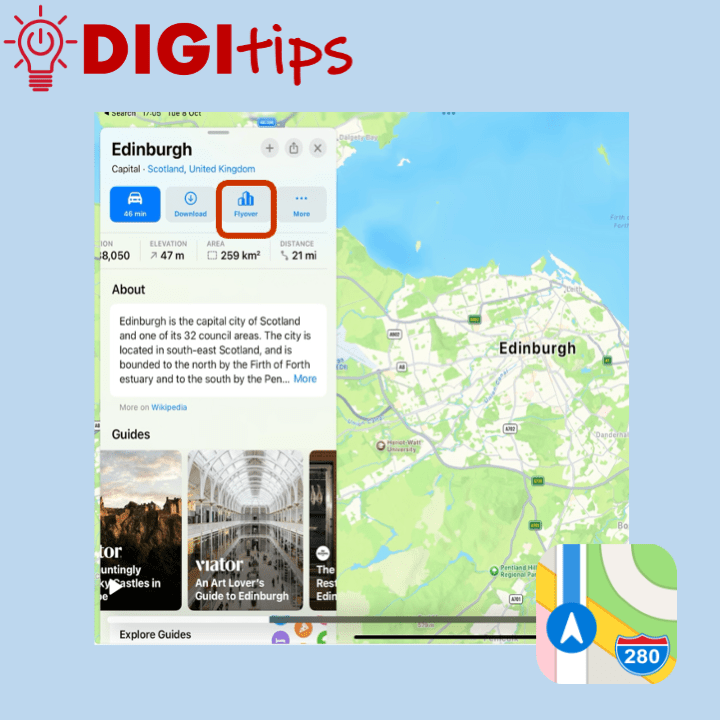
Read more: Flyover in Apple MapsThis Digitip explains how to access the flyover feature in Apple Maps. In addition it looks at using maps as a replacement for Google Earth. Apple Maps has a feature called flyover, this allows the user to see a ‘drone type‘ view of special landmarks in a city. The cities that have flyovers can be…
-
Customise Your Control Centre with iOS 18
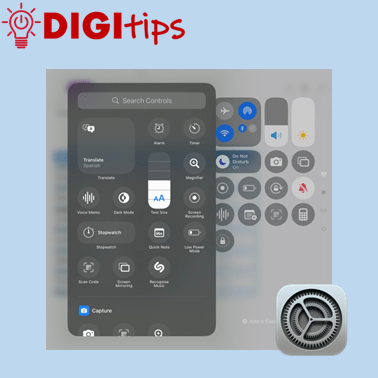
Read more: Customise Your Control Centre with iOS 18This Digitip explains how to customise your Control Centre and prioritise the apps that you and your learners regularly use. The new iOS 18 update allows staff and learners to easily use accessibility features such as visual display settings, hearing accessibility features, and also motor accessibility tools. You can also add in handy features including…
-
Adding a Shared Admin Calendar to Outlook (iPad & PC)
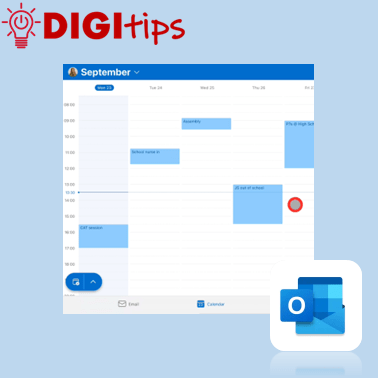
Read more: Adding a Shared Admin Calendar to Outlook (iPad & PC)This Digitip explains how to add your school’s admin calendar to your own Outlook app. A helpful approach to reduce printing, have a live up-to-date calendar, and support good communication across a school. Watch the video
 Edinburgh Learns Digital | City of Edinburgh Council