
Tag: Digi-Teacher
-
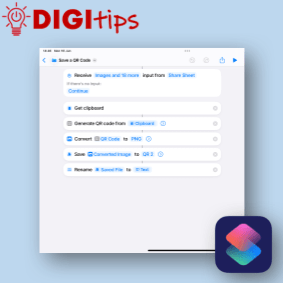
Create, Rename and Save a QR using Shortcuts
Read more: Create, Rename and Save a QR using ShortcutsI don’t know about you but when I create a QR code it is only every used once because I can’t rename it. This QR code generator using Apple Shortcuts, allows you to write a short script that creates a QR code from the clipboard or runs from the share sheet in Safari. It will…
-
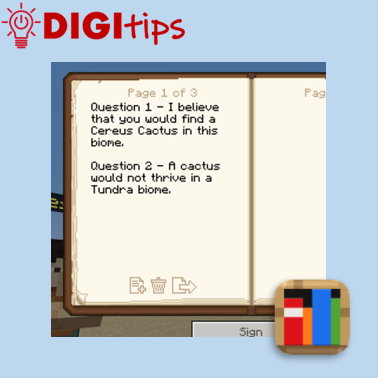
Using the Book & Quill for Writing tasks in Minecraft Education
Read more: Using the Book & Quill for Writing tasks in Minecraft EducationIn this Digitip, you will learn how to use the Book & Quill for Writing tasks in Minecraft Education. This creates an immersive writing opportunity for learners to explore a Minecraft Education world or task, which can then be exported to a PDF to save in Files or Class Notebook. Recorded on iOS 18.4.1 Watch…
-
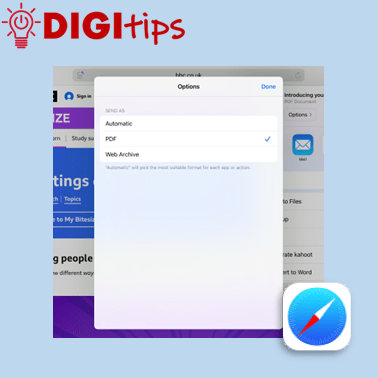
Saving Webpages as PDFs
Read more: Saving Webpages as PDFsIn this Digitip, you will learn how to save webpages as PDFs. This makes it a useful tool in building a bank of study material which you can save to your OneDrive, Class Notebook or Files app. Recorded on iOS 18.4.1 Watch the video.
-
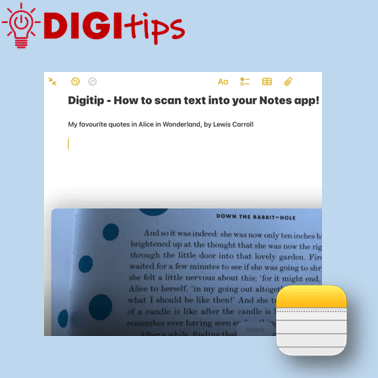
Scanning Text into your Notes App
Read more: Scanning Text into your Notes AppIn this Digitip, you will learn how to scan text directly into your Notes app. This feature works with both handwriting and print. One scanned, you can then take advantage of any in-built accessibility features you have already set up on your iPad! Recorded on iOS 18.2.3 Watch the video
-
Assistive Access
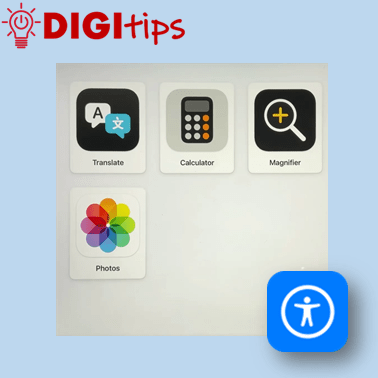
Read more: Assistive AccessThis Digitip will show you Assistive Access on the iPad; How to set it up, choose specific apps and turn it off. This feature maybe useful to learners who find it difficult to use the iPad or specific apps. It can: Watch the video
-
Using scenes in Freeform
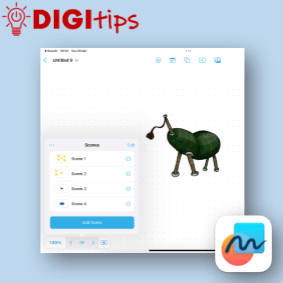
Read more: Using scenes in FreeformThis digitip shows you how to create, manage and navigate a freeform board using scenes. This is a really powerful tool to create range of different resources you can use in the classroom. Scenes helps present new material in small steps, thus reducing cognitive load for the learners. Sharing a Freeform board can be a…
-
Using the Apple Shortcuts app to create custom app icons for your Keynote files
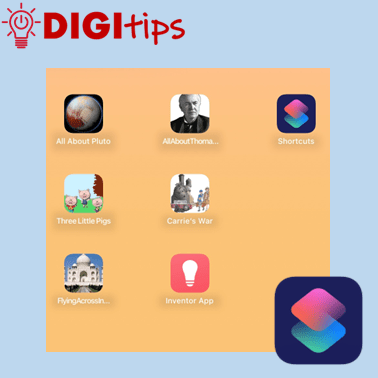
Read more: Using the Apple Shortcuts app to create custom app icons for your Keynote filesUnlock the Power of Apple Shortcuts! Learn how to create custom app icons for your Keynote files in just a few simple steps. You may know that you can personalise your iOS home screen, but this guide will show you how to create easy access to completed projects, allowing both learners and staff to showcase…
-
Embedding Media in OneNote
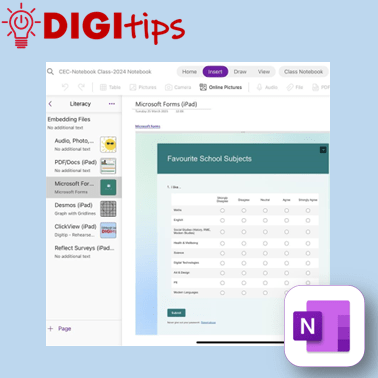
Read more: Embedding Media in OneNoteA quick and easy Digitip, demonstrating the different types of material that you can embed in your Class Notebook pages. You may be aware that you can add photos, audio, and documents – but OneNote has compatibility with a host of different types of embeddable media. This shows you how to embed content via the…
-
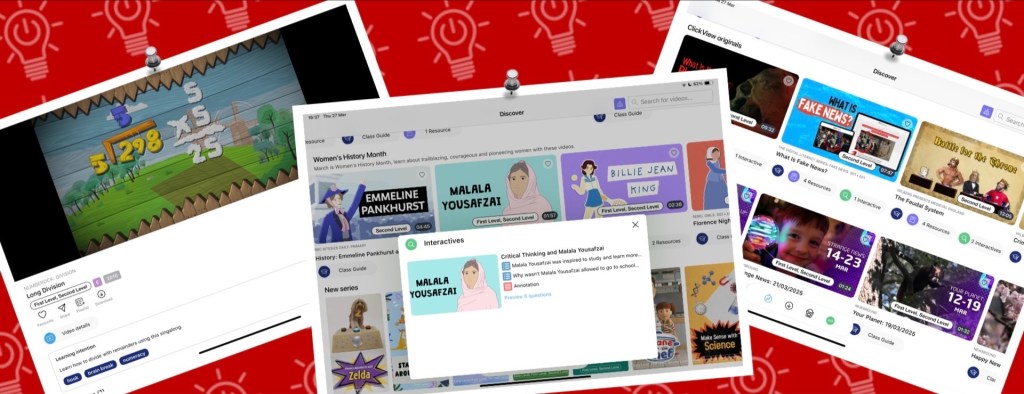
Online Skill Course: Enhancing Teaching & Learning with ClickView
Read more: Online Skill Course: Enhancing Teaching & Learning with ClickViewClickView offers a range of features to enhance teaching and learning in our classrooms, whether by supporting learners with engaging, specially curated pre-made video content, hosting our own educational videos, or assessing understanding through interactive quizzes. Through the iPad app or a web browser, ClickView is a secure and ad-free resource that can seamlessly be…
-
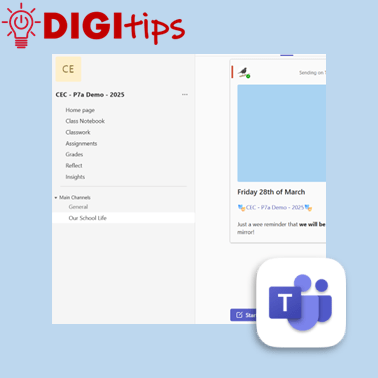
Schedule Posts on Teams
Read more: Schedule Posts on TeamsAnother quick and easy Digitip, demonstrating how to schedule a post on your staff or class Team. This feature means that you can plan ahead, scheduling a post ahead of time and freeing up your headspace for something else! Find this feature on the desktop/laptop app or through the browser. Watch the video
-
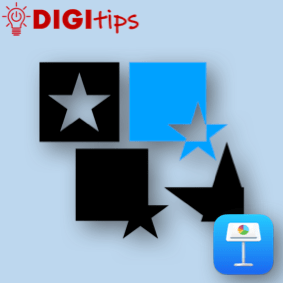
Creating custom shapes in Keynote
Read more: Creating custom shapes in KeynoteIn this digitip, learn how to create custom shapes in Keynote and add them to your own shapes library. This step-by-step guide shows you how to create your own custom shapes, save them to your shapes library and then use them in a presentation. Once you have done this in Keynote you can do the…
-
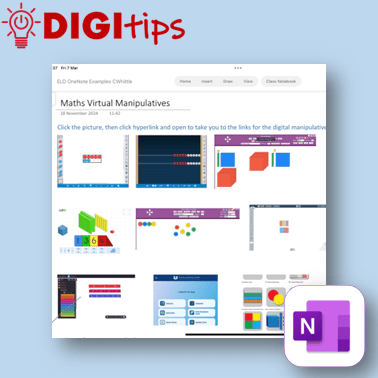
Creating a Quick Links Toolbox in OneNote & Saving Websites to the Home Screen
Read more: Creating a Quick Links Toolbox in OneNote & Saving Websites to the Home ScreenIn this digitip, learn how to create a quick-access page of resource links in OneNote/Class Notebook for your learners. This step-by-step guide shows you how to take screenshots of websites, insert them into OneNote, and add hyperlinks—making it easy for learners to access key tools anytime from the Content Library. The example uses virtual maths…
-
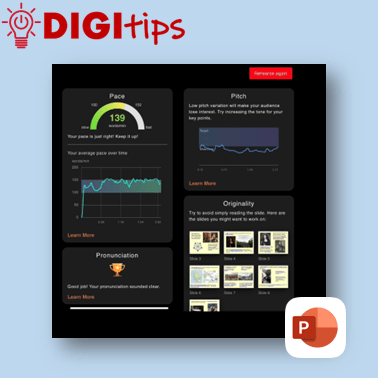
Rehearse with Coach on PowerPoint
Read more: Rehearse with Coach on PowerPointA quick and easy Digitip, demonstrating how to use the ‘Rehearse with Coach’ feature available through PowerPoint on the iPad. This is a handy feature that gives learners direct specific feedback about their delivery of content through PowerPoint. This can support learners when preparing for class talks or sharing their learning, giving them handy prompts…
-
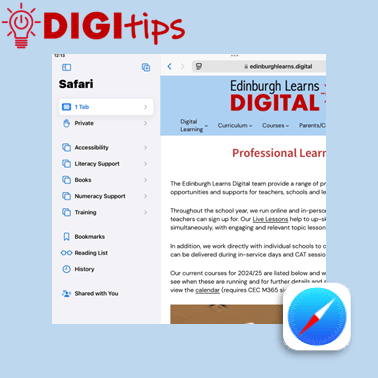
Tab Groups on Safari
Read more: Tab Groups on SafariA quick and easy Digitip, demonstrating how to organise websites into Tab Groups on Safari. Tab Groups are folders that keep tabs (open websites) all in one place, making them easier to find again later. This is a simple way to group together sites to then share with learners or with your staff team. Recorded…
-
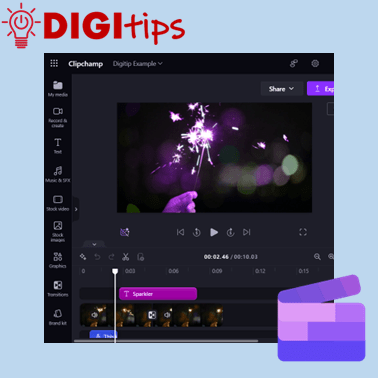
ClipChamp on M365
Read more: ClipChamp on M365This Digitip will show you how access and use the video editor ClipChamp on Microsoft 365. This video tool replaces the now depreciated Video Editor in Windows. ClipChamp is available for desktop users through Microsoft 365. Watch the video
-
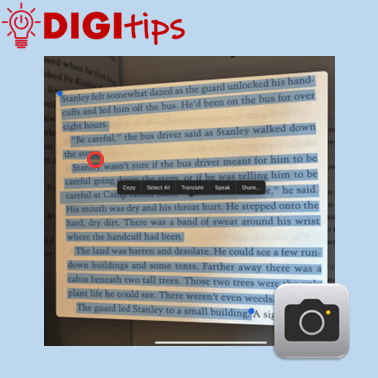
Copy Printed Text to Immersive Reader with the Camera App
Read more: Copy Printed Text to Immersive Reader with the Camera AppThis Digitip shows you how to use the Camera app to copy printed text into Immersive Reader In this quick video, you’ll learn how to use the Camera app’s Live Text feature to copy printed text into Immersive Reader. This is a powerful tool for making text more accessible by converting printed or handwritten words…
-
Using Guided Access Mode
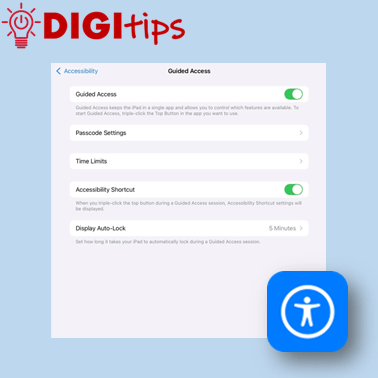
Read more: Using Guided Access ModeThis Digitip shows you how to use Guided Access mode on the iPads. In this quick video, you’ll learn how to set up Guided Access mode. This is a powerful tool for keeping learners focussed by locking them into a specific app. This can be personalised and set up in a way that allows you…
-
Online Skill Courses: Microsoft’s Learning Accelerators
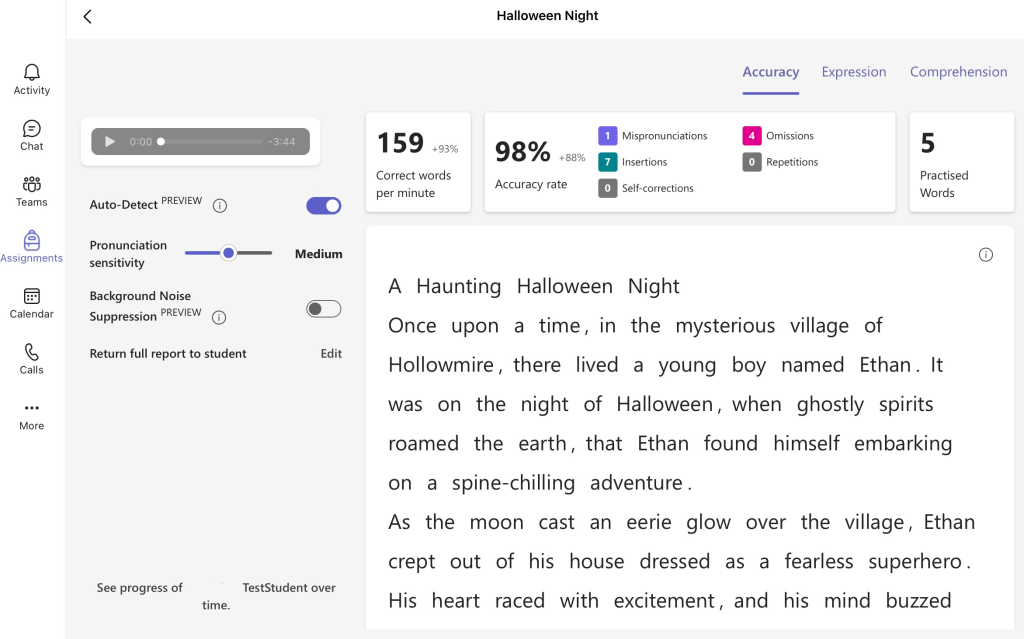
Read more: Online Skill Courses: Microsoft’s Learning AcceleratorsExplore the Microsoft Learning Accelerators: Your Guide to Reflect, Reading, Search, and Speaker Progress If you are looking to enhance learning, teaching and assessment and empower learners in identifying their next steps, Microsoft’s Learning Accelerators can undoubtedly support you. This suite of learning accelerators is here to empower teachers and learners alike. Here’s a rundown…
-
Creating Podcasts with GarageBand
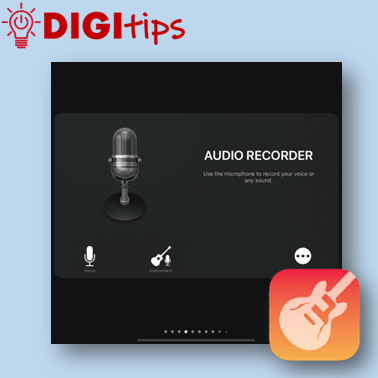
Read more: Creating Podcasts with GarageBandThis Digitip shows you how to use GarageBand to create Podcasts. In this quick video, you’ll learn how to change GarageBand settings to start creating podcasts with your learners. Whether you’re new to GarageBand or just need a refresher, this is your starting point for using podcasts to support teaching, learning and assessment in your…
-
Independent learning with verbal instructions.
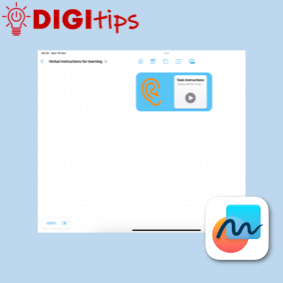
Read more: Independent learning with verbal instructions.This Digitip shows you how to use voice instructions in Freeform, Keynote, Pages and Numbers. Accessibility: recorded instructions support learners that like listening to instructions. It allows all students to be able to replay instructions multiple times and for learners with an additional learning need it reduces the reliance on text, making tasks more inclusive.…
 Edinburgh Learns Digital | City of Edinburgh Council