-
Customise accessibility features for individual apps
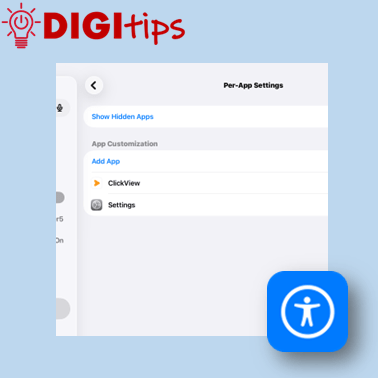
This Digitip shows how to use the “Per App” accessibility function on your iPad This lets you choose to have accessibility features turned on or off for specific apps. A great way to personalise your iPad Watch the video
-
Creating Web Apps from Safari
This Digitip quickly and simply explains how to create web apps from Safari, and then organise them into folders on your iPad’s home screen. We explain how to: Suitable for staff, this Digitip was recorded June 2026 on iOS 26. Watch the video here
-
From Edinburgh to St Louis, USA!
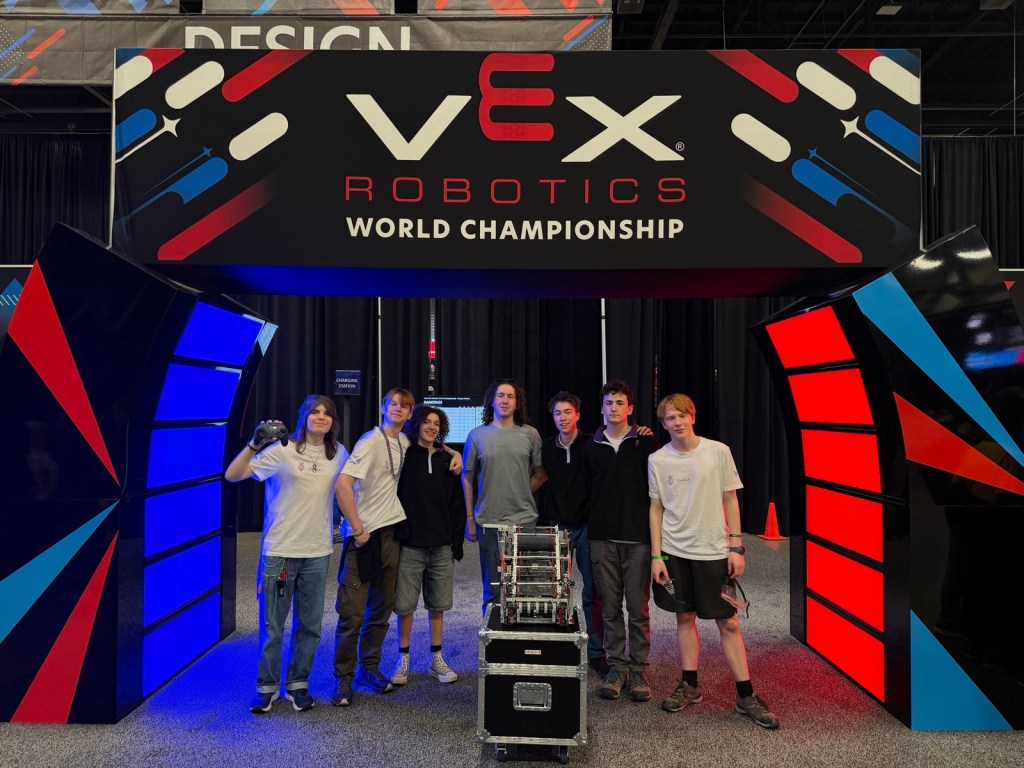
We want to celebrate a very talented and dedicated group of learners who have had a very exciting 2025-26 with Digital Teaching and Learning at the forefront.Thistle Robotics, a team of S5 and S6 pupils from James Gillespie’s High School right here in Edinburgh have achieved international recognition after qualifying for the prestigious VEX Robotics…
-
Creating learning activities in Classwork on Teams

This Digitip shows how to create learning activities within Classwork on Teams. A quick look at creating Learning Modules within Classwork and then how to create and add a learning activity. These modules are great for creating self-led learning for pupils or revision activities. Watch the video
-
Teaching about Data Privacy

Teaching about Data Privacy You may have read articles recently talking about how the Information Commissioners Office are now encouraging parents/carers to teach online privacy like road safety, following their recent findings that 75% of parents fear their kids aren’t making safe choices online.The good news is, we have plenty of resources in this area…
-
Gathering Learner Work via Microsoft Forms
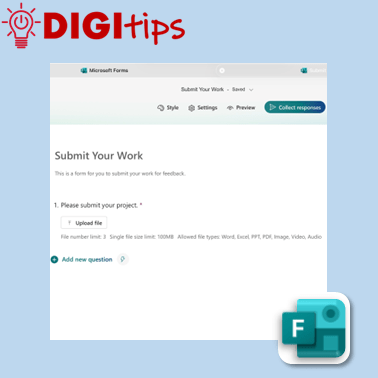
This Digitip explains how to use a Microsoft Form to gather larger files such as images or videos. This is useful as an additional means to collect learner work to track progress. We explain how to: As well as gathering student work, this is also an appropriate way for staff to collate evidence such as…
-
Animate Changes with Magic Move
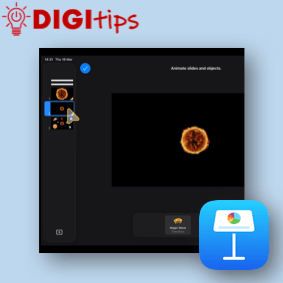
Learn how to use Magic Move in Keynote to quickly animate changes between slides. This simple feature automatically creates smooth transitions when objects move, resize or change position. We explain how to: • Duplicate a slide to create an animation sequence• Move and adjust objects between slides• Apply the Magic Move transition• Build simple animations…
-
A Giant Success!
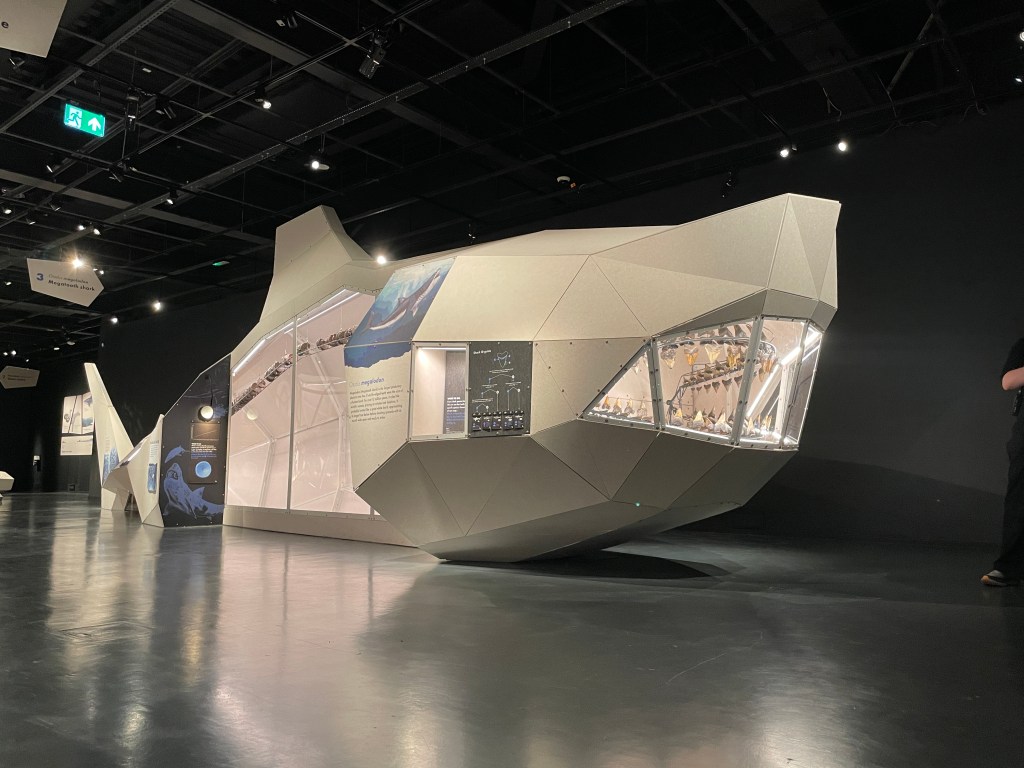
At the beginning of March, we brought some Giants from National Museums Scotland directly into nearly 50 classrooms across the city! Learners and teachers alike were guided step by step to create an animation on Keynote that played with perspective and movement. We also looked at how to be creative with our choices, adding text…
-
Using Teams Chat & Setting Quiet Hours
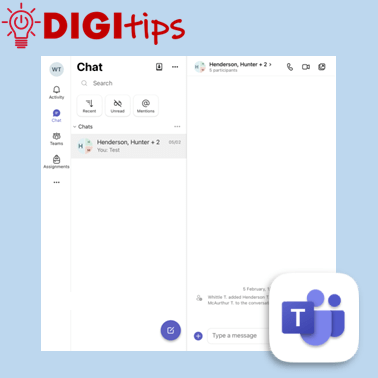
This video explains how staff can use Microsoft Teams to send messages to colleagues, as well as how to set quiet hours across Teams and Outlook. Helpful for staying connected during the working day while also protecting your personal time. We explain how to: Suitable for staff across all settings, and recorded February 2026 on…
-
Using Praise in Teams
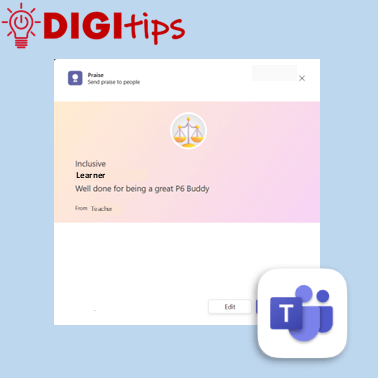
This Digitip shows how to use the Praise function inside Microsoft Teams A great way to complement the feedback, certificates and awards you give out in school. Watch the video
-
Organise PDFs in Apple Books
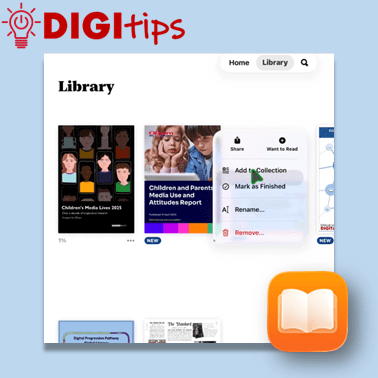
This Digitip explains how to save and organise pdfs using Apple Books on your school iPad. Useful for study materials, gathering research, collecting project information and lots more. We explain how to: Suitable for both staff and learners, and recorded February 2026 on iOS 26. Watch the video here
-
Safer Internet Day 2026
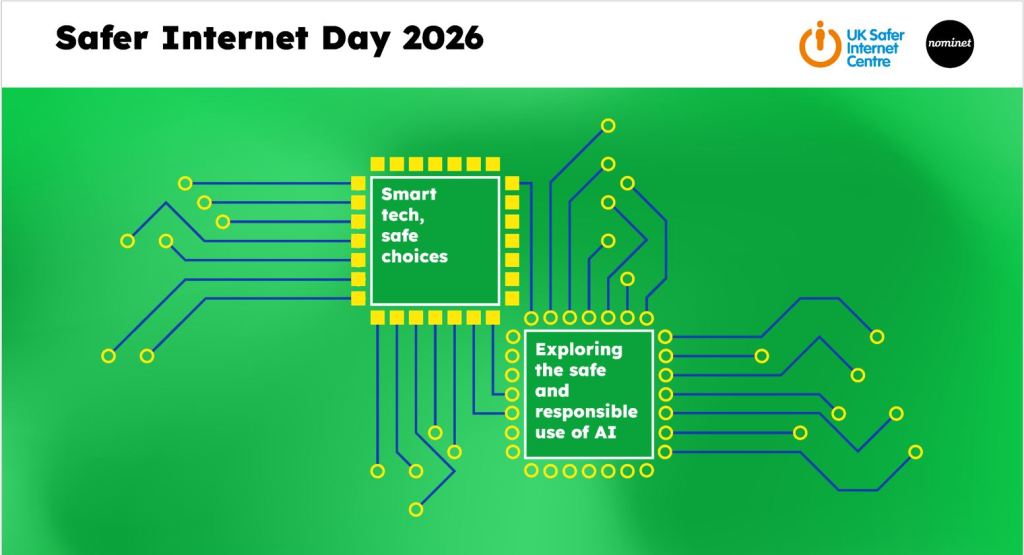
Our second ever set of Live Assemblies to mark Safer Internet Day UK was big, with 60 of our Primary Schools taking part in 241 classrooms across the city; some in little groups, and some in their big assembly halls! This year’s theme was complex one: Smart Tech, Safe Choices:Exploring the Safe and Responsible use…
-
Making Learning Visible with Custom Sized Media Placeholders
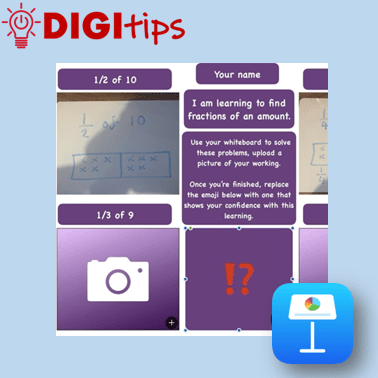
This Digitip explores how media placeholders in Keynote and Pages can be created for simple, child-friendly templates that support learning and pupil voice. You’ll see examples of effective media placeholders in action across maths, reading and literacy, before learning how to design your own custom-sized placeholders using shapes. These templates make it easy for young…
-
Burns Goes Digital Live Lesson
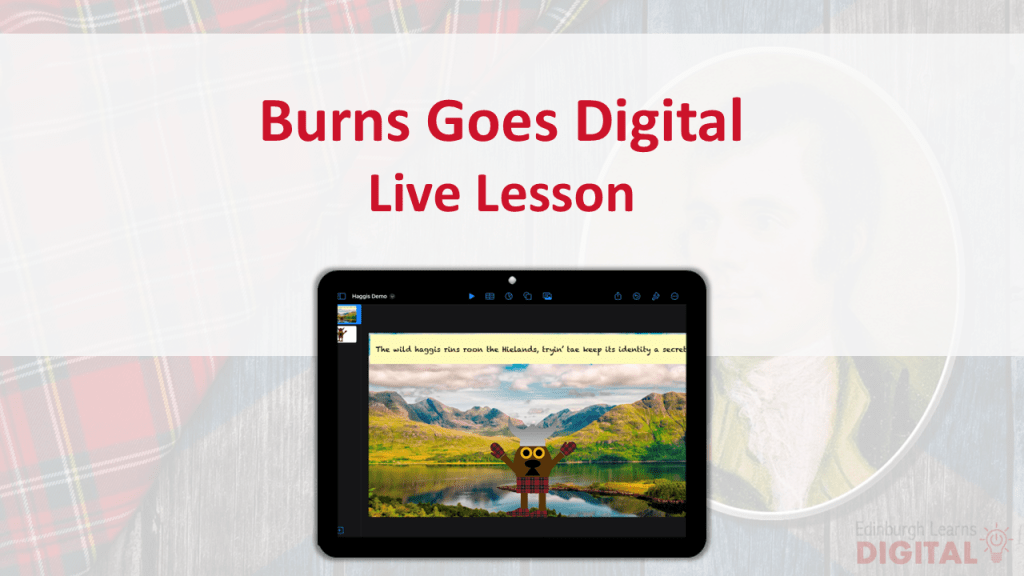
Our first live lesson of 2026 began with a celebration of Scotland’s National Poet, Robert Burns, paying digital tribute to his Address to a Haggis. This tied writing and digital literacy into learning taking place across schools centred around Burns Night. Focused on exploring Scots language, Robert Burns’ impact, and digital literacy skills, the Burns…
-
Safer Internet Day 2026
Tuesday 10th February Each year, we actively encourage participation in Safer Internet Day as part of your school’s approach to digital literacy, specifically Cyber Resilience and Internet Safety. Many schools use Safer Internet Day to launch the rest of the year’s conversation around online safety. This year’s Safer Internet Day theme is : Smart Tech,…
-
Formative Assessment with Teams Quizzes
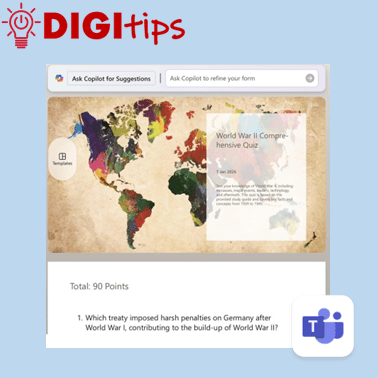
This DigiTip shows how to use the Quizzes feature within Teams to create assessments based on class learning materials. This quickly and easily syncs with Microsoft Forms and is a useful tool for personalised formative assessment. Quizzes allows you to: Watch the video.
-
Christmas Tree Close-Up in Sketchbook
In this Christmas Cracker, pupils will learn how to create a festive scene looking through the branches of a Christmas Tree, finding (and making!) the right tools for the job. Watch the video. Choose your baubles here (long press and tap ‘download’): Please do feel free to share any creations with us on this Padlet!
-
AR Elf on the Shelf
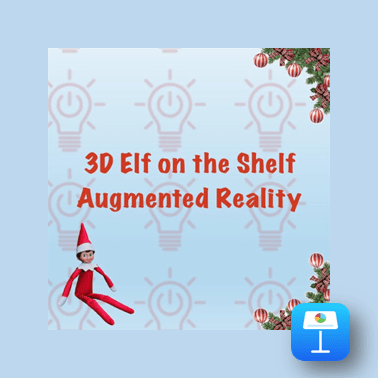
In this Christmas Cracker pupils will use an Augmented Reality scan of an Elf on the Shelf to be creative in Keynote. This is suitable for both Shared and 1:1 devices. Watch the video. Please do feel free to share any of your pupils’ creations with us on this Padlet! Open the Padlet page to share…
-
Christmas Cracker – Drawing Santa in Keynote
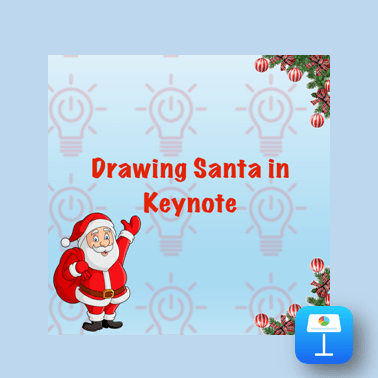
In this Christmas Cracker, we’ll use the geometric shapes in Keynote to create a picture of Santa. This video shows you the steps of manipulating the built in shapes as well as using the fill tool to make a picture of Santa. Watch the video Please do feel free to share any of your pupils’…
-
Christmas Jumper Generator
Watch the video. In this Christmas Cracker we’re using Scratch to create a Christmas jumper generator. Just go to https://scratch.mit.edu and tap Create or sign-up your class. The coding guide is included with the final code, and there’s also a QR code to take your students directly to the Scratch website. Please do feel free to…

 Edinburgh Learns Digital | City of Edinburgh Council